DriveVault is a privacy-first dashcam app for Android. Record with GPS overlays, dual-camera support, AI detection, and total control over your footage — nothing leaves your device unless you say so.
From advanced recording to AI-powered detection, DriveVault has every feature you'd expect — and then some.
Records in 60-second segments and auto-deletes the oldest unlocked clips when storage fills up. Set your storage quota and DriveVault handles the rest.
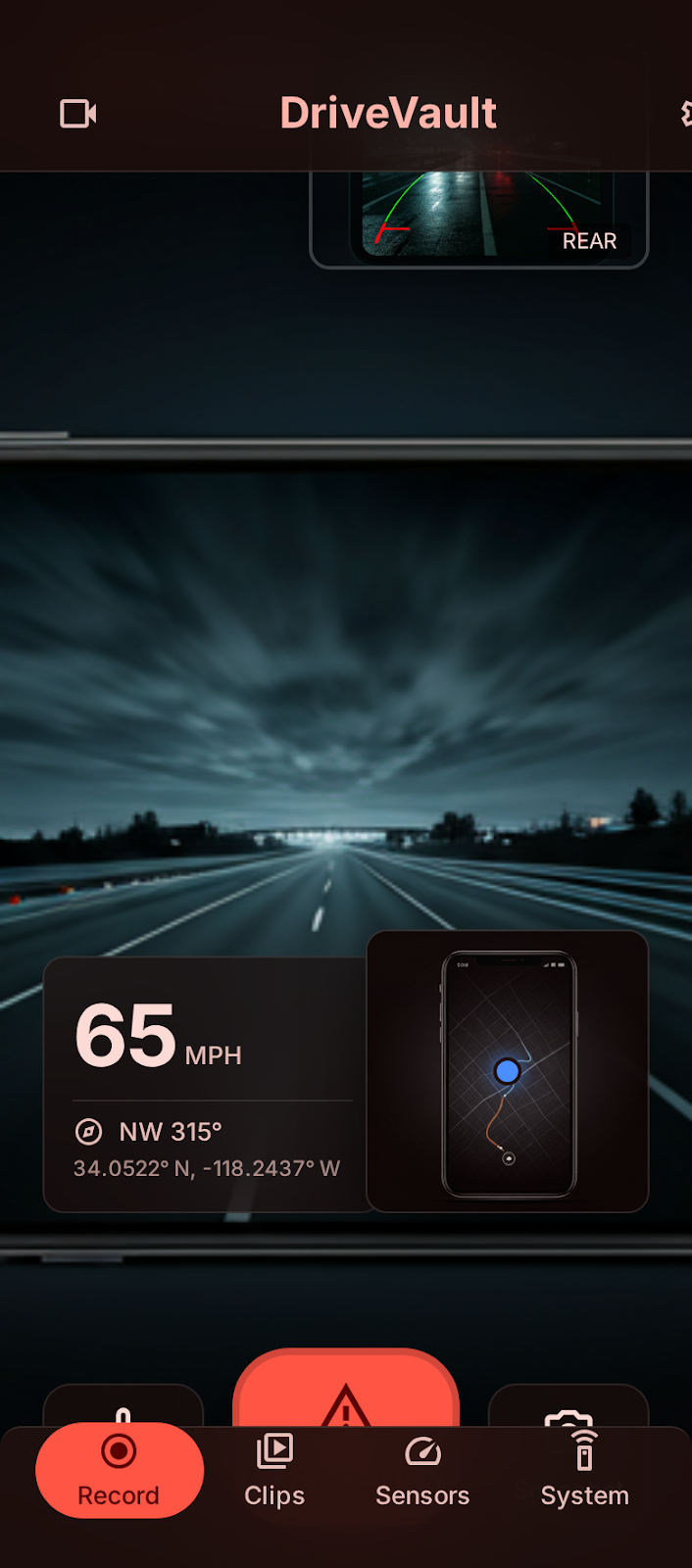
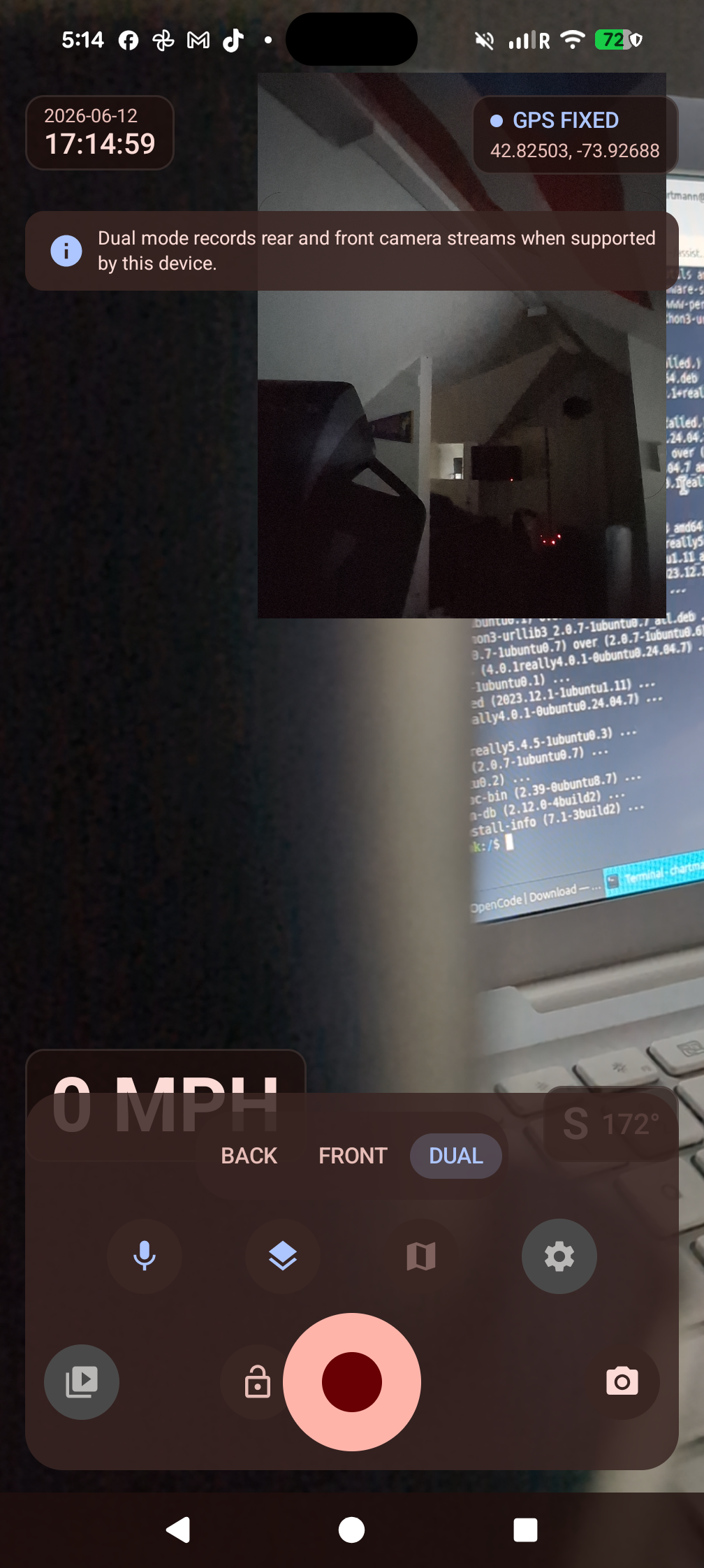
Simultaneously record from front and rear cameras using CameraX. Capture both the road ahead and your cabin in one synchronized view.
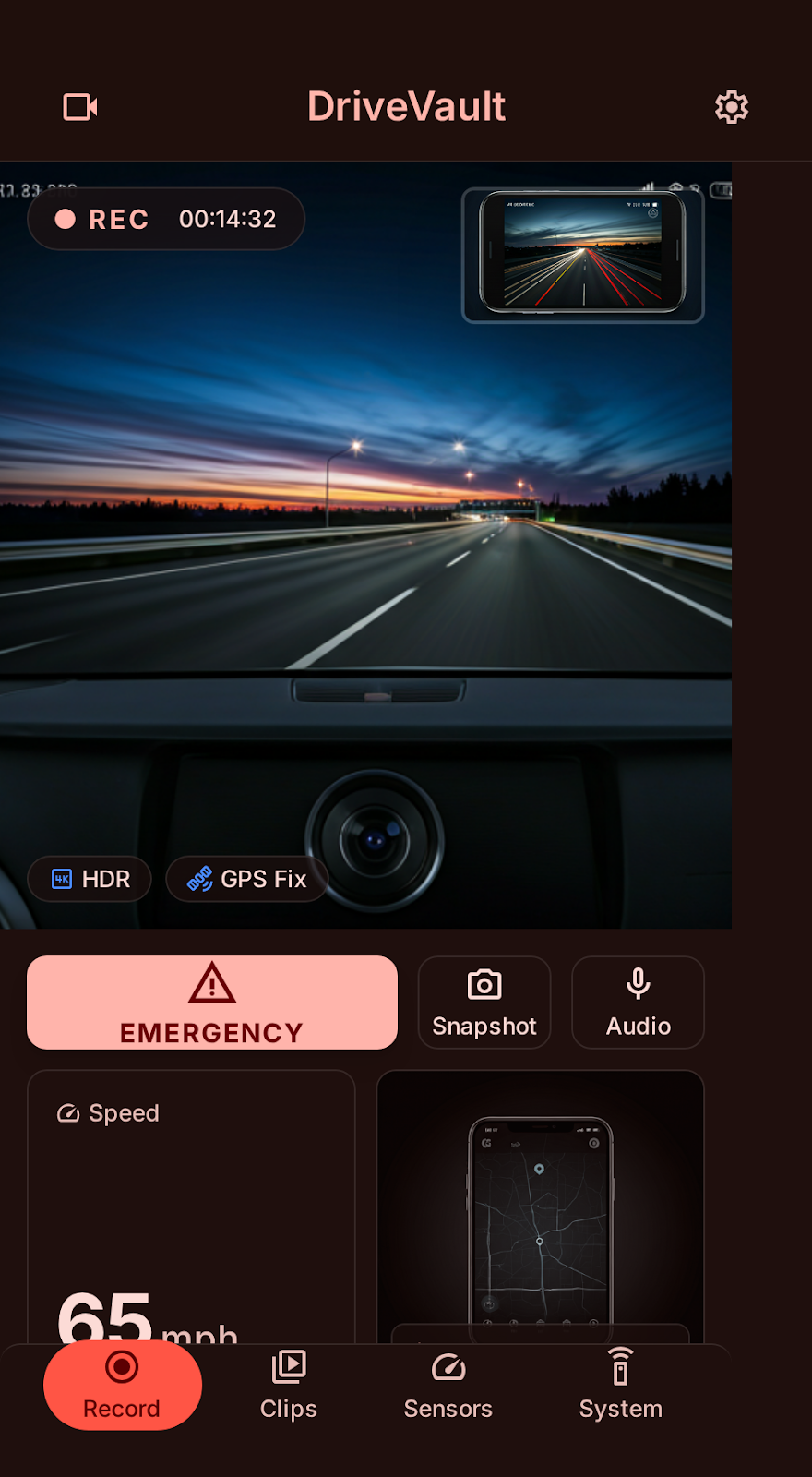
Rear + FrontReal-time speed (MPH/KPH), coordinates, compass heading, and timestamp overlaid on camera preview with an OSM mini map. No API keys needed.
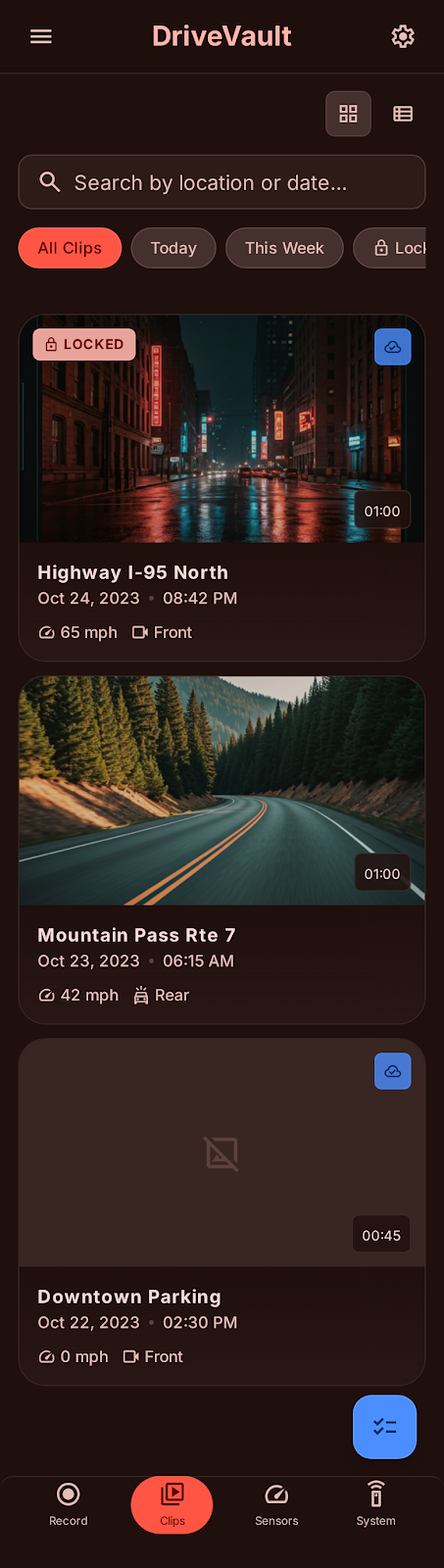
Lock important clips with one tap to protect them from auto-deletion. Critical footage is always safe, even when storage fills up.
Browse all your clips in a 2-column grid. Filter by date, lock status, sync status, or camera mode. Select multiple clips for batch operations.
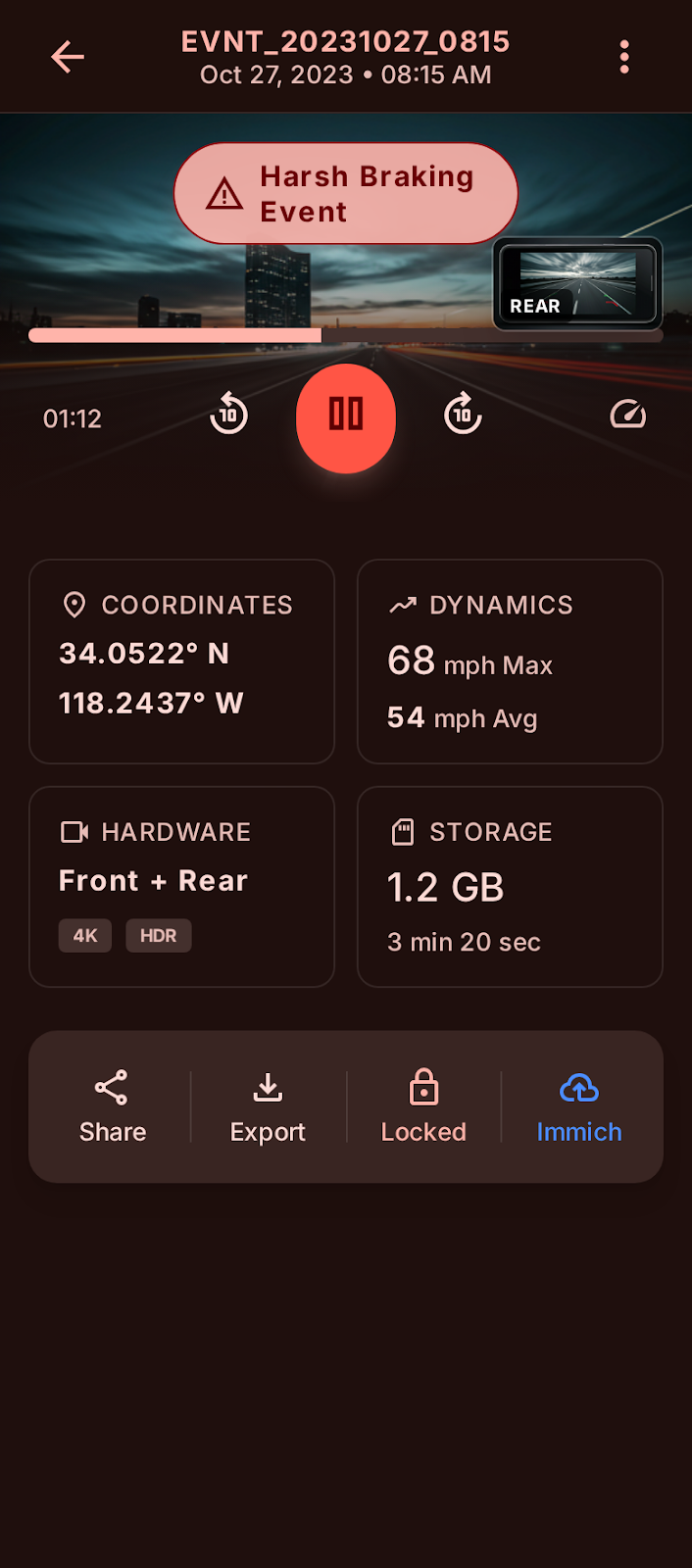
Export raw video, metadata JSON, or GPX route files. Share via Android share sheet with automatic 50MB trimming. Redact location data for privacy.
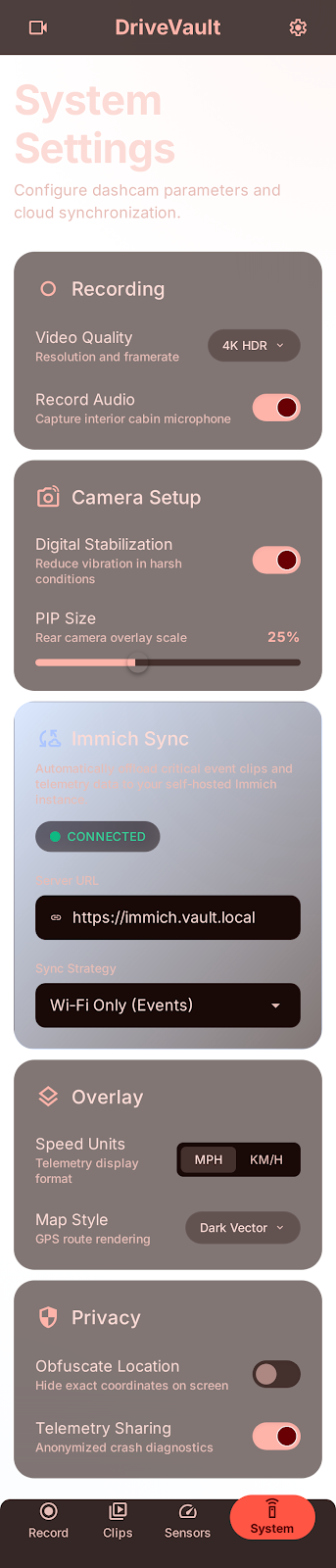
Optional sync to your self-hosted Immich server. Encrypted API key storage, configurable sync rules (Wi-Fi only, charging only), and auto-album creation.
Opt-inShare clips via time-limited links (24-hour expiry) with Supabase. No GPS data included, no account required to view. Fully opt-in and off by default.
Opt-inReal-time vehicle and person detection via MLKit. Bounding box overlay on camera preview. Runs entirely on-device — no cloud inference.
On-DeviceFine-tune everything: video quality (720p/1080p/4K), FPS (30/60), bitrate, audio toggle, stabilization, mirror front camera, and storage management.
Keeps recording via a foreground service even when the screen is off or the app is minimized. Minimal recording bar stays visible for quick access.
Report issues directly from the app via GitHub Issues API. Automatically attaches diagnostic information and screenshots for faster fixes.
A clean, modern interface designed for driving conditions. Glassmorphism design with auto-hiding chrome.
A distinctive icon that reflects the app's purpose — your trusted driving companion.
Your data never leaves your device unless you explicitly choose to share it.
Videos, GPS data, and metadata stay on your device. No automatic uploads ever.
Install, grant permissions, and start recording. No sign-up or login needed.
Zero ads, zero analytics tracking of your personal data or location history.
API keys and sensitive settings are stored using Android EncryptedSharedPreferences and Keystore.
Enable Local-Only Mode to disable all network features with one toggle. Complete airgap.
Read our comprehensive privacy policy covering every data point and permission.
A native Android app powered by the latest Jetpack libraries and open source technologies.
A quick look at DriveVault's key features — recording, GPS overlay, dual camera, clip management, and privacy.
Everything you need to know about DriveVault.
local.properties.example to local.properties, fill in your Firebase/Supabase values, and run ./gradlew assembleDebug. Full instructions are in the README.
Open source. Privacy-first. Built for Android. Download now or build from source.
Google Play Store listing coming soon. For now, get the APK from GitHub Releases.