Smart capture
ML Kit text recognition for images; PDF text up to five pages. Import from share sheet or camera.
Privacy-first · Offline-capable
Turn screenshots, photos, PDFs, and shared text into summaries, tasks, and reminders. OCR and on-device models stay local unless you point the app at your own Ollama server.
See it in action
Capabilities
OCR, semantic search, optional self-hosted LLMs, and reminders — without sending your documents to a vendor backend.
ML Kit text recognition for images; PDF text up to five pages. Import from share sheet or camera.
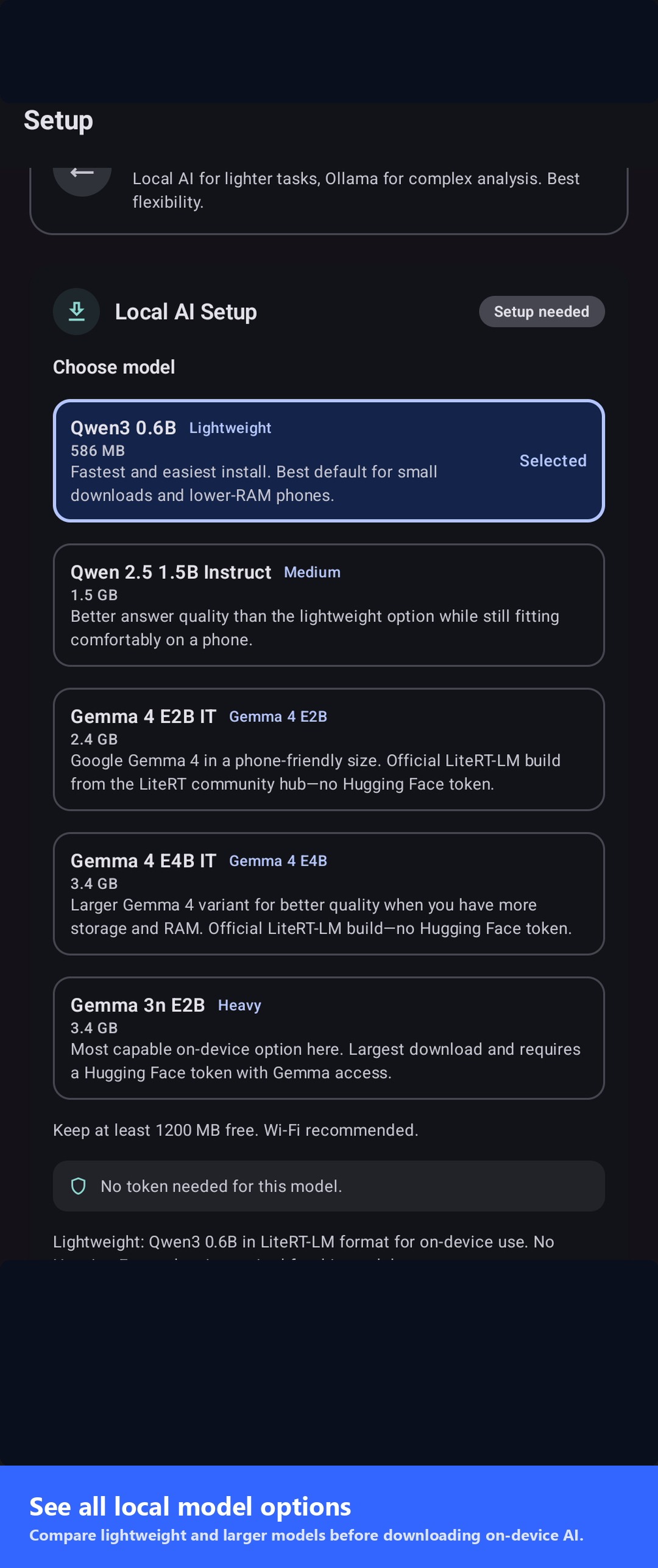
Download LiteRT-LM models — Qwen 3 0.6B, Qwen 2.5 1.5B, Gemma 4 E2B/E4B. Works offline after install.
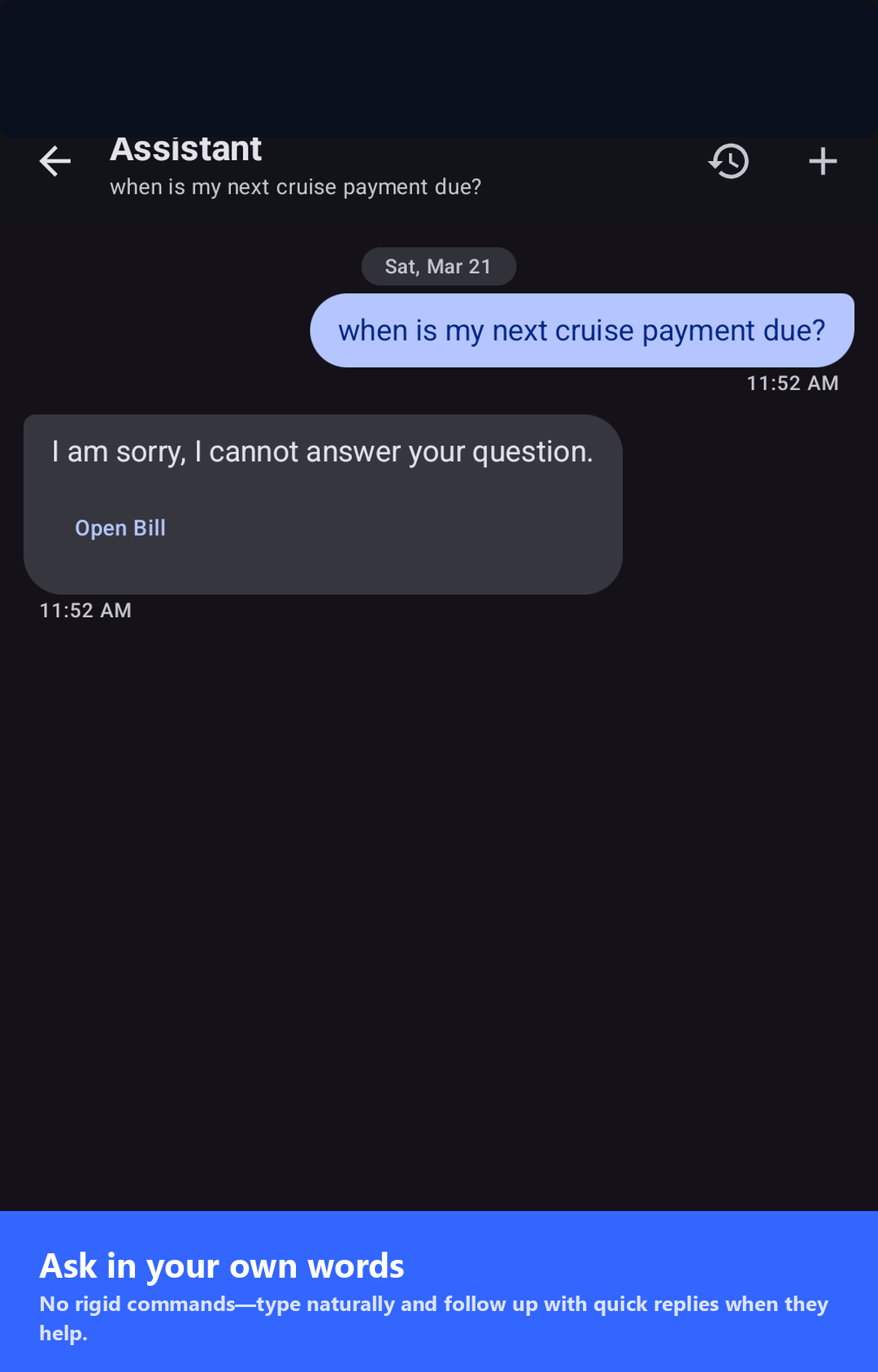
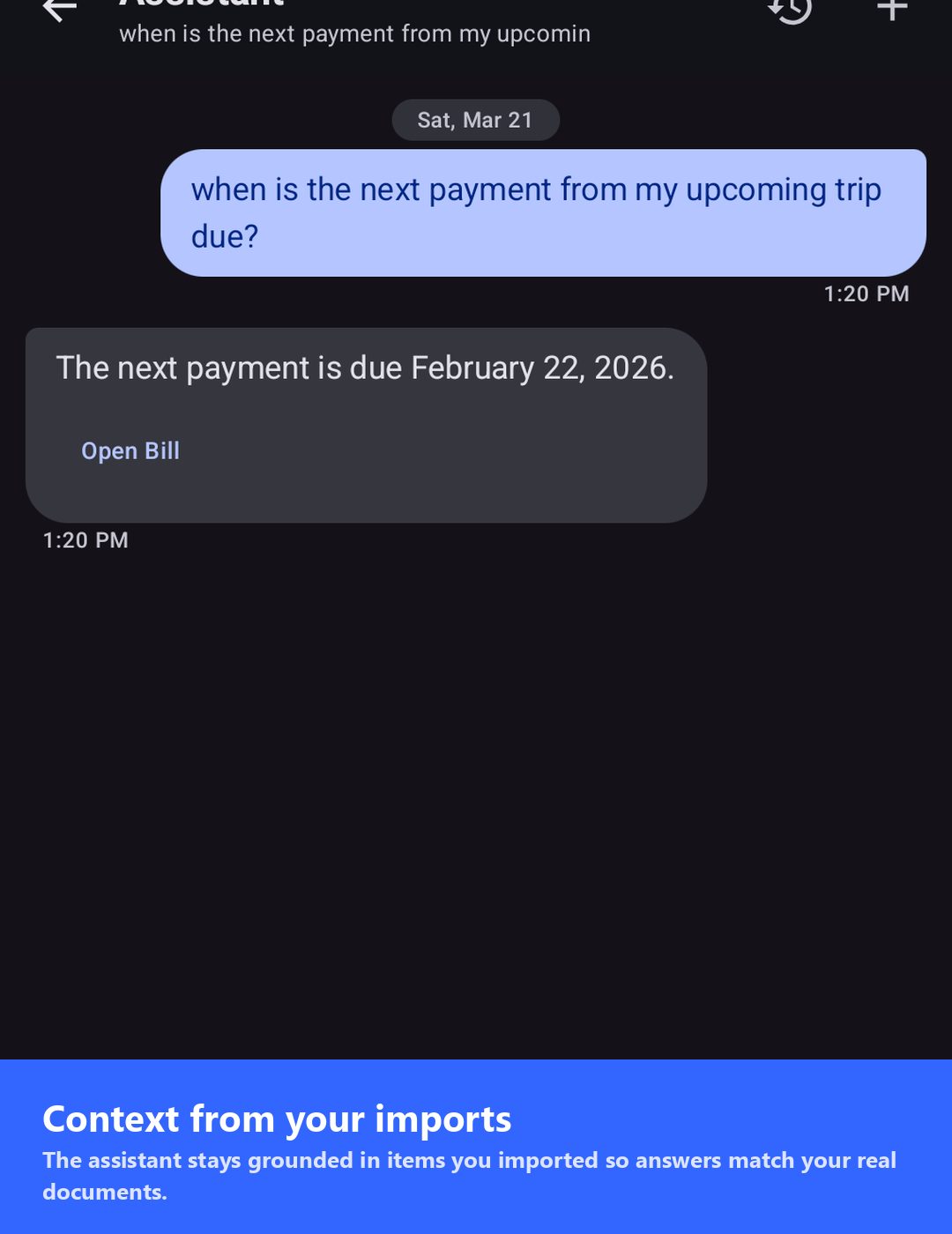
Natural-language queries across saved items via MediaPipe neural embeddings — all on your device.
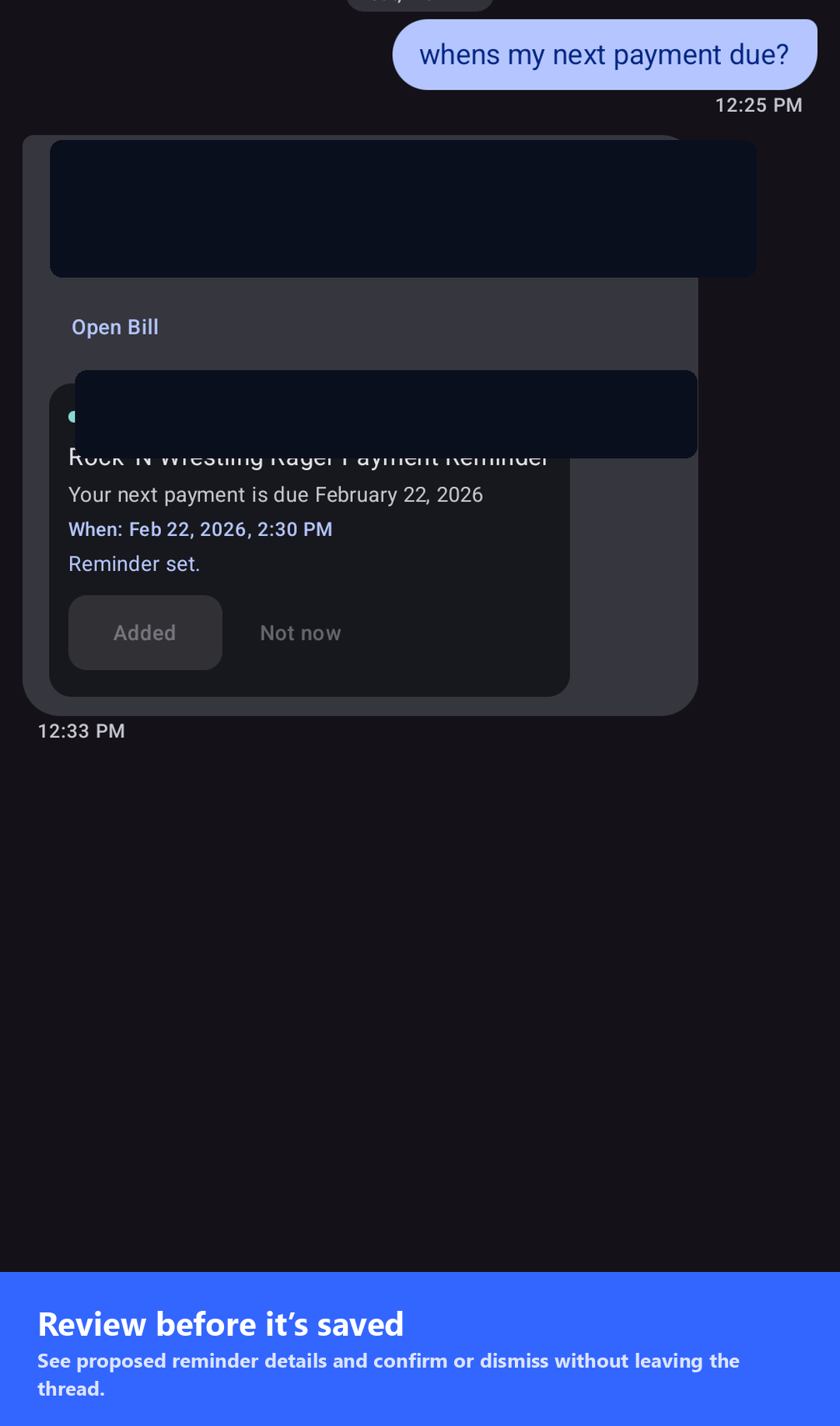
Extracted tasks with due dates and local notifications — nothing leaves your device.
Connect to your own self-hosted server for heavier models. AUTO mode falls back to local when needed.
No cloud backend for core features. You control network use and any remote endpoints.
Checks GitHub Releases on launch and shows a download banner when a newer APK ships. Manual "Check now" lives in Settings.
Workflow
Share a screenshot or PDF, and Pocket Assistant handles the rest — OCR, classification, entity extraction, and reminder scheduling.
Send an image, PDF, or text from any app via the Android share sheet.
ML Kit extracts text from images; PDFs render page-by-page up to five pages.
AI categorizes the item, pulls out dates, amounts, and contacts, and drafts a summary.
Extracted tasks land in your list with due dates; reminders schedule local notifications.
Product
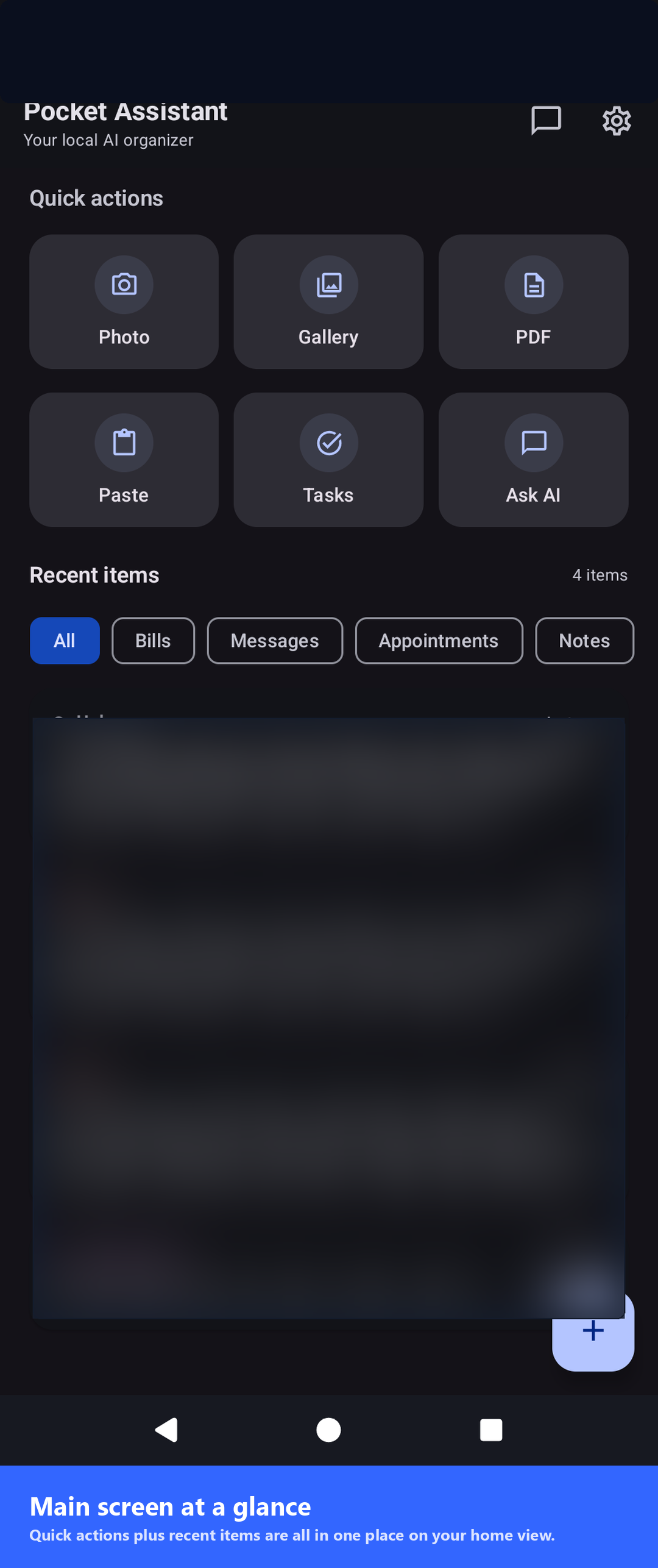
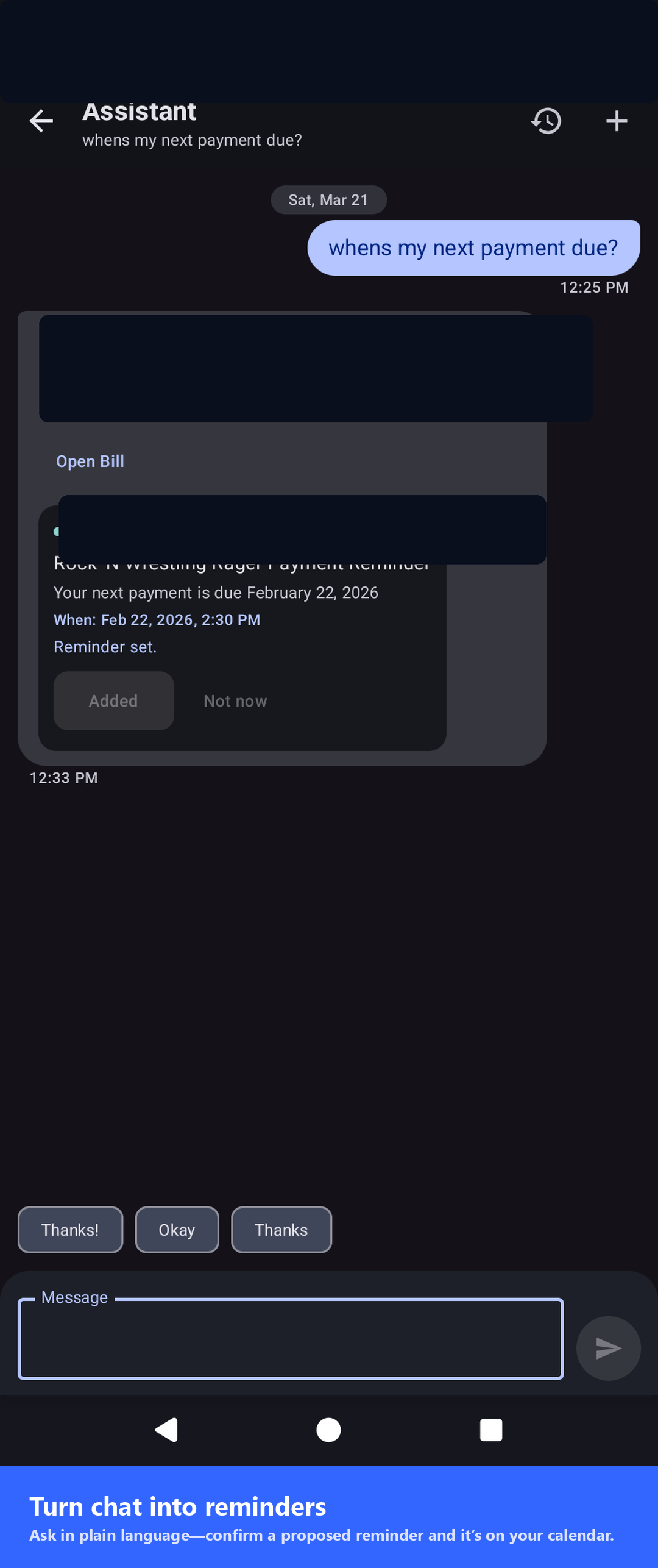
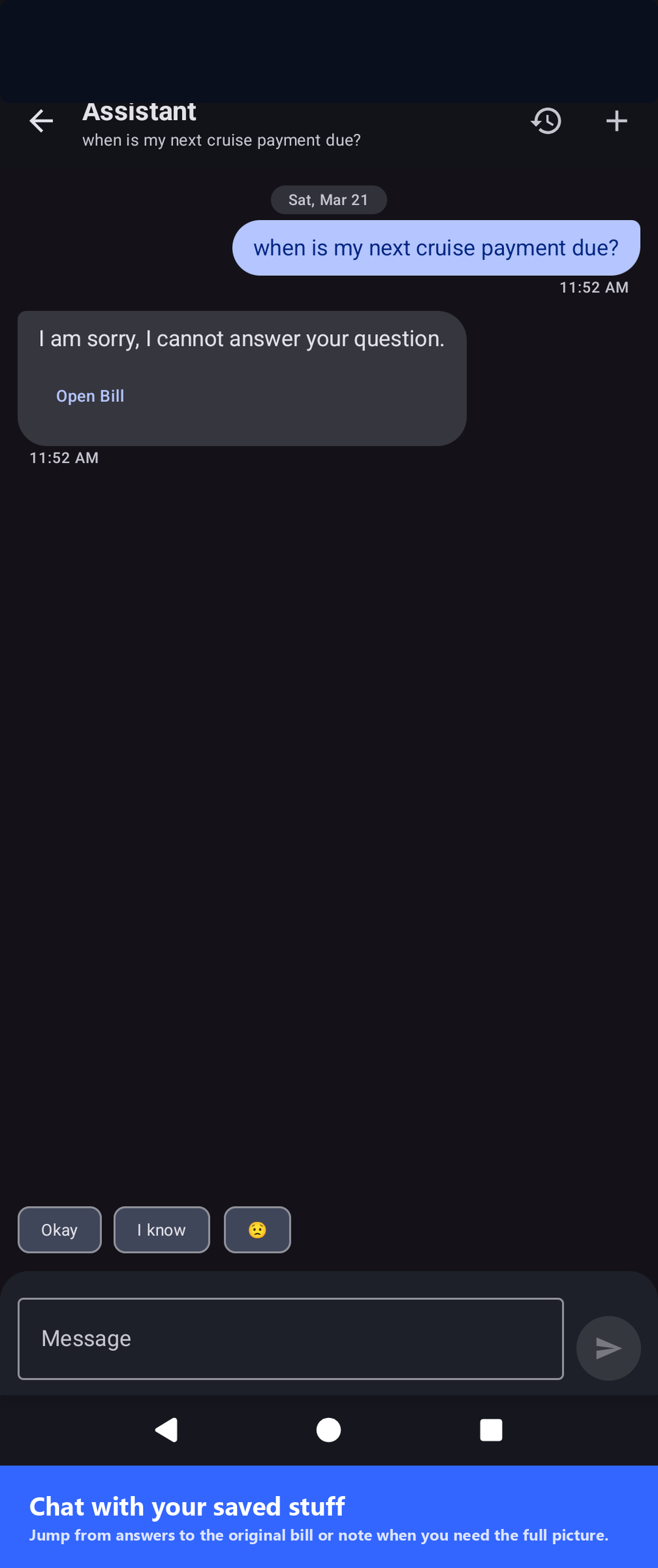
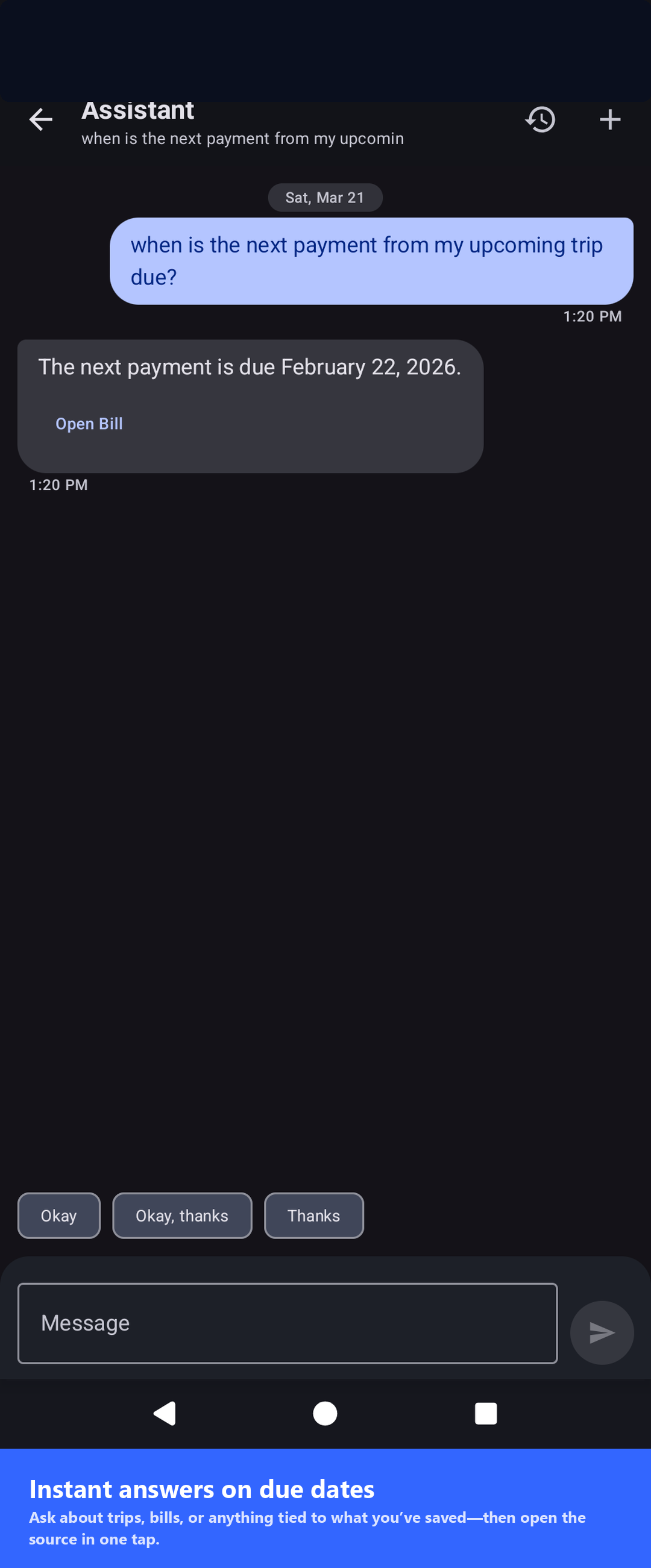
Home, assistant, tasks, settings, and reminder flows — captured from the open-source project.
Install
Install from Google Play for automatic updates, or grab the CI-built debug APK directly. Every push to master produces a fresh release.
app-debug.apk, and tap Install. Great for trying the latest CI build.Questions
Common questions about installing, privacy, and model selection.
No. By default OCR and the LLM run entirely on your device. If you enable Ollama mode, requests go only to the server URL you configure. There is no vendor backend and no telemetry.
Qwen 3 0.6B (~586 MB), Qwen 2.5 1.5B Instruct (~1.6 GB), Gemma 4 E2B IT (~2.4 GB), and Gemma 4 E4B IT (~3.5 GB). Gemma 3n E2B is also available but requires a Hugging Face token.
The Google Play listing is a signed release build with automatic updates. The APK download here is a debug build from CI on every push — great for trying the latest changes before they hit the Play Store.
In Settings, set the base URL (for example http://192.168.1.50:11434/), optionally add an API token, then pick a model from the list. The list is populated from your server's /api/tags endpoint — no typing required.
LLM inference is CPU-heavy while running, but the app only runs the model when you import an item or chat with the assistant. It is idle the rest of the time.
Clone the repo, open in Android Studio (JDK 17, SDK 35), and run. See the README for command-line instructions.