Watch how Photobooth turns any Android device into a complete event photo station.
Everything you need
Professional photobooth features without the professional price tag.
Capture
Instant Capture
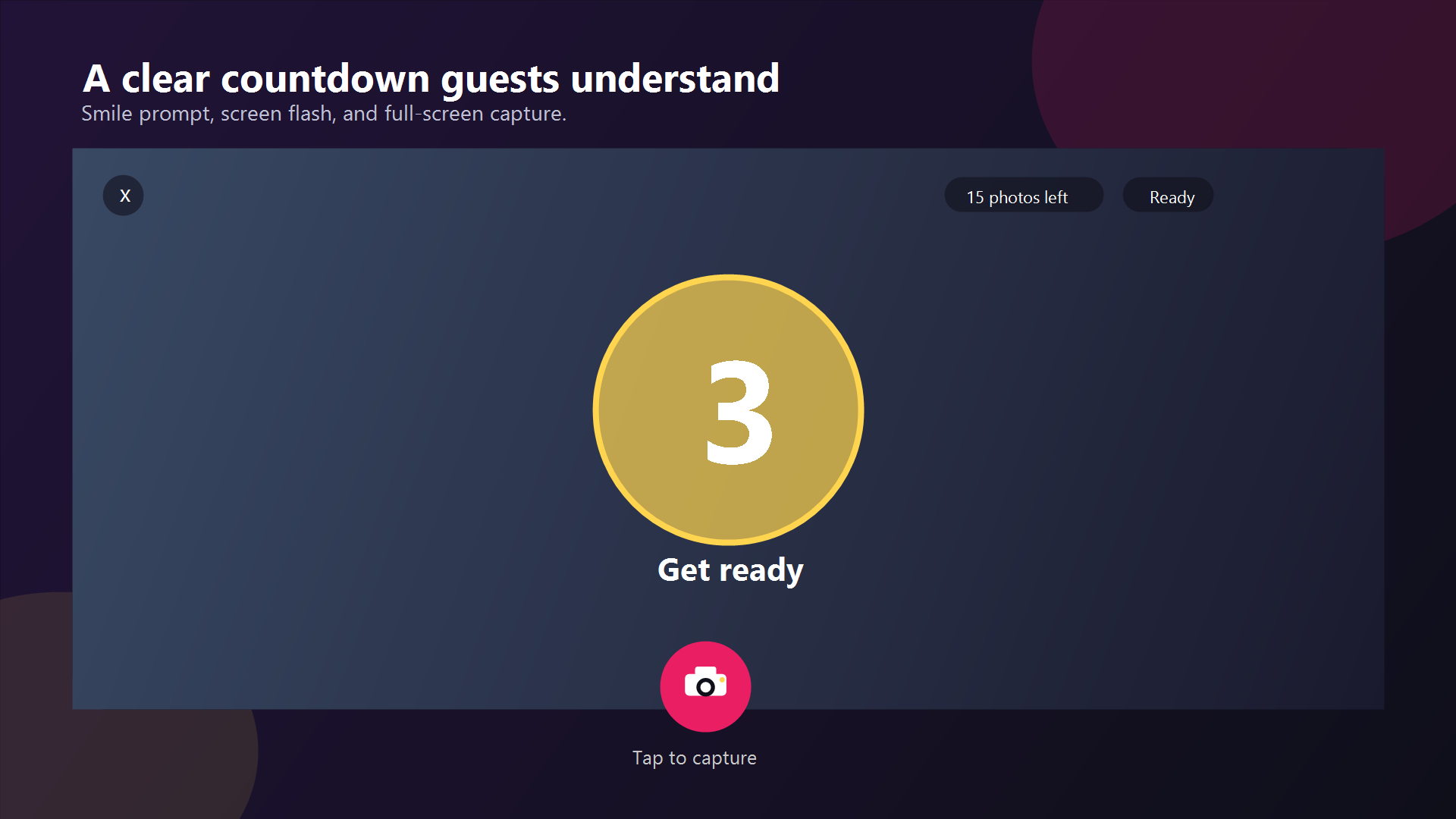
3-second countdown with voice prompt, screen flash, and color-cycling animation. Photos ready in seconds with EXIF rotation handling.
8 Photo Filters
Original, Grayscale, Sepia, B&W, Vintage, Cool, Warm, and Vivid. Apply per-capture for creative variety.
Multi-Photo Layouts
Single portrait, 2x2 grid, and vertical photo strip. Composited into one image with automatic countdown between shots.
Booth Mode
Continuous capture with configurable photo count. Runs unattended so guests can snap away without help.
GIF / Boomerang
Create animated GIFs from burst captures with configurable delay. Fun shareable moments guests love.
Short Video Capture
8-second MP4 clips with audio. Playback in gallery, upload, QR sharing, and Immich sync included.
Customize
Custom Frame Overlays
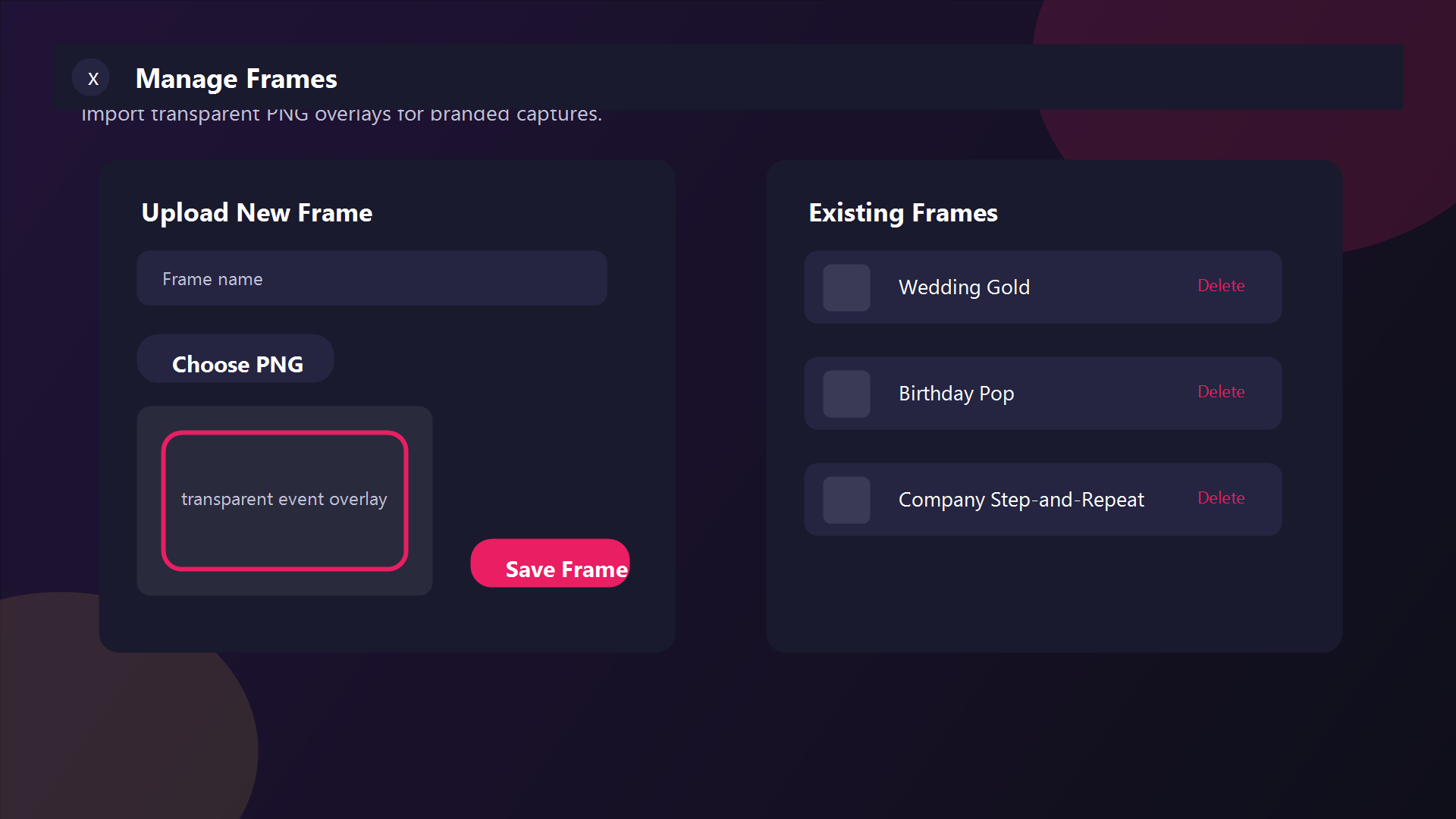
Upload transparent PNG frames that composite over every photo. Brand each event uniquely with the built-in frame designer.
Event Templates
Built-in presets for Birthday, Wedding, Anniversary, Holiday, and generic events. Colored caption bands auto-applied.
Watermark / Logo
Custom watermark with configurable position (6 options), size, and opacity. Perfect for branded events.
Share
QR Code Sharing
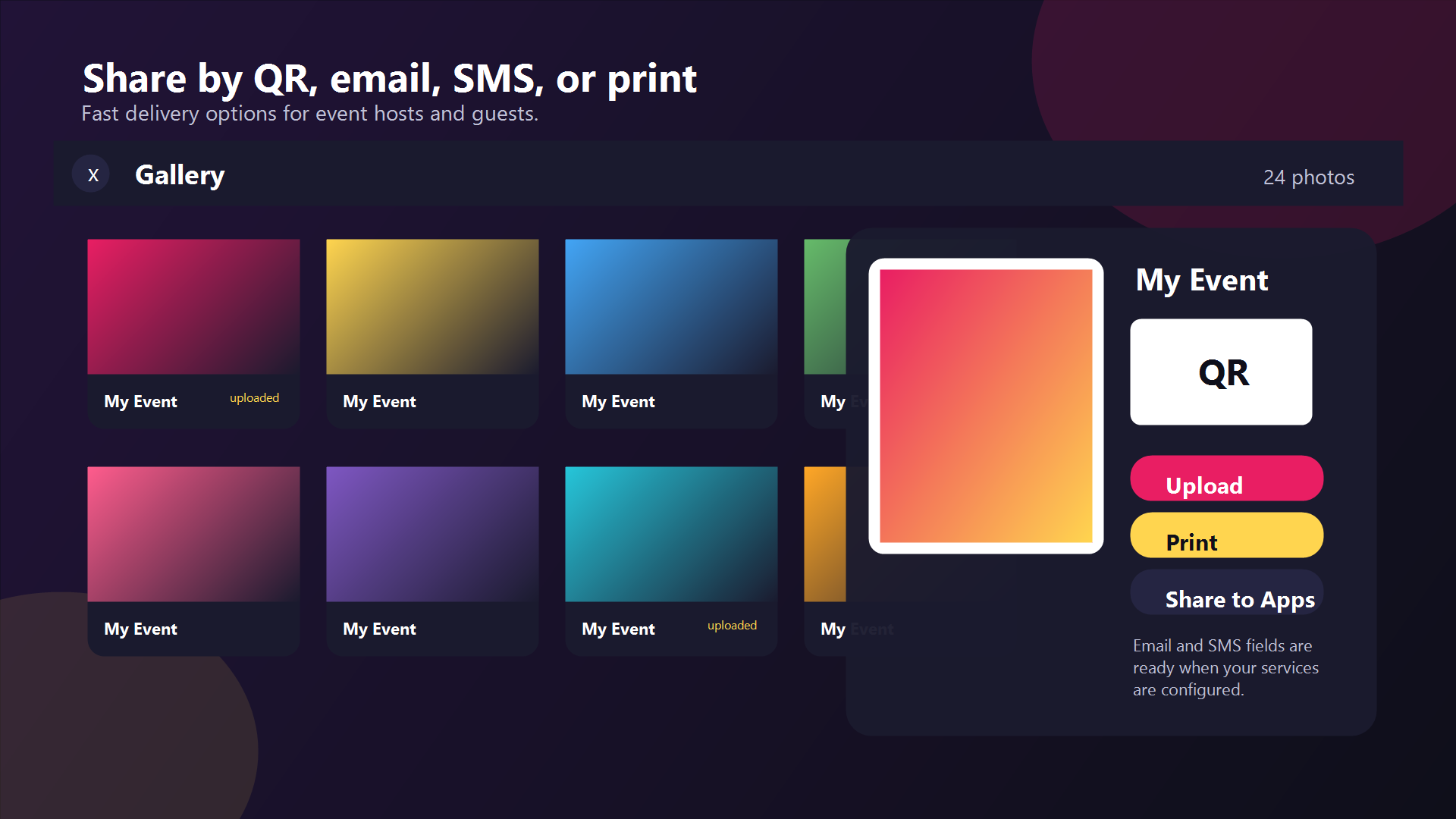
Upload and generate a QR code instantly. Guests scan with their phone to download — no app needed.
Email & SMS
Send via SMTP email with custom templates or SMS gateway. Guests get their photos delivered instantly.
Wireless Printing
Print directly to any wireless printer on the same network. No extra hardware or setup required.
Social Media
Android share sheet sends photos to Instagram, WhatsApp, Twitter, and any app on the device.
Self-Hosted Upload
Upload to your own Immich server or use anonymous hosting (storage.to, catbox.moe). Your photos, your rules.
Multiple Cameras
Use front, back, or any additional camera on the device. Full support for multi-camera hardware.
Privacy & Security
Encrypted Credentials
All API keys, passwords, and server credentials encrypted at rest with AES256 via EncryptedSharedPreferences.
Privacy First
GDPR consent dialog on first launch. No tracking without permission. Offline capable. All photos stored locally by default.
Interactive Tutorial
19-step guided onboarding walks new users through every feature. Up and running in under 2 minutes.
See the app
A clean, full-screen experience designed for events.
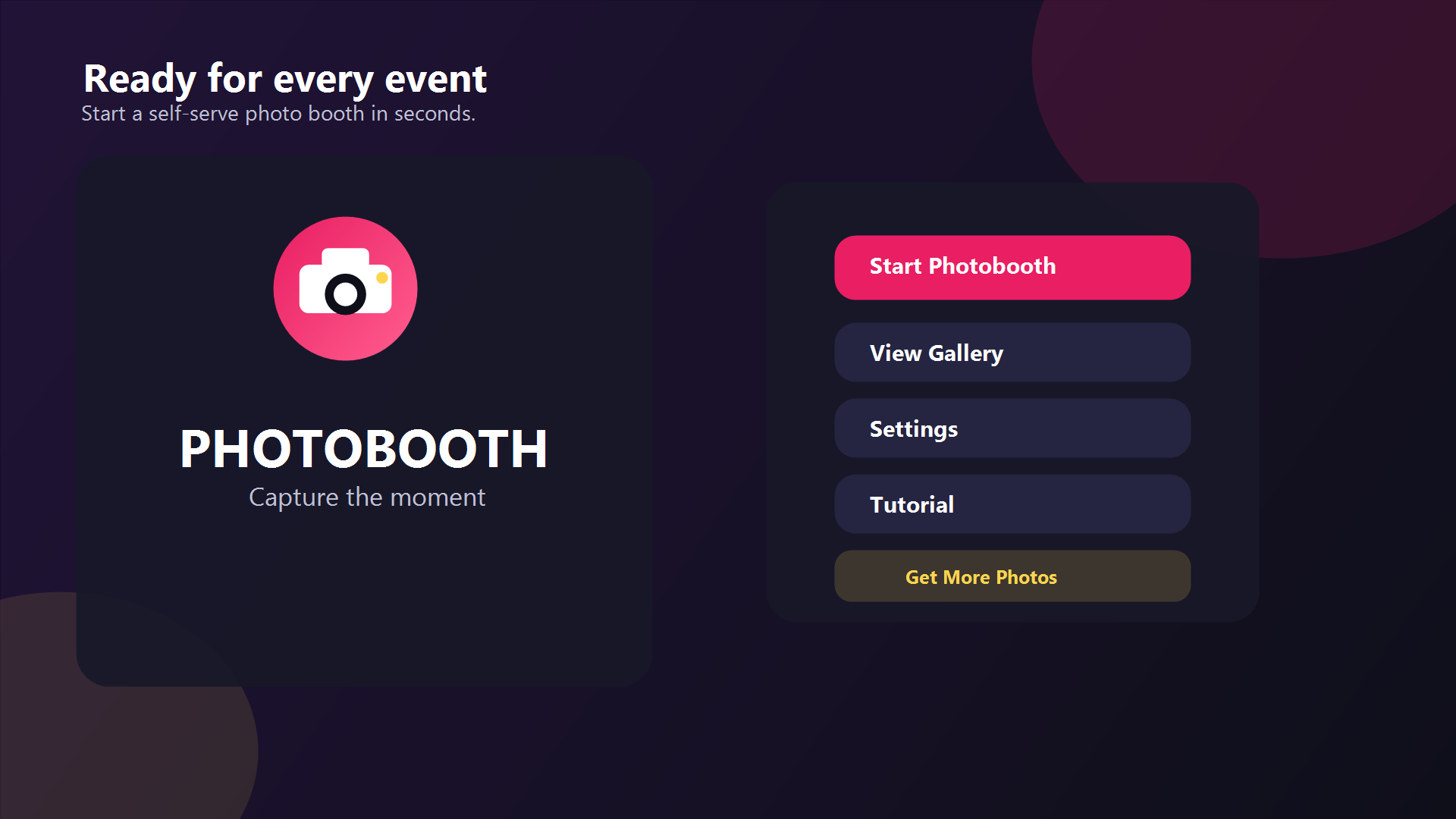
Home
Capture
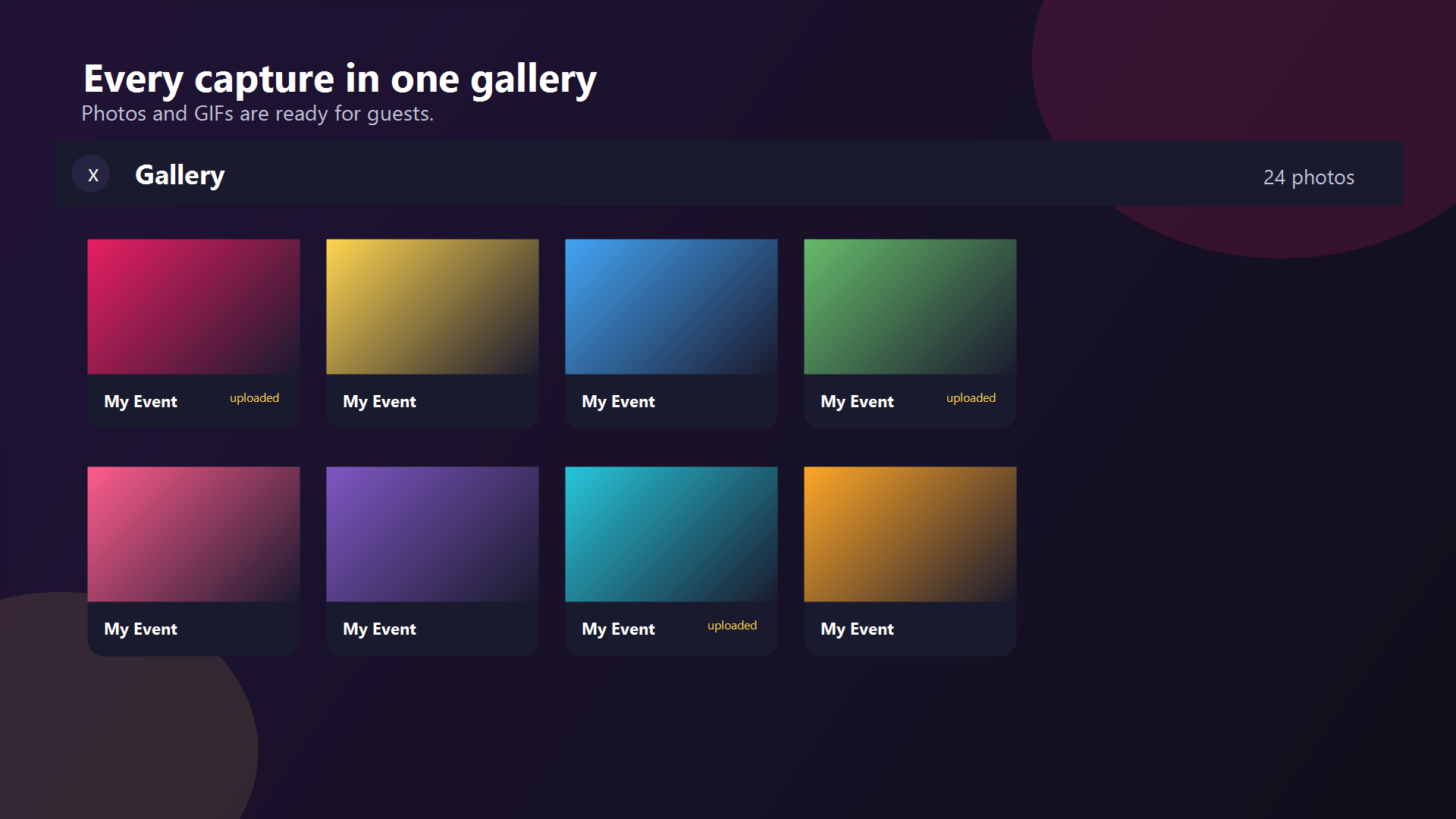
Gallery
Sharing
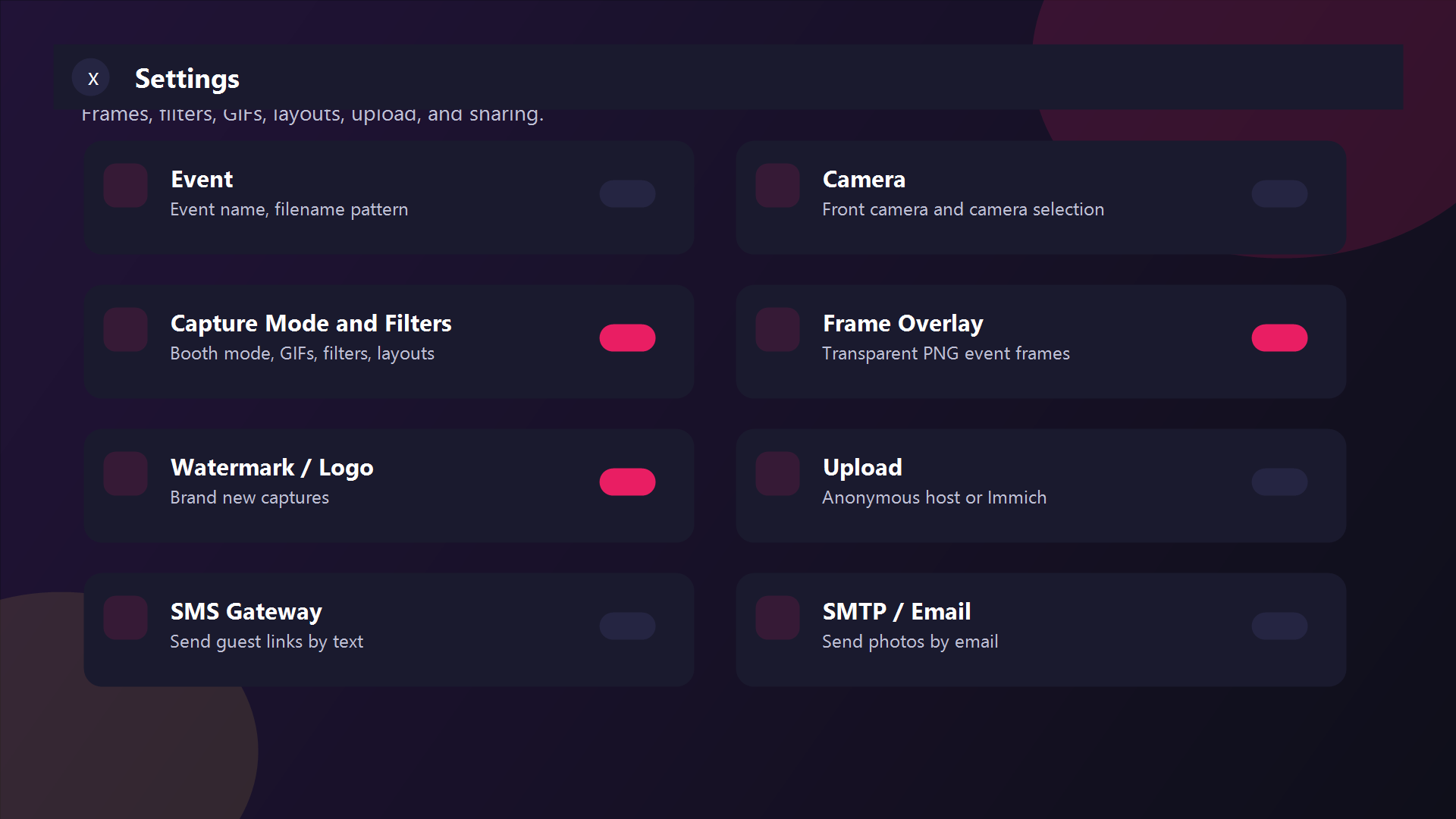
Settings
Frame Designer
Roadmap
What's done and what's coming next.
Completed
Multi-photo templates (single, 2x2, strip)
Social media sharing (Android share sheet)
Multiple cameras support
Animated countdown effects
Custom watermark / logo
8 photo filters
Booth mode (continuous capture)
GIF / Boomerang creation
QR code sharing
Anonymous image hosting
Monetization (free tier, ads, IAP)
Interactive onboarding tutorial
GDPR consent dialog
Encrypted credential storage
Firebase Analytics & Crashlytics
PNG frame overlay system
Full video capture (8-sec clips)
Planned
Remote trigger via Bluetooth / BLE shutter
Green screen / background replacement
Real-time live filter preview on camera feed
Template editor with drag-and-drop layout
Camera picker UI (select from all cameras)
Up and running in minutes
No servers. No subscriptions. Just install and go.
Install
Download the APK or build from source. Install on any Android 7.0+ device.
Configure
Set your event name, frame overlay, filters, and sharing preferences.
Capture
Tap to start. The countdown fires, the camera snaps, and photos are saved instantly.
Share
Guests browse the gallery, get their photo emailed, texted, printed, or scan a QR code.
Frequently asked questions
Everything you need to know about Photobooth.
Photobooth runs on any Android device running Android 7.0 (API 24) or higher. It works on phones and tablets in landscape orientation. A front or rear camera is required.
Yes. The app is open source under the MIT license. You get 15 free captures per day, earn up to 60 more by watching optional rewarded ads, or unlock unlimited photos with a one-time in-app purchase. There are no subscriptions.
Only for optional features. Core capture, gallery, and printing work offline. Upload, email, SMS, QR code generation, and ad rewards require internet.
Tap any photo in the gallery and select Print. Photobooth uses the Android Print framework, so it works with any wireless printer connected to your device — no additional drivers or setup needed.
Guests can receive their photos several ways: scan a QR code to download instantly, receive an email with the photo attached, get an SMS with a link, use the Android share sheet to send to social media, or pick up a wireless printout.
Yes. Photobooth supports self-hosted Immich servers with album sync. If you don't have a server, anonymous hosting (storage.to and catbox.moe) generates public download links automatically.
Absolutely. Photos are stored locally on your device unless you explicitly upload or share them. All credentials (API keys, passwords) are encrypted at rest with AES256. Analytics and crash reporting are opt-in via a GDPR consent dialog on first launch. See our Privacy Policy for full details.
Eight filters are built in: Original, Grayscale, Sepia, Black & White, Vintage, Cool, Warm, and Vivid. You can set a default filter in Settings or choose per-capture from the filter chip row.
Booth Mode enables continuous capture — the camera takes a configurable number of photos back-to-back with a countdown between each. It can also create animated GIFs from the burst. Great for unattended setups at events.
Yes. Upload any transparent PNG as a frame overlay — it composites on top of every captured photo. Use the built-in Frame Designer to create frames visually, or design them in any image editor and upload. You can also pick from built-in event templates (Birthday, Wedding, Anniversary, Holiday).
Ready to build your photobooth?
Free, open source, and always will be. Start capturing memories today.