Captions, on-device.

Auto-caption your videos.

Pick a video. Get accurate, word-timed captions in seconds. Style them to taste. Burn them in. All on your phone — no cloud, no uploads.

Why CaptionBurn

Built for creators who care about privacy and speed.

No login. No subscription. No cloud upload. The entire pipeline — speech recognition, translation, caption rendering — runs on your phone.

🔒

Privacy-first

Your video and transcript never leave your device. Transcription runs locally with Whisper. Translation runs locally with ML Kit. Zero accounts, zero telemetry.

Fast

On-device transcription with word-level timing. Pick a video, get captions in seconds. No upload waits, no queues, no monthly limits.

🎨

Total control

Edit every caption before you export. Pick the font size, position, outline, color, and word-highlight effect. Translate to a second language if you want.

Features

Everything you need to ship a captioned video.

From import to export in three taps. Edit anything in between.

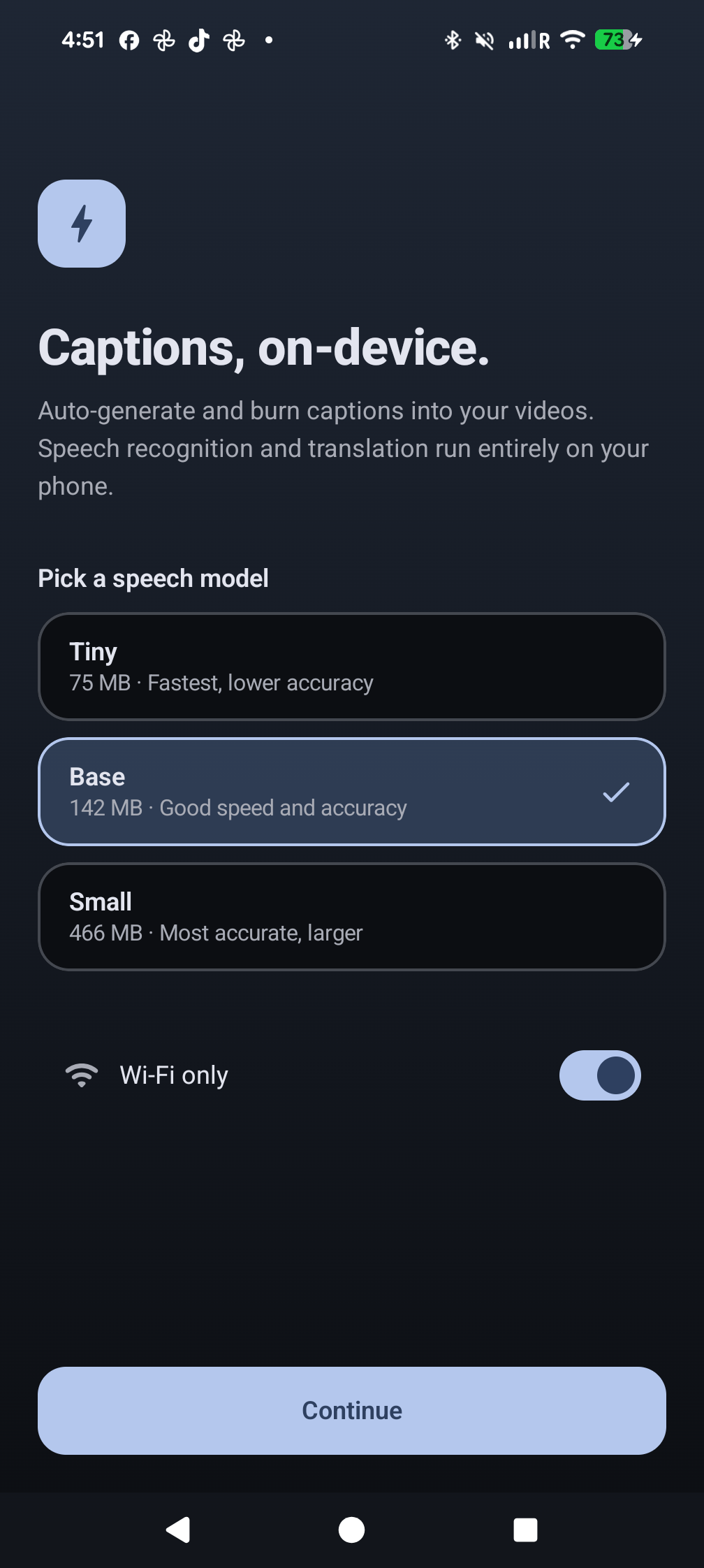
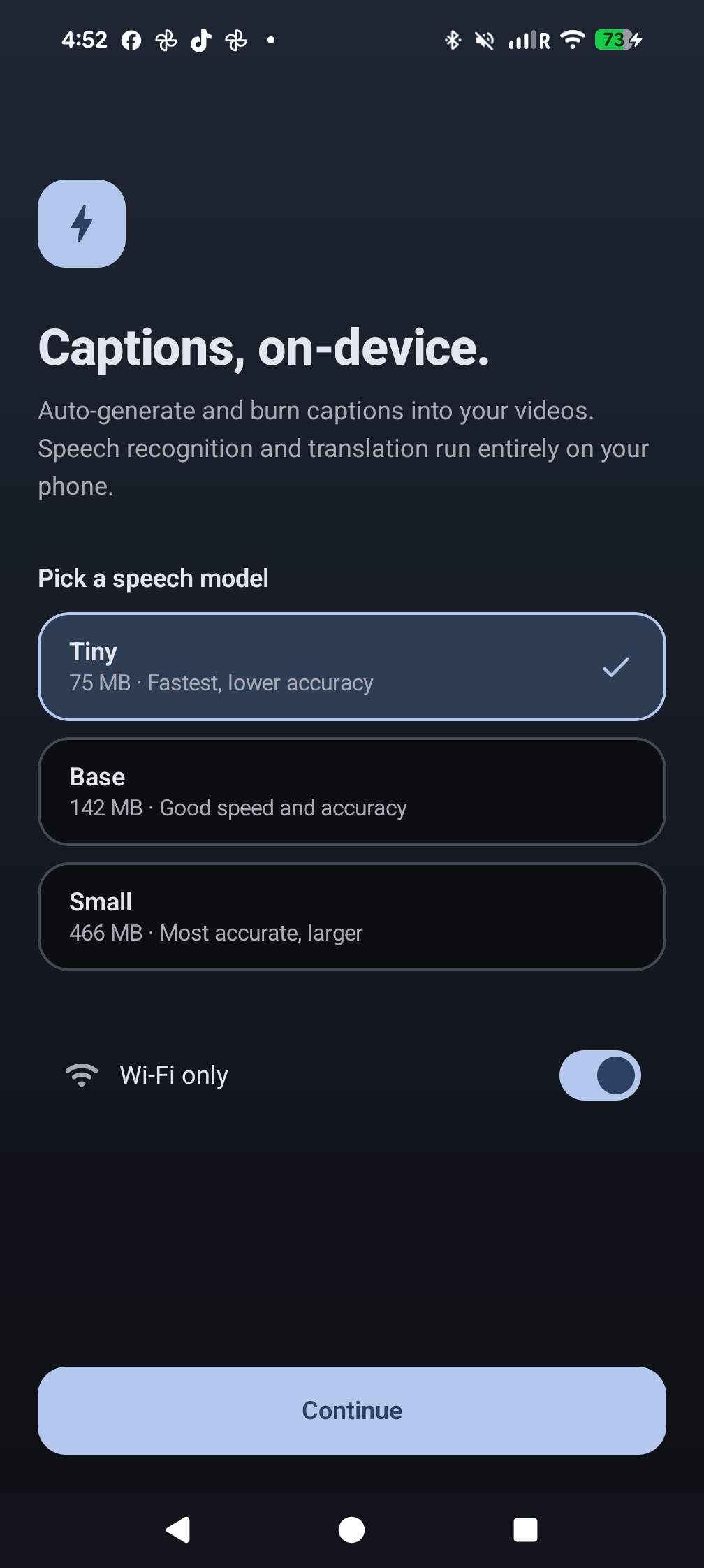
Onboarding screen with model selection

Pick your speed

Choose between Tiny, Base, or Small Whisper models on first launch. Trade size for accuracy — switch any time in Settings.

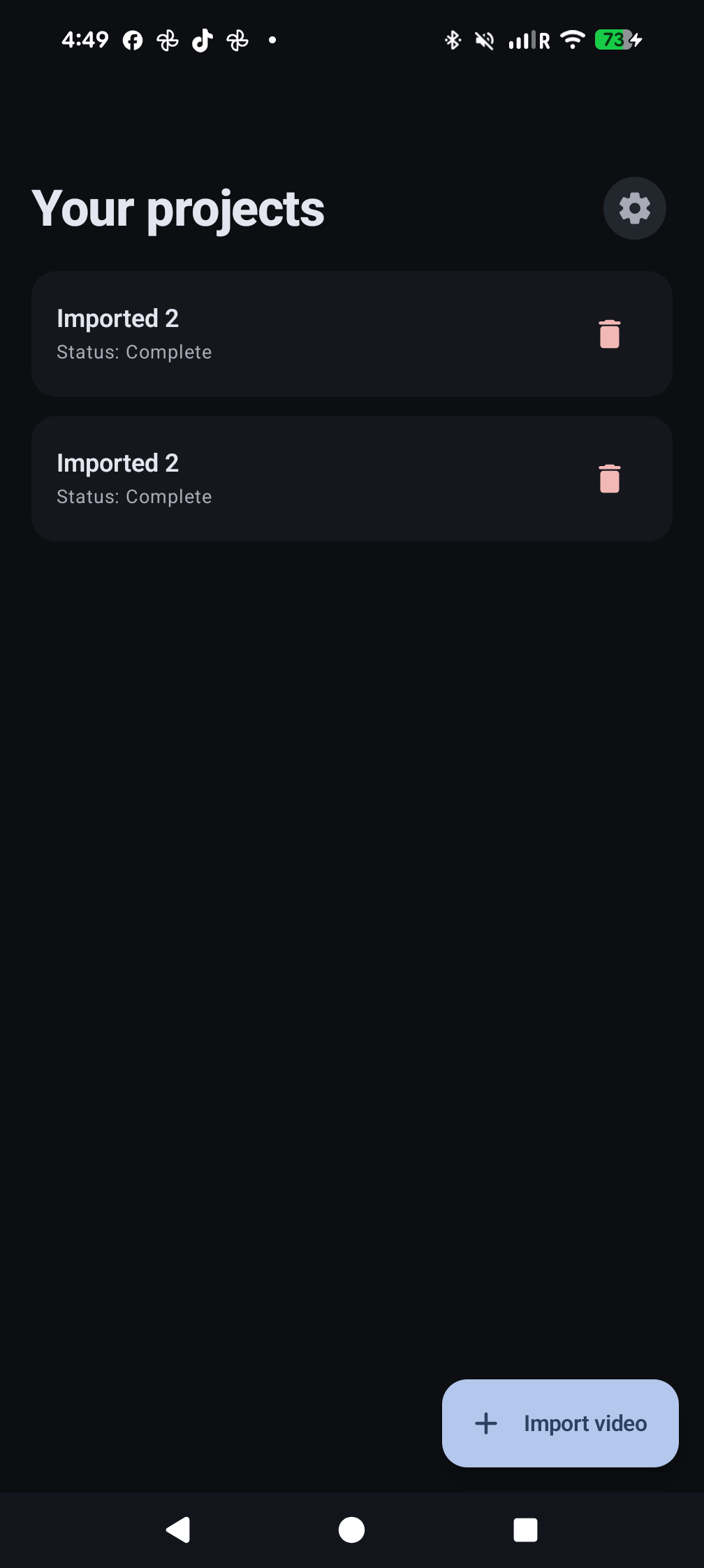
Home screen with project library

Project library

Every video you caption stays organized. Resume, re-style, or re-export at will.

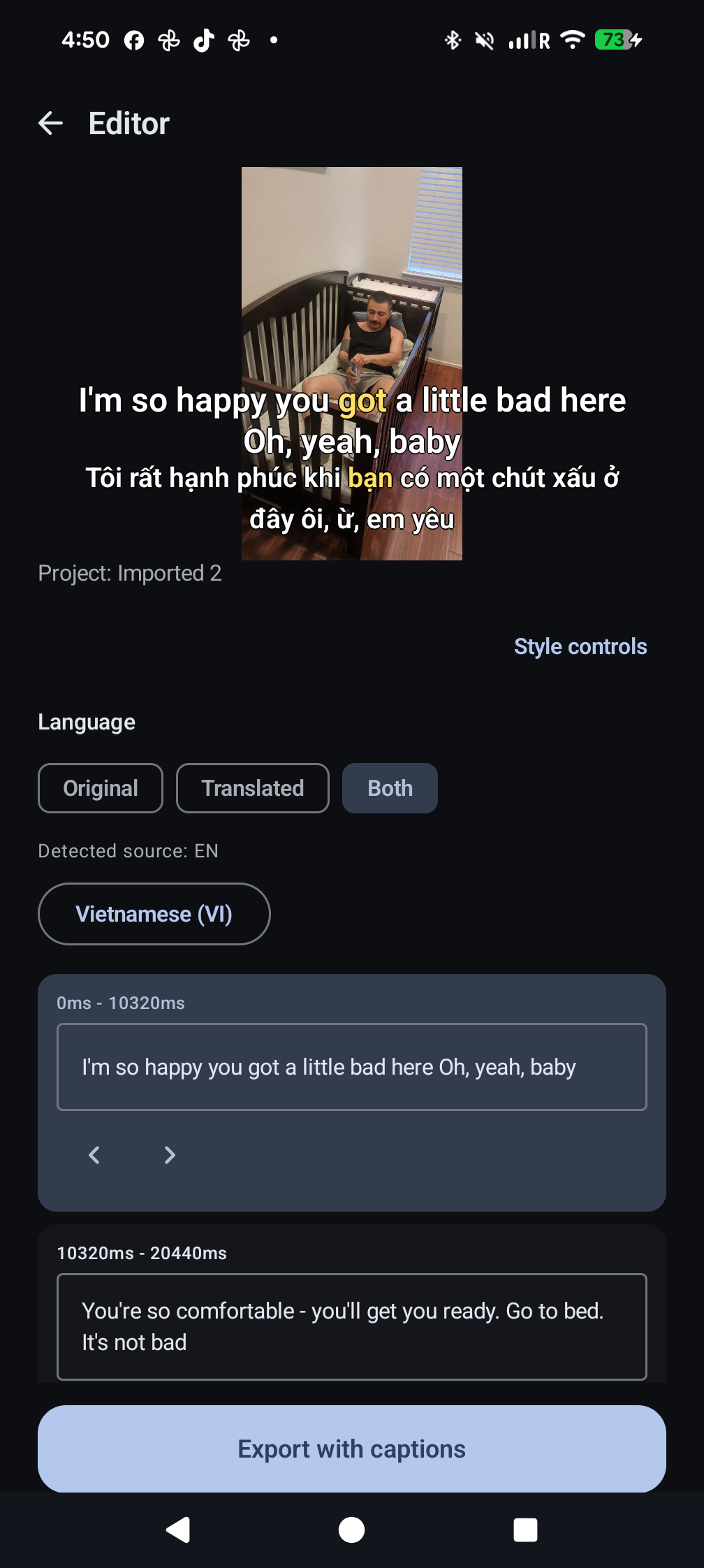
Editor with live caption preview

Live editor

Tap a caption to fix a word. Adjust word timing. Toggle Original / Translated / Both with one tap.

Caption style controls

Style controls

Size 36–110, 9 positions, outline 0–8, 5 text colors, 5 highlight colors, 4 word-effect styles — none, fill, grow, underline.

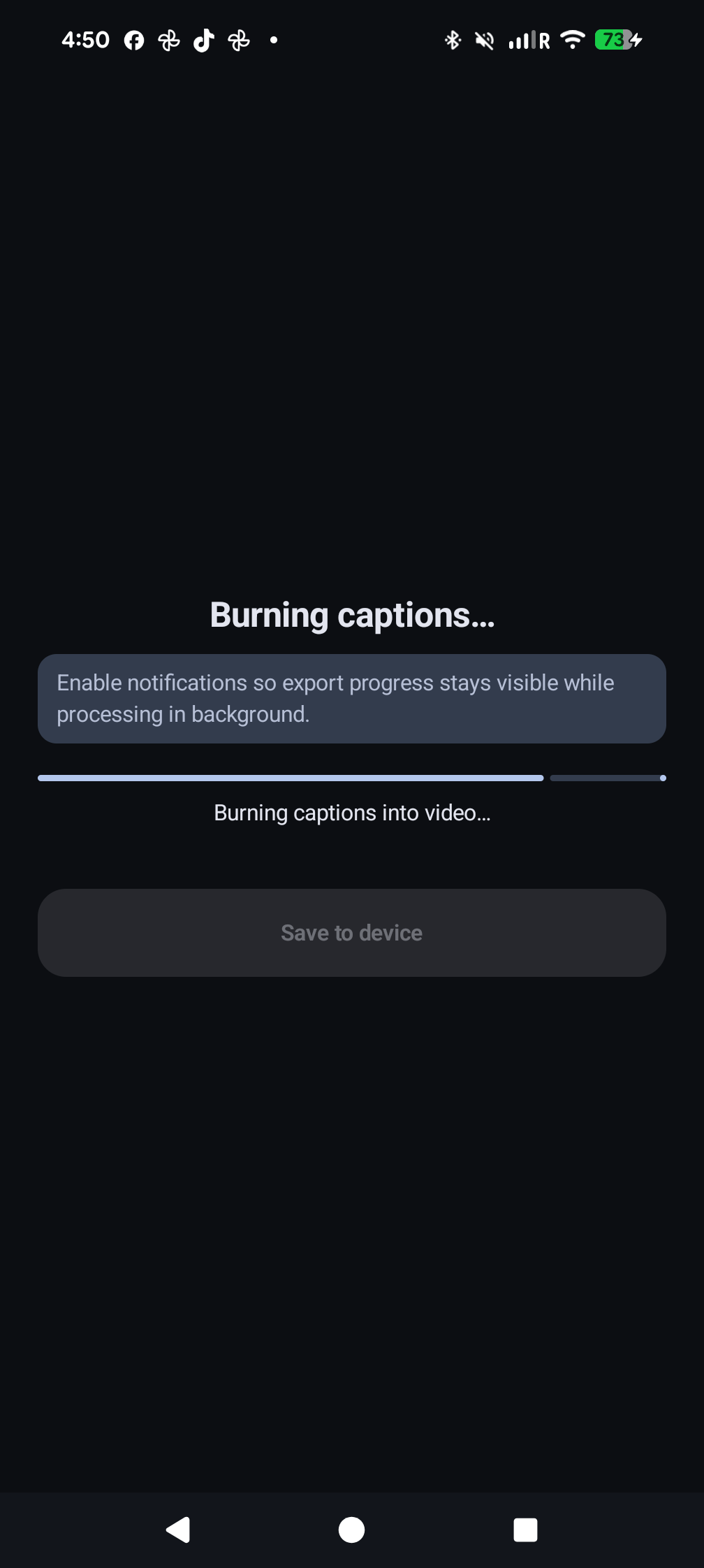
Export progress screen

Burn & share

Captions are baked into the pixels. Export to your gallery, share to any platform — no separate subtitle file needed.

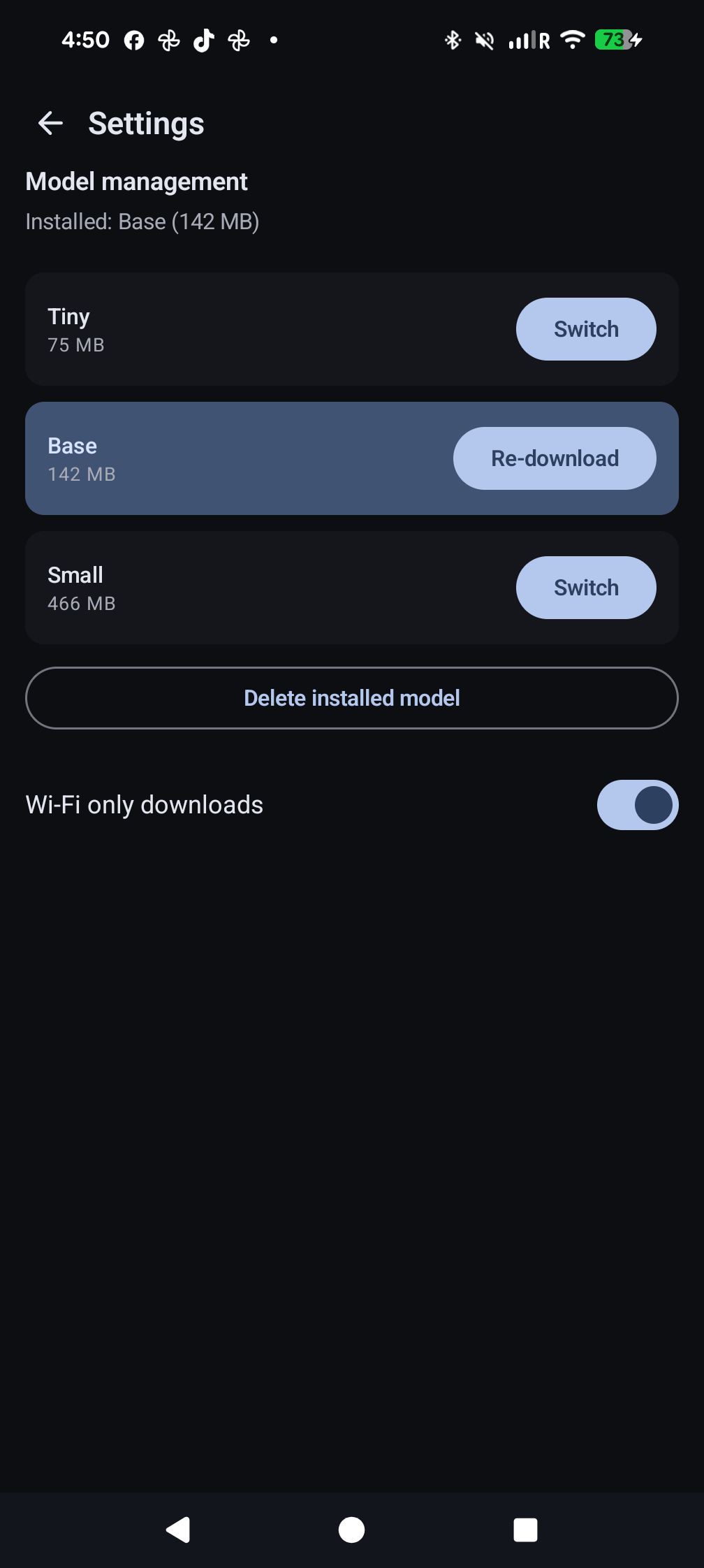
Settings screen

Manage your models

Switch between Whisper sizes, re-download translation packs, or set Wi-Fi-only downloads to keep cellular data quiet.

How it works

Four taps from raw footage to captioned video.

1

Import

Pick any video from your gallery via the system Photo Picker.

2

Transcribe

Whisper runs locally and returns word-timed captions.

3

Style

Choose size, position, color, outline, and word effect.

4

Export

FFmpeg burns the captions into the pixels and saves to your gallery.

Languages

Speak any language. Translate to anyone.

99

Languages transcribed

Whisper auto-detects the spoken language and produces word-level captions for any of its 99 supported languages.

50+

Languages translated

Tap a language; ML Kit downloads a small pack and translates the captions on-device. Show original, translated, or both.

Privacy

Your video stays on your device. Period.

🔒

No uploads. No accounts. No telemetry.

The Whisper speech model and ML Kit translation packs are downloaded once from public CDNs. Your captions, your transcripts, and your videos are processed entirely on your phone.

Read privacy policy →

Get CaptionBurn

Until the Play Store listing is live, install directly from the GitHub Releases page. APKs for arm64, arm32, and x86_64.