Screenshots
Illustrative captures with synthetic data only — no real TikTok usernames or live profile URLs.
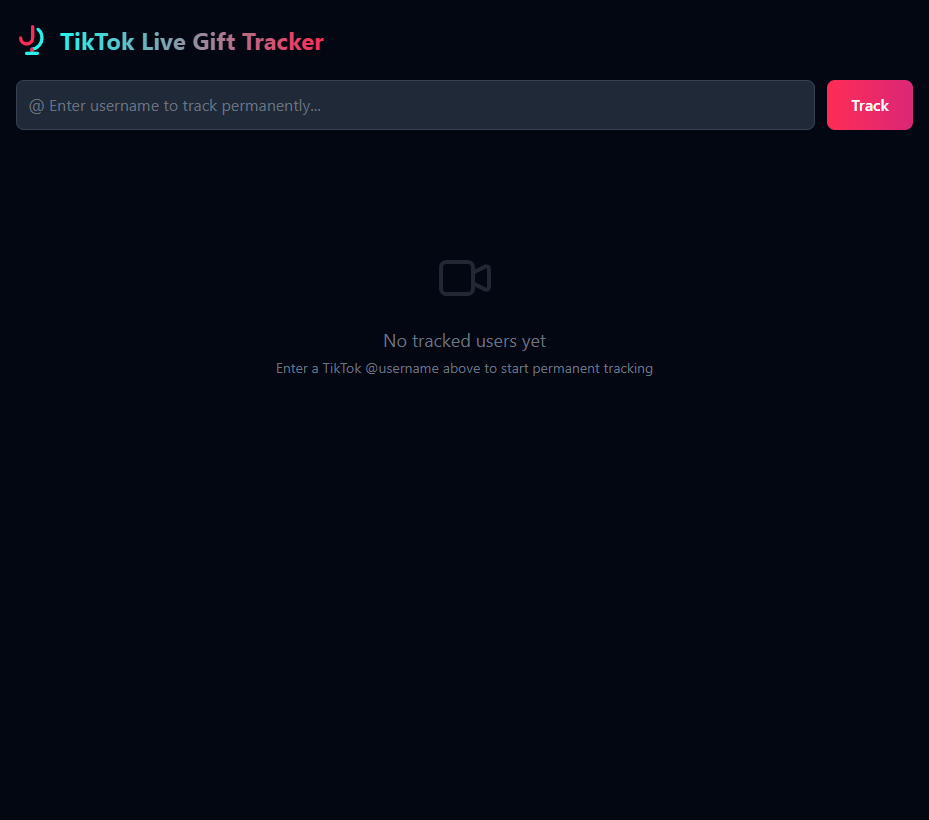
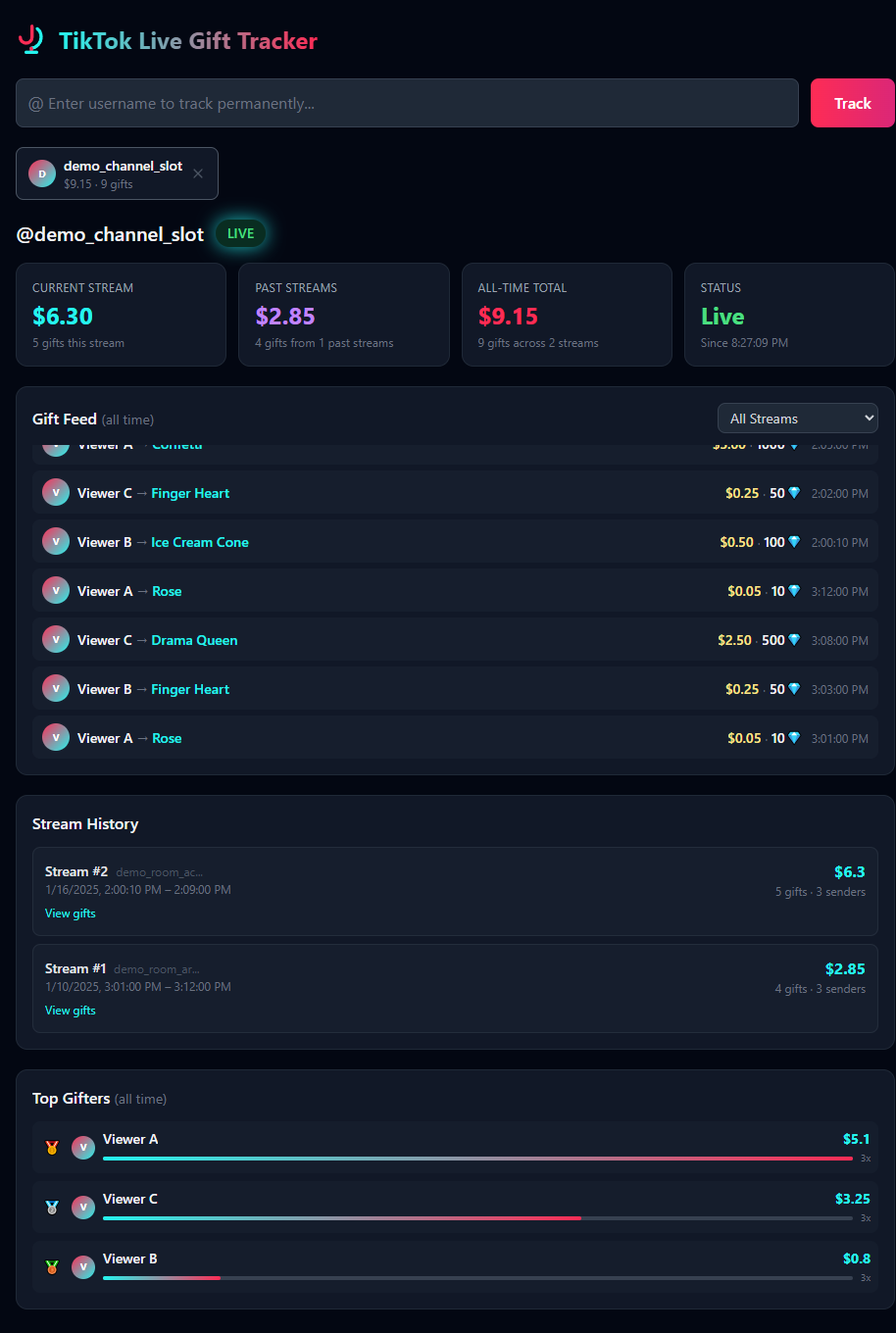
A self-hosted dashboard that captures every gift and chat message during a TikTok livestream — plus optional Whisper live transcription, audience snapshots, and engagement history. Persistent SQLite storage, auto-reconnect, multi-streamer support, and full historical data.
Illustrative captures with synthetic data only — no real TikTok usernames or live profile URLs.
Captures every gift the moment it's sent during a live stream via public TikTok WebSockets. No API keys or login required.
All data saved to SQLite with WAL mode. Browse every past stream, view gift breakdowns, and track all-time earnings. Survives container restarts.
When a stream ends, automatically reconnects with exponential backoff. Tracked users persist in the database and resume on container restart.
Track multiple TikTok users simultaneously. Each streamer gets their own independent data with separate stream IDs and earnings.
All-time leaderboard showing who donated the most, with gift counts, diamond totals, and visual progress bars.
Captures all chat messages and emotes during a stream. Browse full chat logs for any past stream, with deduplication and clear controls.
Auto-translate chat messages via LibreTranslate. Supports 49+ languages with auto-detection and a user-selectable target language dropdown.
Periodic AI-powered chat overviews during live streams via Ollama. Full stream summaries generated automatically when a stream ends.
Optional Whisper-based transcriber (second Docker service, GPU-friendly). Per-stream transcripts in the dashboard; lines can be translated with the same LibreTranslate instance as chat.
Live viewer counts, top viewers, recent joiners, and a participants panel (comments, gifts, shares). Viewer-count history is stored for charts and API access.
Docker Compose with persistent volume mapping. Clone, run, done. Your data stays safe on your local drive.
Requires Docker. No TikTok account or API keys needed.
git clone https://github.com/chartmann1590/tiktok-live-gift-tracker.git
cd tiktok-live-gift-trackercp .env.template .env
# Edit .env and set LIBRETRANSLATE_URL to your LibreTranslate instanceRequires a self-hosted LibreTranslate instance. Skip this step if you don't need translation.
# Add to .env
OLLAMA_BASE_URL=http://YOUR_OLLAMA_HOST:11434
OLLAMA_MODEL=llama3.2
Requires a running Ollama instance. Provides periodic AI chat overviews during live streams and full summaries when streams end. Skip if you don't need AI analysis.
# In .env (defaults are fine for many setups)
WHISPER_MODEL=medium
# TRANSCRIBER_URL is set for you in docker-compose when the transcriber runs
Full docker compose up -d starts the tiktok-transcriber service (Whisper) alongside the dashboard; it targets an NVIDIA GPU in the default compose file. For dashboard-only (no Whisper), run docker compose up -d tiktok-monitor. Transcript lines can use the same LibreTranslate settings as chat when configured.
# Full stack (dashboard + GPU transcriber)
docker compose up -d

# Dashboard only (no Whisper)
docker compose up -d tiktok-monitorOpen http://localhost:5000Enter a TikTok @username who is currently live. The dashboard will begin tracking gifts immediately.
All data accessible via simple REST endpoints.
/api/listen
Start tracking a user
/api/listen/<user>
Stop tracking
/api/tracked
All tracked users + stats
/api/tracked/<user>/auto_transcribe
Toggle auto-start transcription when live
/api/status/<user>
Live/offline + stream id + watch link
/api/audience/<user>
Live viewer count, top viewers, joiners
/api/audience/<user>/participants
Engaged participants for a stream
/api/audience/<user>/viewers
Viewer-count time series
/api/earnings/<user>
Stream + historical + all-time
/api/gifts/<user>
Gift feed (all or per-stream)
/api/streams/<user>
All recorded streams
/api/top-gifters/<user>
Top gifters leaderboard
/api/chat/<user>
Chat messages (all or per-stream)
/api/chat/<user>/streams
Streams with chat counts
/api/chat/<user>
Clear chat logs
/api/translate
Translate text (auto-detect)
/api/translate/languages
Supported languages
/api/transcribe/<user>
Start live transcription
/api/transcribe/<user>
Stop transcription
/api/transcribe/status
Active transcription (if any)
/api/transcripts/<user>
Transcript lines (per stream)
/api/transcripts/<user>/streams
Streams with transcripts
/api/summary/<user>
AI live overview (current stream)
/api/summary/<user>/<stream>
AI summary for a past stream
TikTok Live Gift Tracker is 100% free and open source (MIT). No subscriptions, no API keys, no tricks — just a solid dashboard you can self-host.
Building and maintaining it takes real time: keeping up when TikTok changes behavior, polishing the UI, writing docs, and answering issues. If this project saves you time or helps your stream or business, tips on Buy Me a Coffee go straight into that work. One-time or monthly — every cup helps.
Buy Me a Coffee · secure payment · thank you for supporting independent OSS
The app uses the TikTokLive library to connect to TikTok's public WebSockets. No authentication, API keys, or webhooks needed.
# Architecture overview

Flask (web server, main thread)
├── Serves the single-page dashboard
├── REST API endpoints for data queries
│
├── Background Thread #1 (asyncio event loop)
│   └── TikTokLiveClient("@user1") → GiftEvent + CommentEvent → SQLite INSERT
│
├── Background Thread #2 (asyncio event loop)
│   └── TikTokLiveClient("@user2") → GiftEvent + CommentEvent → SQLite INSERT
│
├── tiktok-transcriber (optional, Whisper HTTP service)
│   └── Transcript chunks → Flask → SQLite
│
└── SQLite (WAL mode) — gifts, chat, transcripts, audience samples