D4 is GPIO6: the six XIAO ESP32-C3 pins the tank build uses, and their two names
The Smart Turtle Tank water sensor touches only six pins on the XIAO ESP32-C3. Here is what each one does, why the signal pins are D1, D2 and D4, and the naming trap that bites when you move from Arduino code to ESPHome.
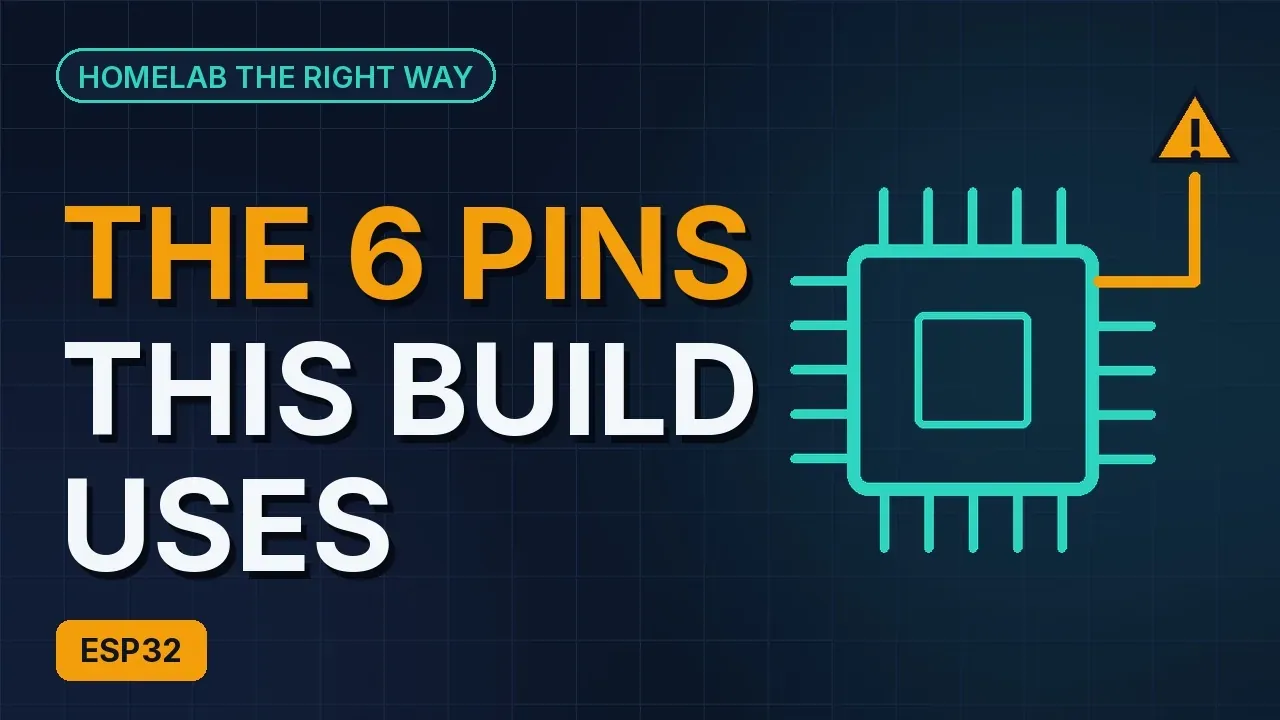
The water sensor in Smart Turtle Tank uses a Seeed XIAO ESP32-C3 and exactly six of its pins: 5V, GND, 3V3, D1, D2 and D4. Those names are printed right on the board next to each pin, which makes the wiring easy to check by eye. The trap is that the chip underneath does not call them that. Your sketch says D4, your ESPHome file says GPIO6, and they are the same pin. Mix the two naming systems up and a perfectly wired build reads nothing.
This post is a tour of the six pins: what each one is for, why the build picked it, and how to name it in each place you will type it.
Two names for every signal pin
The book's glossary puts it in one line: a GPIO is a general-purpose pin on the chip; the XIAO labels them D0 to D10, and the chip numbers them differently. D4 is GPIO6.
Which name works depends on where you type it:
- On the board and in the wiring steps: the printed labels. D1, D2, D4.
- In the PlatformIO sketch: also the labels, because the project picks the board.
board = seeed_xiao_esp32c3is what makesD1,D2andD4mean the right pins. With a different board name, D4 means a different pin. - In ESPHome YAML: the chip's numbers. The book's Home Assistant chapter writes the same pin map as
GPIO6,GPIO3andGPIO4, each with a comment saying which D label it is.
The same three pins, written both ways:
| XIAO label | Chip pin | Goes to | Sketch | ESPHome |
|---|---|---|---|---|
| D4 | GPIO6 | DS18B20 DAT (adapter has the 4.7 kΩ pull-up) | TEMP_PIN D4 | pin: GPIO6 |
| D1 | GPIO3 (ADC1) | TDS board A | TDS_PIN D1 | pin: GPIO3 |
| D2 | GPIO4 (ADC1) | Turbidity S through the ÷5 divider | TURB_PIN D2 | pin: GPIO4 |
The habit that saves you: every time you write a chip number, put the label next to it in a comment, the way the book does.
#define TEMP_PIN D4        // GPIO6, DS18B20 DAT (adapter has the pull-up)
#define TDS_PIN D1         // GPIO3, ADC1
#define TURB_PIN D2        // GPIO4, ADC1, through the /5 divider module
one_wire:
- platform: gpio
pin: GPIO6 # XIAO D4 - platform: adc
pin: GPIO3 # XIAO D1, TDS board AThe three power pins
5V is the USB supply passed straight through. Exactly one wire goes to it in the whole build: the turbidity board's V. The book's jumper colours make it the only red jumper in the build (the sensors' own cables have their own colours, so go by the printed letters).
3V3 is regulated down for the chip. The temperature adapter and the TDS board both run from it, which keeps their signals under the chip's limit. The book's common mistake here is plugging a sensor into 5V "because it is more power": more volts in means more volts out, and the signal pin is what pays for it.
GND is ground, the minus side, and every board's GND connects to every other's. The XIAO has exactly one GND pin and one 3V3 pin while four boards need each of them, which is why the breadboard is in the parts list at all. One jumper from GND to the breadboard's − line and one from 3V3 to the + line turn those rows into power strips. A strip of tape by the + line that says "3V3, not 5V" is part of the build.
Why D1 and D2 carry the analog probes
The TDS board and the turbidity divider both output a voltage, so they need pins wired to the ADC, the part of the XIAO that turns a voltage on a pin into a number. D1 (GPIO3) and D2 (GPIO4) are both on ADC1, and that is deliberate: on an ESP32, ADC2 stops working while Wi-Fi is on, and ADC1 does not. Move a probe to an ADC2 pin and it stops reading as soon as the firmware brings Wi-Fi up.
The firmware reads them with analogReadMilliVolts(), which applies the chip's factory calibration and returns millivolts. At the default attenuation that reads accurately up to about 2.5 V, and the chip's inputs can only take 3.3 V at all. That is why the turbidity board, which runs on 5 V and outputs up to 4.5 V, never goes straight into D2: its S wire goes into a ÷5 divider and D2 reads the divider's output, so 4.5 V arrives as 0.9 V. The code multiplies by TURB_RATIO 5.0f (or 2.0f with the two-resistor ÷2 divider) to get the sensor's real voltage back.
Why D4 carries the temperature probe
D4 is not on that list because it does not need the ADC. The DS18B20 is a digital sensor that talks over a single wire using 1-Wire, sending the temperature as a number rather than a voltage. That is why it is the accurate one, ±0.5 °C out of the box, with no calibration maths. The data line needs a pull-up resistor; the adapter board already has the 4.7 kΩ one, so nothing gets added between D4 and DAT.
One thing D4 can still send you that looks like data: the Dallas library returns -127 when the probe is not connected and 85.0 at power-on. Both versions of the firmware throw those away. In ESPHome:
      filters:
        - filter_out: 85.0
        - filter_out: -127.0
Before the USB cable goes in
The book's power-up check is written against these six pins. With USB unplugged:
- The − line has six wires: XIAO GND, temp GND, TDS −, turbidity G, divider GND terminal, divider −.
- The + line has three wires: XIAO 3V3, temp VCC, TDS +. Nothing from 5V.
- Only one wire on 5V: to turbidity V.
- Turbidity S goes to the divider, not to the XIAO. D2 connects to the divider's S pin.
- Signals: D4 to temp DAT, D1 to TDS A, D2 to divider S.
- The turbidity board's switch is on A.
Then plug in. Nothing should get warm and nothing should smell; if it does, unplug and recheck the 5V and GND wires. And keep the cable out until the last wire is in: plugging it in "just to see the light" means every later wire goes onto a live board.
Checklist
- Wire by the printed labels; go by the letters on each sensor board, not the cable colours.
- In the sketch, keep
board = seeed_xiao_esp32c3so D1, D2 and D4 mean what the wiring means. - In ESPHome, write GPIO6, GPIO3 and GPIO4, each with its D label in a comment.
- Analog probes only on ADC1 pins (D1 and D2 here), never ADC2, because Wi-Fi is on.
- Nothing over 3.3 V into a D pin; the turbidity signal goes through the divider.
- One red wire on 5V, three wires on the + line, six on the − line, then USB last.