Aria: a private voice assistant that runs on your Android phone
Aria handles speech recognition, the language model and voice output on your phone. No cloud LLM, no voice uploads, no account.
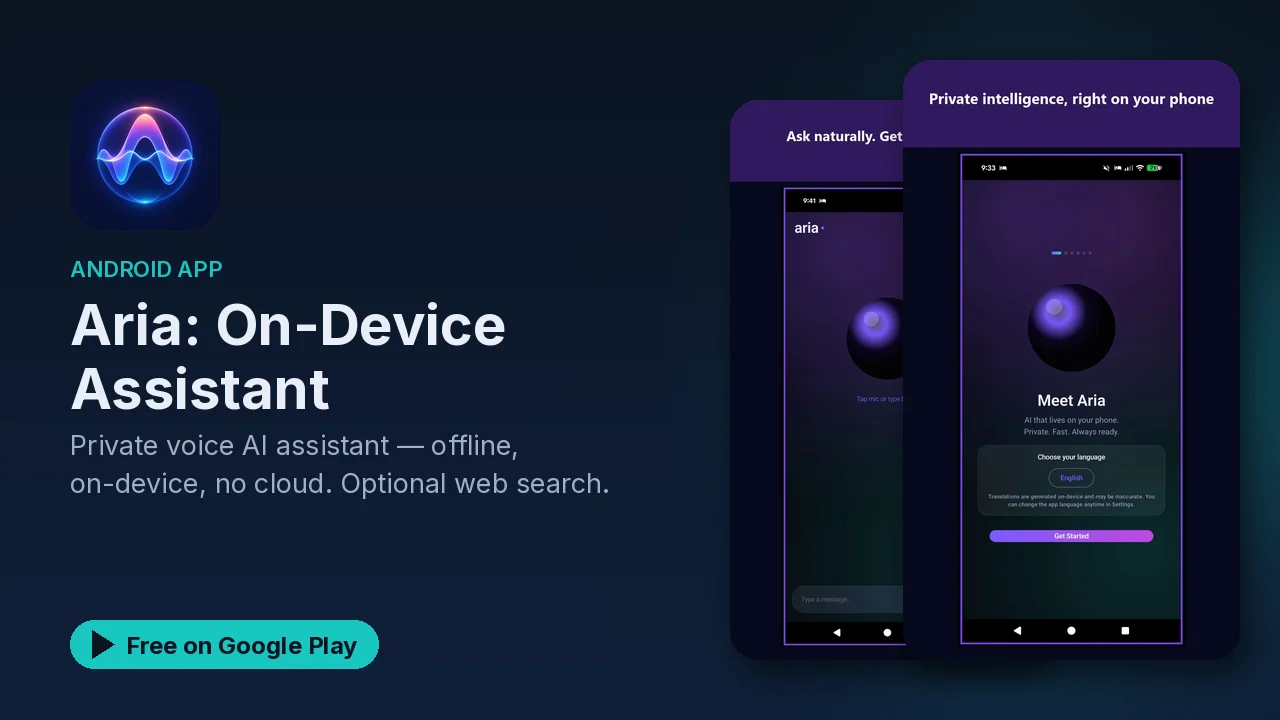
Using a typical voice assistant means accepting a trade. To get answers, your voice is recorded and sent to a server, processed there, and often kept. If you run a homelab, that kind of trade is probably what pushed you toward self-hosting in the first place. Aria is a voice assistant built the other way around: the listening, the thinking and the talking all happen on your Android device.
What runs on the phone
According to the listing, Aria does all of this locally:
- Speech recognition, turning what you say into text.
- Wake-word detection, so it can listen for its trigger without streaming audio anywhere.
- Language model inference, the part that actually understands and answers your request.
- Voice synthesis, for spoken replies.
- Translation, also handled on the device.
- Text-to-speech in multiple languages.
The key line is that there is no cloud LLM. Many assistants that call themselves private still send the actual request to a hosted model. Aria's listing says it does not, and that your voice is not uploaded. Conversation history stays local, and no account is required.
Optional features, and what they need
Some useful things an assistant can do require more than a microphone. Aria treats those as opt-in. The listing names:
- Web search, with visible source cards so you can see where an answer came from.
- Notification access, for smart replies.
- Phone, contacts, calendar, camera and location access.
Permissions are requested only when you use the feature that needs them. If you never turn on web search, Aria never needs to reach the web for it. If you never ask it to deal with your calendar, it never asks for calendar access.
That approach is worth understanding before you start. The core assistant works offline and on the device. The extras are there when you want them, and each one comes with its own permission prompt at the moment you first use it, rather than a long list of grants on install.
Web search with sources
The web search option is the one feature that, by nature, has to touch the internet. The listing's detail here is the source cards: when Aria uses search, the sources are shown, so you are not left guessing whether an answer came from the model or from a page.
Why on-device matters
The listing puts the case simply: most assistants send your voice and data to the cloud, and Aria keeps everything on your device. In practice that means:
- Nothing you say has to leave the phone for the assistant to work.
- It keeps working in places with no connection.
- There is no account tying your history to an identity on a server.
Good to know
- Price: free to download. The app contains ads, and the Play listing notes in-app purchases.
- Category: Tools, rated Everyone.
- Offline by default: the core features run without a network; web search is the opt-in exception.
- Permissions on demand: phone, contacts, calendar, camera, location and notification access are only requested when you use a feature that needs them.
Is it for you?
- You want a voice assistant but do not want your voice uploaded.
- You spend time somewhere offline, or you travel often.
- You want to decide feature by feature what an assistant can access.
- You want search answers to show their sources.