Flashlight: Torch + SOS, fast light and an SOS signal for Android
A free Android torch app with camera flash, adjustable screen light, an SOS strobe and Morse signal, shake to toggle, a widget and a quick settings tile.
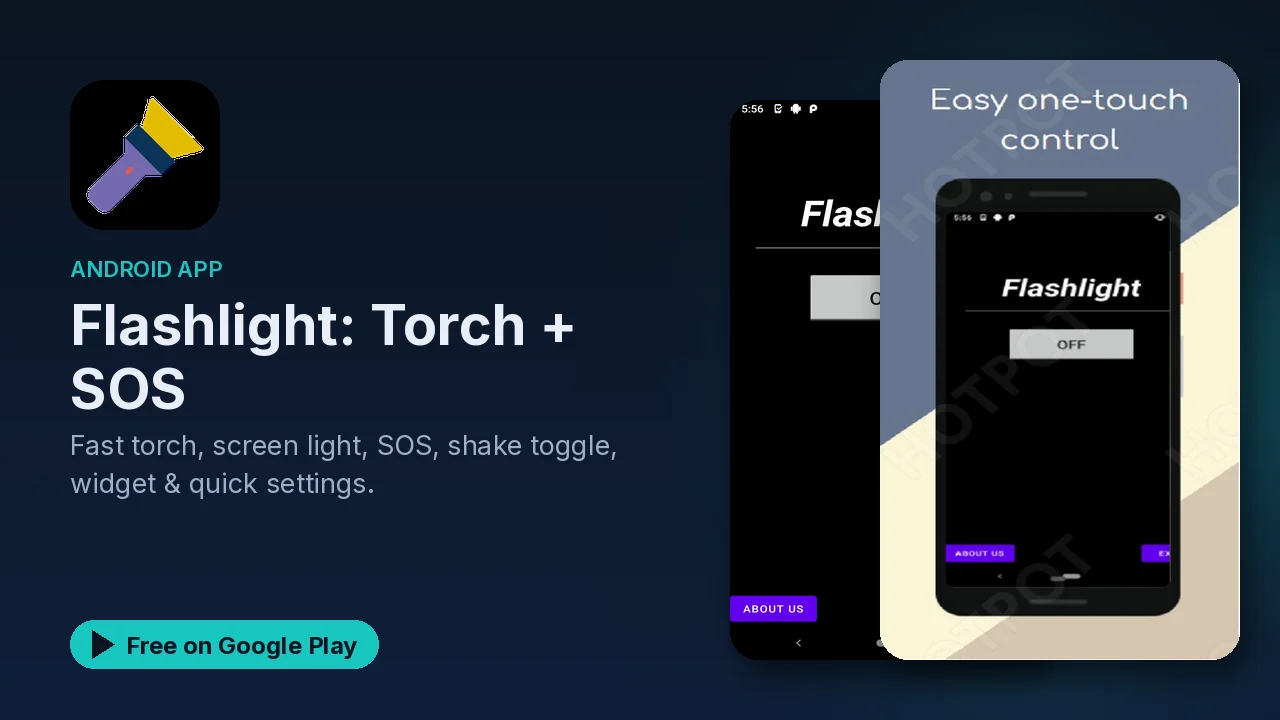
A flashlight is the kind of tool you only think about when the power is out, the car keys are under the seat, or you are walking a dark driveway. At that moment you want light in one motion, not a hunt through menus. Flashlight: Torch + SOS is built around that idea: several fast ways to switch the light on, a screen light for softer situations, and an SOS mode for the moments that are more serious than a dropped key.
What it does
- Camera flash torch. The main mode uses your phone's flash as a bright light source.
- Screen light. Turns the display into a light panel with adjustable brightness and several colors, useful when a harsh flash is too much.
- Stays on with the screen off. The torch keeps running after the display goes dark.
- SOS mode. An emergency strobe and a Morse code SOS signal, with adjustable speed.
- Shake to toggle. Shake the phone to switch the light on or off.
- Quick settings tile, widget and notification controls. Start the light from the pull-down shade, from your home screen, or from the notification.
- Auto-off timer. An optional timer switches the light off for you.
- Themes and orientation. Light, dark and system themes, with portrait and landscape support.
Getting the light on fast
The useful thing about this app is the number of entry points. You do not have to open it at all most of the time:
- Add the quick settings tile to your pull-down shade. Swipe down, tap, light.
- Put the home screen widget next to the apps you use most, so the torch is one tap from unlocking.
- Turn on shake to toggle if you often need light with one hand busy.
- Use the notification controls to switch it off again without hunting for the app.
Pick whichever matches how you hold your phone in the dark. Many people end up using the tile for everyday use and the widget as a backup.
Screen light vs torch
The camera flash is the brightest option, but it is also narrow and harsh. The screen light is the gentler choice: reading a label, checking on someone sleeping, or lighting a small area close up. Because you can change both its color and brightness, you can dial it down until it is just enough. The listing notes that the screen light uses minimal power.
SOS mode
The SOS mode turns the light into a signal rather than a lamp. You get two styles:
- an emergency strobe, a fast flashing light that draws attention, and
- a Morse code SOS, the classic three short, three long, three short pattern.
The speed is adjustable. It is worth trying SOS mode once at home so you know where it is before you ever need it. A signal you can find in two seconds is far more useful than one you have to look for.
Battery
A torch that drains your phone defeats the purpose when you are already low. The listing describes the app as optimized for minimal battery drain, and the auto-off timer helps if you tend to forget the light is on in a pocket or bag.
Good to know
- Price: free.
- Ads: Google Play lists the app as containing ads.
- In-app purchases: none are listed.
- Category and rating: Tools, rated Everyone.
- Devices: the listing says it works on all Android devices. The torch mode needs a phone with a camera flash; the screen light works on any screen.
Is it for you?
- You want the torch on from the shade, a widget or a shake, without opening an app.
- You want a softer, colored screen light as well as the bright flash.
- You like having an SOS strobe and Morse signal ready on your phone.
- You forget to turn lights off and would use an auto-off timer.