MeshTalk: chat and talk over Bluetooth mesh with no signal
MeshTalk connects nearby phones over Bluetooth mesh for text, group chat and walkie-talkie voice. No internet, no accounts, no servers.
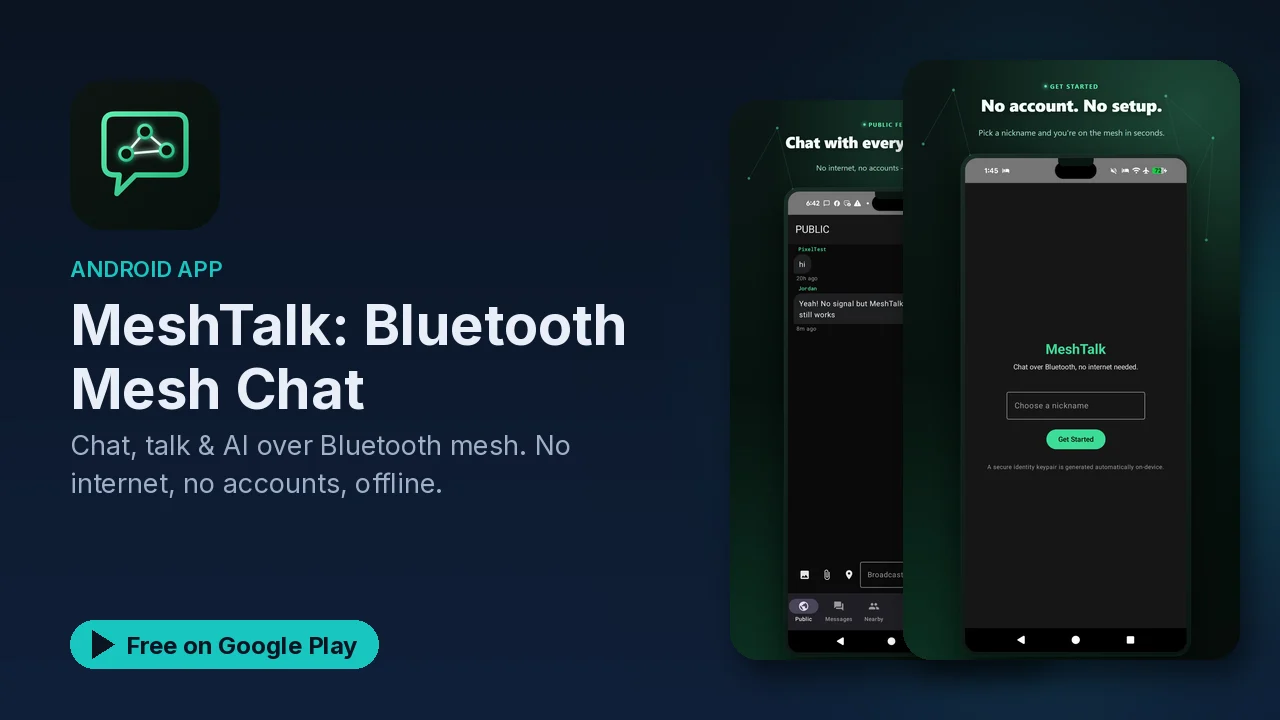
Every messaging app you use depends on the same thing: a working connection to the internet. On a trail, at a crowded festival, or after a storm knocks out service, that dependency is exactly what fails. MeshTalk works without it. It uses Bluetooth mesh networking to connect phones directly to each other, with no internet, no cellular service, and no router or hotspot.
How the mesh works
In a mesh, each phone is both a client and a relay. MeshTalk connects to nearby devices automatically, and messages hop from device to device to reach their destination. The listing's point is that this works in areas with no signal at all, because nothing in the chain needs a tower or a server.
The practical consequence is that the more people nearby are running the app, the more paths a message has to travel.
What it does
Text chat
- Send messages to anyone in range.
- Group chats.
- Message history.
- Read receipts.
Voice
- Walkie-talkie style voice.
- Full-duplex audio, so both sides can talk at once.
- Multiple channels.
- Low battery use, according to the listing.
On-device AI
- AI message suggestions.
- Smart reply generation.
- Translation between languages.
- All AI features run locally on the phone.
The translation feature is a useful addition for an app like this. If you are at an event or travelling with people who speak another language, the translation still works when nobody has signal, because it does not depend on a server.
Privacy
MeshTalk has no accounts and no phone numbers. Messages stay on the devices, there is no cloud and there are no servers, and the listing describes it as end-to-end by design. Since there is no central server in the system, there is no central copy of your conversations to leak.
Where it makes sense
The listing names four situations:
- Hiking, camping and outdoor events, where coverage is weak or nonexistent.
- Disaster preparedness, for when normal networks are down.
- Crowds with poor signal, where the cell network is overloaded even though it technically exists.
- Privacy-conscious users, who want a messenger with no account and no server.
For the preparedness case, the thing to remember is that you set this up before you need it. Install the app on the phones of the people you would want to reach, and try it once while everything is working.
Good to know
- Price: free to download, with an optional premium upgrade mentioned in the listing; the Play listing also notes in-app purchases.
- Ads: the app contains ads.
- Range: messages reach people in range, extended by hops between other devices running the app.
- Everyone needs it: the mesh only includes phones running MeshTalk, so the people you want to talk to need it installed too.
- No sign-up: no account and no phone number are needed.
Is it for you?
- You hike, camp or go to events where your phone usually shows no bars.
- You want a way to reach family or a group if networks go down.
- You want walkie-talkie style voice between phones without extra hardware.
- You want a messenger with no account, no phone number and no server.