
Path: build a daily Bible study habit with gentle streaks
Path is a calm Android Bible study app with reading plans, gentle streaks, highlights and notes stored on your device, offline reading and text-to-speech.
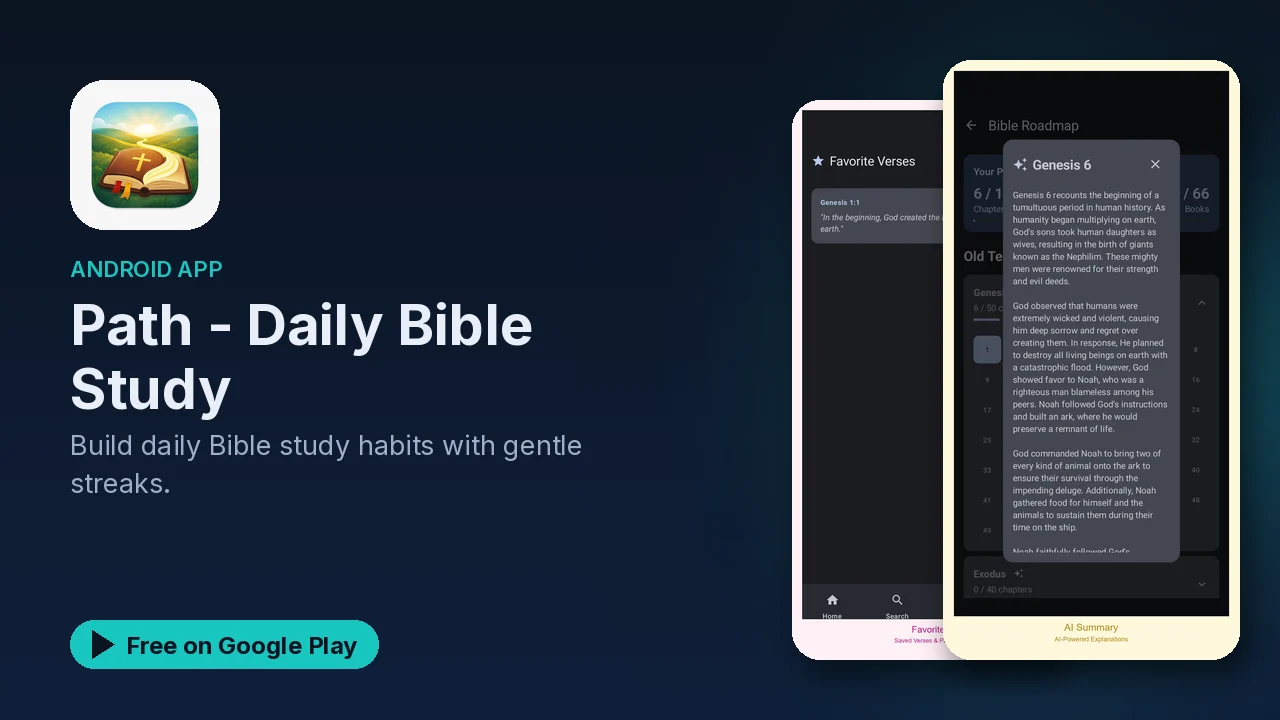
Starting a Bible reading plan is easy. Day twelve is where most people slip. A missed day turns into a missed week, and the plan quietly stops. Path is a Bible study app designed around that problem: steady, achievable daily reading, with encouragement that nudges instead of nags, and nothing on screen competing for your attention.
What it does
- Daily study plans: read the Bible in order, focus on specific books, follow topic-based studies such as faith, anxiety and forgiveness, or use devotional-style plans with reflection prompts.
- Your own pace: customize how much you read each day.
- Progress tracking: a visual dashboard, daily streaks and non-pushy motivation messages.
- Highlights and notes: highlight favorite verses and write personal notes linked to passages.
- Verse of the Day, easy to share with friends.
- Offline reading: download translations and study without an internet connection.
- Text-to-speech: listen to your daily reading at an adjustable speed.
Picking a plan
The plan types suit different goals:
| Plan type | Good when you want to |
|---|---|
| Sequential | Read the whole Bible in order |
| Book-based | Go deep on one book at a time |
| Topic-based | Study a theme like faith, anxiety or forgiveness |
| Devotional-style | Read a shorter passage and reflect with prompts |
Whichever you choose, set the daily pace to something you can keep on a busy day. A smaller daily amount you actually finish usually beats an ambitious plan you abandon.
Streaks without pressure
Habit apps often motivate with guilt. Path describes its approach as gentle: streaks with gentle encouragement and motivation messages that are deliberately non-pushy. The progress dashboard shows how far you have come, which is often the best reason to keep going.
Notes that stay yours
As you read, you can highlight verses and write notes tied to the passage they belong to. The listing says all of that data is stored securely on your device, and you can export your notes at any time, so your study history is not locked inside the app.
Reading anywhere
After the initial setup, Path works completely offline. Download the translations you want and your daily study needs no internet at all. On a commute, or any time reading is not practical, the text-to-speech feature reads the passage aloud, and you can adjust the playback speed.
A simple routine
- Open Path and read the Verse of the Day.
- Do today's portion of your plan, or listen to it.
- Highlight anything that stands out and add a short note.
- Glance at your progress, then close the app and get on with your day.
Good to know
- Price: free, with no account required.
- Ads: the app contains ads.
- In-app purchases: none are listed.
- Category and rating: Books & Reference, rated Everyone.
Is it for you?
- You want to read the Bible daily and keep the habit going.
- You prefer gentle encouragement to pushy reminders.
- You want highlights and notes kept on your device and exportable.
- You like to read offline or listen while doing something else.