Photobooth: run an event photo booth from an Android phone or tablet
Photobooth turns an Android phone or tablet into an event photo booth with strip layouts, effects, printing, QR sharing and a live slideshow.
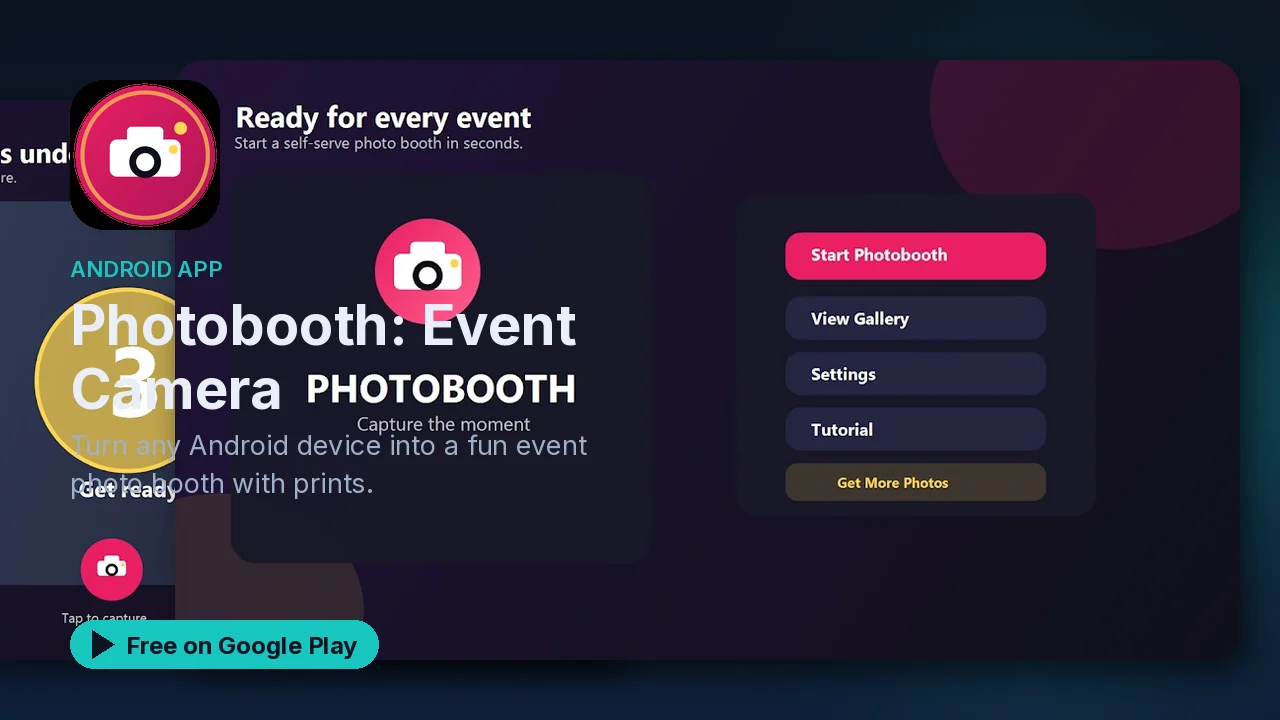
Renting a photo booth for a wedding or a party is an expense many hosts skip. Photobooth: Event Camera offers a do-it-yourself alternative: set up an Android phone or tablet, and it runs the booth for your guests, from the countdown to the photo strip to sharing and printing.
What it does
Booth mode
- A full-screen camera interface.
- An automatic capture timer.
- Photo strip layouts with 2, 3 or 4 photos.
- Custom backgrounds and frames.
Effects
- Filters and overlays.
- Stickers and text.
- Green screen support.
- Photo booth props.
Printing and sharing
- Direct printing to compatible printers.
- Sharing to social media, by email and by text.
- Cloud backup options.
Event features
- A guest book mode for weddings.
- QR code sharing, so guests can get their photos.
- A live slideshow of the photos taken.
- Multiple event templates.
Customization
- Adjustable photo size and quality.
- Custom branding and logos.
- Support for multiple cameras.
- Portrait and landscape modes.
Planning a booth with it
The app covers the software side. The rest is setup, and the features listed point to a straightforward plan:
- Pick the device. A tablet gives guests a bigger screen to see themselves, while a phone is easier to mount. Choose portrait or landscape to match how it is mounted.
- Choose a layout. Decide on 2, 3 or 4 photos per strip, and pick a template for the event.
- Brand it. Add the couple's names, a birthday, or a company logo with the branding option, plus a background or frame.
- Decide on prints. If you want physical strips, connect a compatible printer and test a print before guests arrive.
- Set up sharing. QR code sharing lets guests take photos home on their own phones, and the live slideshow can run on a second screen.
- Test the timer. Run through the countdown a few times so you know how long guests have to pose.
Green screen
Green screen support opens up themed backgrounds. It needs a green backdrop behind the booth and even lighting, so plan the space for it if you want to use it.
Where it fits
The listing names weddings and receptions, birthday parties, corporate events, and school dances and reunions. The guest book mode is the wedding-specific feature; custom logos are what make it work for a company event.
Good to know
- Price: free to download, with an optional premium upgrade mentioned in the listing; the Play listing also notes in-app purchases.
- Ads: the app contains ads.
- Printing: works with compatible printers, so check yours before the event.
- Category: Photography, rated Everyone.
Is it for you?
- You are hosting a wedding, party or event and want a booth without renting one.
- You have a spare Android phone or tablet and a way to mount it.
- You want guests to get their photos by QR code, print or text.
- You want the booth branded for the occasion.