Pocket Assistant: a local AI organizer for bills, notes and tasks
Pocket Assistant scans documents, organizes notes, tracks tasks and runs an AI chat on your phone, with no cloud sync and no account.
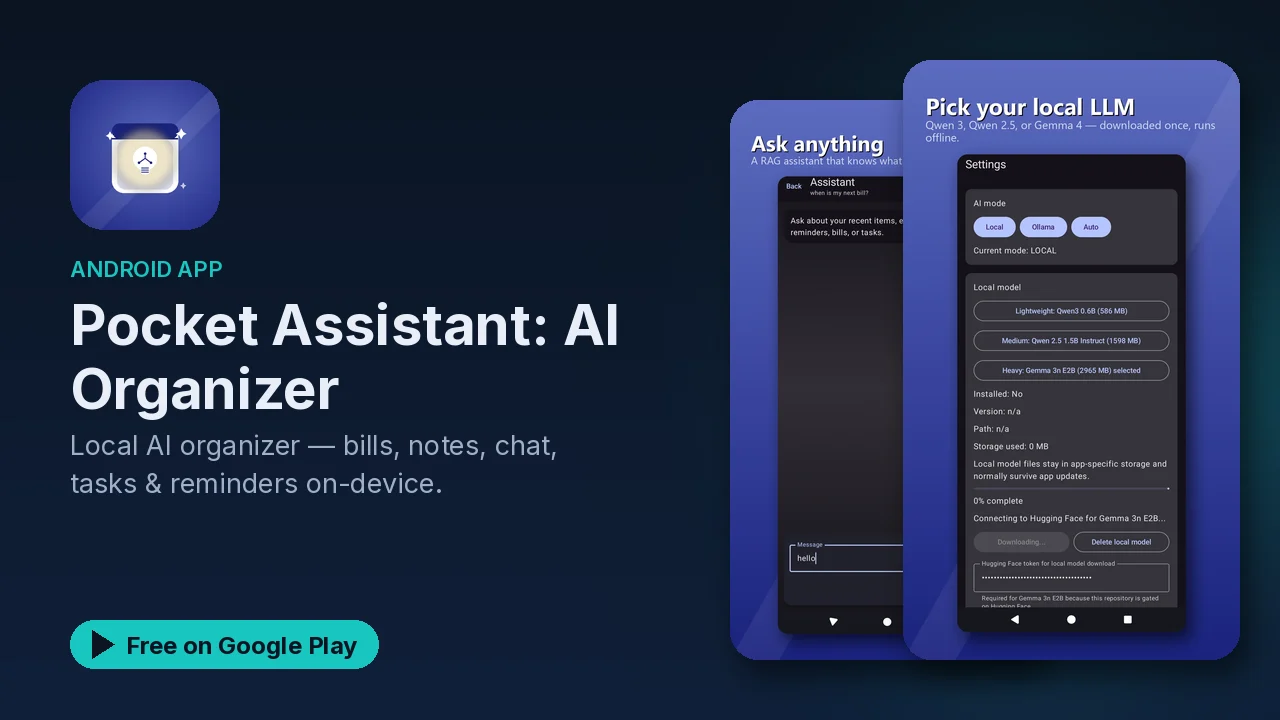
Bills, receipts, voice memos, to-do lists and reminders tend to end up in five different apps, several of which keep a copy of your life on their servers. Pocket Assistant pulls those jobs into one organizer and keeps all of it on your phone. The AI that sorts and reads your documents runs on the device, and there is no cloud sync and no account.
What it does
Document scanning
- Scan bills, receipts and documents.
- The AI pulls out the key information.
- Documents are organized by category and date.
- Everything you scan is searchable.
Notes
- Voice-to-text notes.
- AI-assisted organization.
- Tags and categories.
- A quick-capture widget.
AI chat
- A chat assistant for help with tasks and questions.
- Context-aware responses.
- Processing happens on the device.
Tasks and reminders
- Create and manage tasks.
- Reminders based on context.
- Daily and weekly planning.
- Tasks connect with your notes.
How the pieces fit together
The useful part is that these are not four separate tools. A scanned bill becomes searchable information instead of a photo in your gallery. A voice note you dictate gets organized and tagged, and it can be linked with a task. The daily and weekly planning views sit on top of the tasks and reminders, so the things you captured during the week turn into a plan.
The quick-capture widget and quick actions are there for the moment something comes up. If capturing an idea takes more than a couple of taps, it usually does not get captured at all, so a home-screen widget is worth setting up on day one.
A simple routine to start with
Based on what the app offers, a reasonable way to start:
- Add the widget to your home screen for quick capture.
- Scan the bills and receipts currently sitting on your desk.
- Turn your current to-do list into tasks, and attach notes where they help.
- Use the weekly planning view once a week to see what is coming up.
Privacy
The listing is clear on this point:
- All data is stored on your device.
- No cloud sync and no accounts.
- AI processing happens on the device.
- Your data never leaves your phone.
For an app that holds your bills and receipts, that matters. Financial documents are exactly the kind of data you might not want uploaded to an organizer's servers. The trade-off of no cloud sync is that your data lives on the one device, so it is worth knowing that before you rely on it.
Good to know
- Price: free to download, with an optional premium upgrade mentioned in the listing.
- Ads: the app contains ads.
- Category: Lifestyle, rated Everyone.
- Interface: simple design, dark mode support, a home-screen widget and quick actions.
- No sync: everything stays on the phone it is on; there is no cloud copy.
Is it for you?
- You have paper bills and receipts you want searchable without uploading them anywhere.
- You capture ideas by voice and want them organized automatically.
- You want tasks, reminders and notes in one place.
- You prefer an organizer with no account and no cloud sync.