QR Scanner: a fast QR and barcode reader that keeps scans local
QR Scanner reads QR codes and barcodes from the camera or gallery, keeps a searchable history on your phone and can generate QR codes from text.
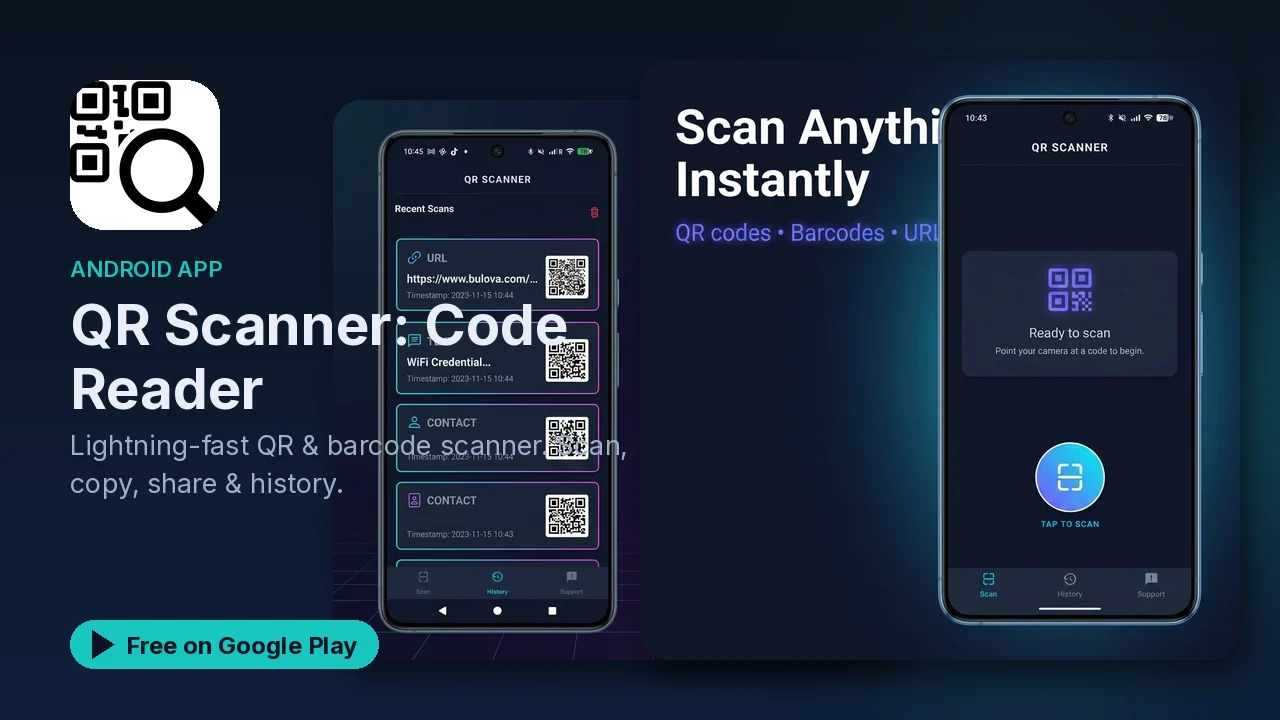
QR codes are everywhere now: menus, tickets, Wi-Fi details, posters, packaging. Plenty of scanner apps handle them, and plenty of those want an account for a job that should take a second. QR Scanner is a simple, fast reader for QR codes and barcodes that keeps your scans on your phone.
What it does
- Fast scanning. Instant detection of QR codes and barcodes in all major formats, with auto-focus and zoom.
- Camera or gallery. Scan live with the camera or from an image already on your phone.
- Scan history. Every scan is saved automatically, and you can search, bookmark, delete or export your history.
- Copy and share. Copy scanned text instantly, share it through any app, or open links directly.
- Make QR codes. Generate a QR code from any text.
- Extras. A batch scan mode, custom scan results, sound and vibration feedback, a flashlight for low light, and accessibility support.
Useful features you might miss
Scanning from the gallery
Someone sends you a screenshot with a QR code, or you saved a photo of a poster. Instead of pointing a second phone at your screen, open the image from your gallery and scan it there.
Batch mode
When you have a stack of codes to read, such as items on a shelf, batch mode lets you scan them one after another without stopping after each result.
The history
The automatic history is handy when you need a link or a code again later. Search it, bookmark the scans worth keeping, and export the list if you want it somewhere else.
Generating codes
Need to share a piece of text as a QR code? Type it in and the app creates the code for someone else to scan.
Privacy
The listing describes a privacy-first design:
- The only permission it asks for is the camera, to scan codes.
- Internet access is used only for ads.
- Scans stay on your device.
- No account is needed.
The app reads the code and shows you the result, and opening a link is your choice.
Good to know
- QR Scanner is free to download and is described as open source.
- Google Play's listing labels the app as containing ads.
- It has dark mode and a layout optimized for tablets.
- It is rated Everyone, in the Tools category.
Is it for you?
- You scan QR codes and barcodes often and want it to be instant.
- You want a history you can search and export.
- You sometimes need to scan a code from a screenshot or photo.
- You prefer a scanner that keeps scans on your phone and does not need an account.