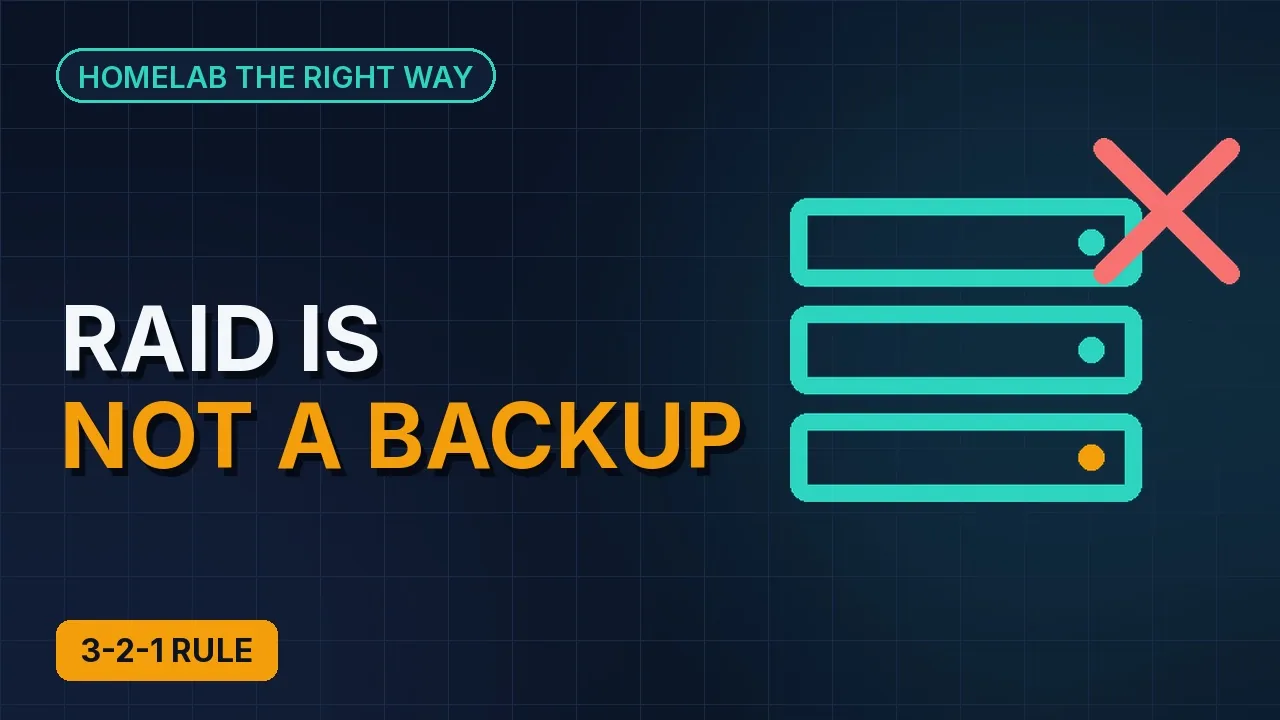
RAID is not a backup: the 3-2-1 rule, honestly
What actually counts as a copy under the 3-2-1 rule, why a RAID mirror or a snapshot only protects against one kind of failure, and the one-page inventory that exposes the gaps.
Three copies of anything you care about, on two different kinds of storage, with one of them somewhere else. Everyone has heard the 3-2-1 rule. Far fewer homelabs actually have it, because the rule is easy to say and the details are where it falls apart.
The problem is usually not that people have no backups. It is that some of the copies they are counting are not copies at all.
Things that feel like backups but aren't
RAID or a ZFS mirror. That is one copy on resilient disks. It protects you from a dead drive and from nothing else: not from rm -rf, not from a bad update, not from ransomware, not from the host catching fire. Delete a file and the mirror faithfully deletes it on both disks.
Snapshots. A ZFS or Proxmox snapshot lives on the same pool as the data. It is a wonderful undo button and a terrible backup. Lose the pool and the snapshots go with it.
A second copy on the same box. vzdump writing to a different directory on the same host is one disk failure away from losing both copies.
The NAS. A copy on the NAS is a real second copy. It is still in the same house, on the same power circuit, behind the same door.
The cloud sync folder. Sync is not backup. Delete the file at home and the cloud deletes it too, sometimes with a short grace period, sometimes not.
What actually counts
A copy counts when it survives the loss of the thing it was copied from. That one sentence settles most arguments about what is and isn't a backup.
Two kinds of storage means two things that do not fail together: local disk and a NAS, local disk and object storage, a Proxmox Backup Server datastore and a tape if you are that kind of person.
Off-site means a different building. A friend's house across town is off-site. The garage is not.
A shape that satisfies the rule for a typical Proxmox homelab looks like this:
| Copy | Where | Protects against |
|---|---|---|
| 1. The live data | Proxmox hosts, ZFS mirrors | A dead disk (and nothing else) |
| 2. Nightly backups | Proxmox Backup Server on a separate box, plus vzdump to the NAS for a few guests | Mistakes, bad updates, a dead host |
| 3. Off-site | Encrypted copy in object storage, or a PBS sync to a friend's box | Fire, theft, flood, ransomware that reaches the NAS |
Notice that row 1 is in the table. The live data is a copy, it just is not a backup. RAID earns its place by keeping you running through a disk failure, not by protecting your history.
Write the inventory first
Before touching a single backup job, write down what you are protecting. It fits on one page and it is one of the most useful documents a homelab can have.
One row per thing, four columns:
- What it is (Home Assistant VM, OPNsense, the photo server, the Proxmox hosts themselves, the NAS data share)
- How it is backed up
- How far back you can go
- How you would restore it
The last column is the one that exposes the holes. It is easy to write "nightly backup" in column two. It is much harder to write a restore path you have actually tried. Any row with "none" in column two, or a restore path you have never tested, is your to-do list.
Keep the table somewhere that survives the homelab: a note on your phone or a printed page. A recovery plan stored only on the server you are recovering is not much of a plan.
Decide what you do not back up
Backing up everything is how backup storage fills up and jobs start failing. Some things are cheaper to rebuild than to store:
- Downloaded ISOs and container templates. Keep a list, not the files.
- Media libraries you can re-rip or re-download, if you are honest about whether you would.
- Scratch VMs and test containers. Tag them
scratchso the exclude is obvious. - Caches: transcodes, thumbnails an app will regenerate, package caches.
Everything not on that list gets backed up by default. "By default" is the important phrase: a backup job that protects new guests automatically, rather than a hand-picked list, is what makes it true.
Checklist
- Inventory written: one row per thing, with how it is backed up, how far back, and the restore path
- Every row has a copy on a second kind of storage and one off-site
- RAID, snapshots and sync folders are not counted as backups anywhere in the table
- A short list of what you deliberately do not back up, and why
- The table lives somewhere that survives the homelab
RAID keeps you running. Backups get you back. You want both, and you want to know which one you are looking at.