
ScriptureSearch: find and compare Bible verses across translations
ScriptureSearch is a free Android app for searching the Bible by keyword or reference, comparing translations and sharing verses.
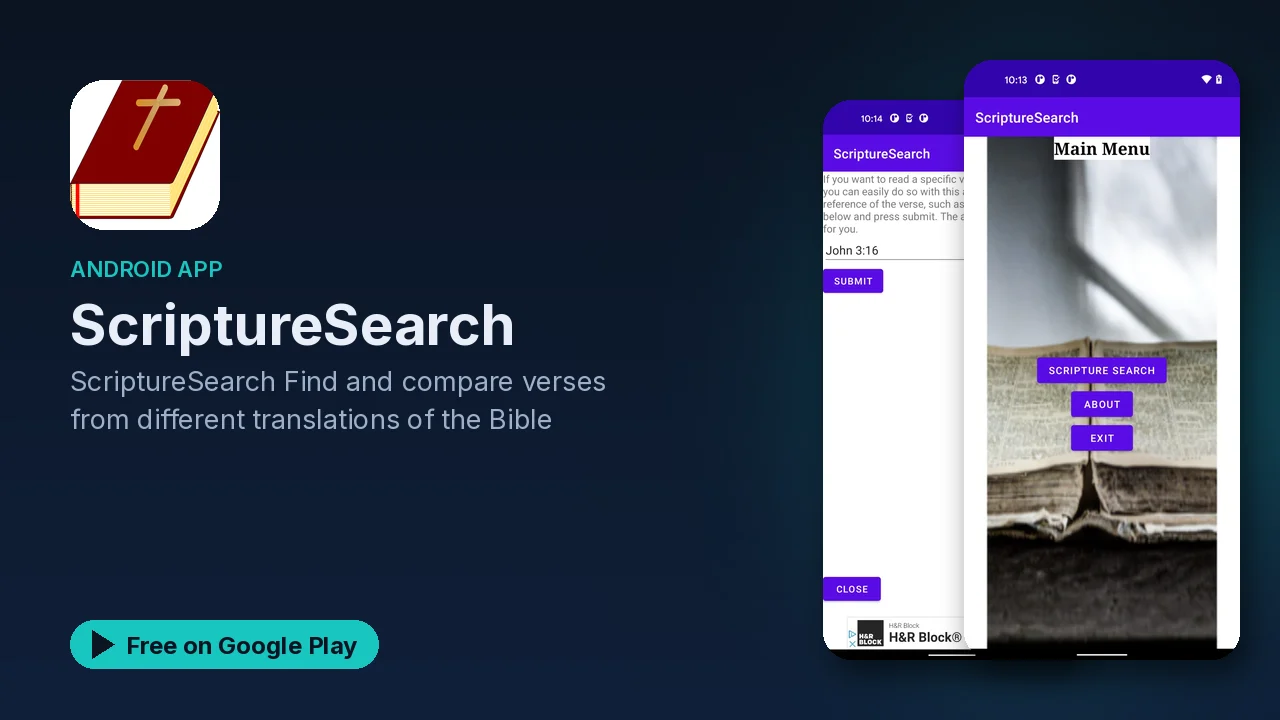
You remember part of a verse, a phrase or a word, but not where it is. Or you know the reference and want to see how different translations put it. Flipping through a printed Bible or several websites for either job is slow. ScriptureSearch is built for exactly those two moments: find the verse, then compare it.
What it does
- Search by keyword or reference. Type a word or phrase you remember, or a reference you already know.
- Compare translations. See how a verse reads in different translations of the Bible.
- Share verses with friends by social media, email or text.
- Reading plans and devotionals. The listing mentions access to reading plans and devotionals.
- Easy to use. A focused app built around search.
Two ways to search
The search box handles both kinds of lookup:
- Keyword search is for when you remember the words but not the location. Search a distinctive word or short phrase rather than a common one, so the results stay focused.
- Reference search is for when you know where a verse is and want to read it, or compare it.
A practical habit: when a keyword search turns up too many results, add a second distinctive word from the verse.
Why compare translations
Translations differ in how literally they follow the original wording and in how they phrase it for modern readers. Putting two or three side by side is one of the simplest ways to understand a verse better, because a word that seems odd in one may be clearer in another. It also helps when you are studying a specific topic and want to see how a key word is rendered. ScriptureSearch makes that comparison part of the same search, rather than a separate trip to another site.
Where the text comes from
The listing says the app is based on bible-api.com, a popular online Bible tool. That means ScriptureSearch fetches verses online, so expect to need an internet connection for searches.
Sharing what you find
Once you have the verse you were looking for, you can send it on directly: through social media, by email or as a text message. It is handy for sending a verse to a friend, a study group or a family chat without copying and pasting.
A simple way to use it
- Search a phrase you half remember, or type a reference.
- Open the verse you meant.
- Compare it in another translation.
- Share it with whoever needs it.
Good to know
- Price: free.
- Ads: the app contains ads.
- In-app purchases: none are listed.
- Connection: verses come from an online Bible tool, so searches need internet access.
- Category and rating: Lifestyle, rated Everyone.
Is it for you?
- You often remember a verse's words but not its location.
- You like comparing how different translations phrase the same passage.
- You share verses with friends, family or a study group.
- You want a focused search tool rather than a full reading app.