
Every mile logged. No trip caps. Ever.
Automatic trip detection on your phone, one-tap business/personal classification, IRS-ready CSV and PDF reports, gig-earnings import and quarterly tax estimates — without a monthly trip limit.
What it does
Built for drivers who do 40 trips before lunch.
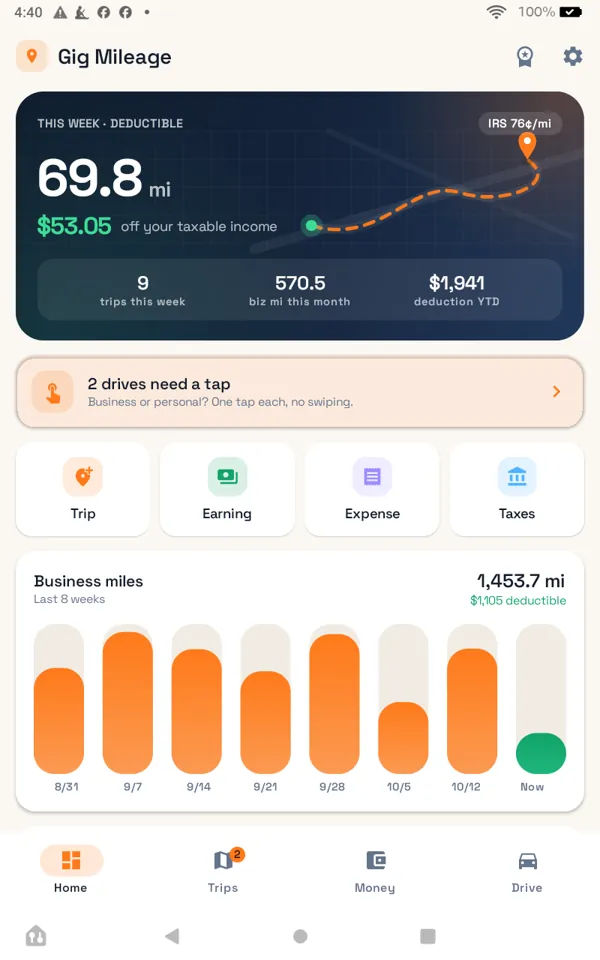
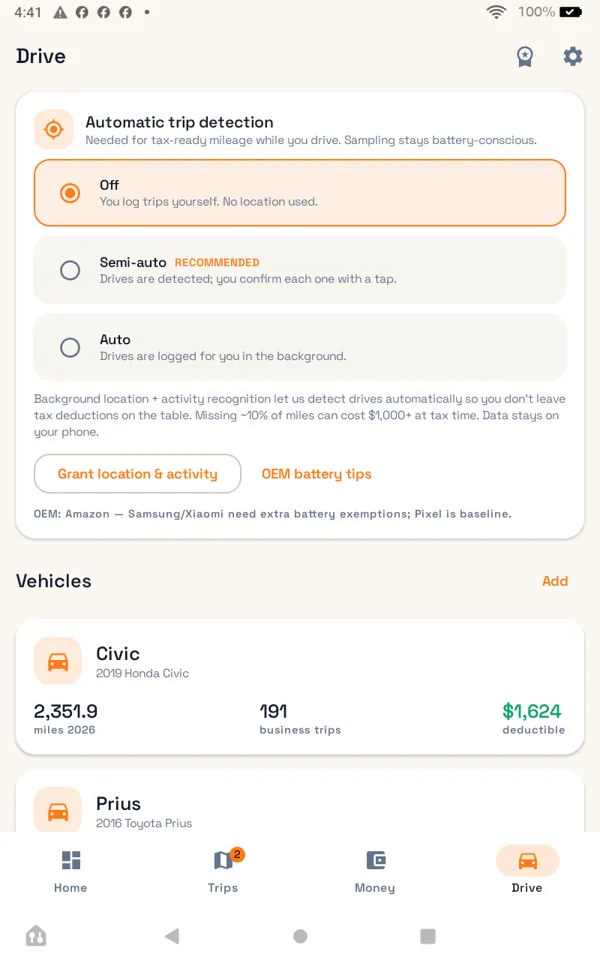
Automatic trip detection
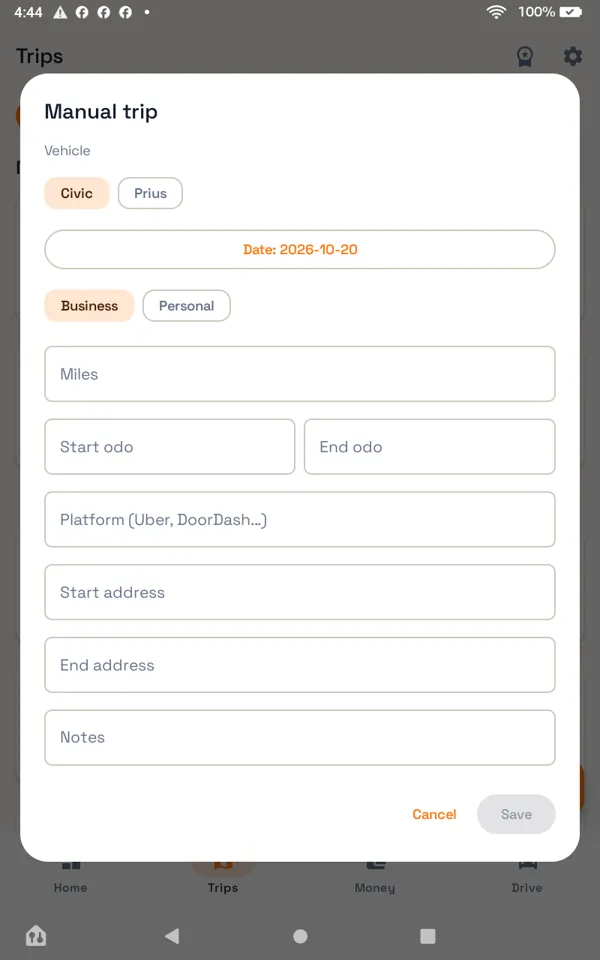
Uses your phone's activity recognition and location to start and stop trips while you drive. Manual trips too.
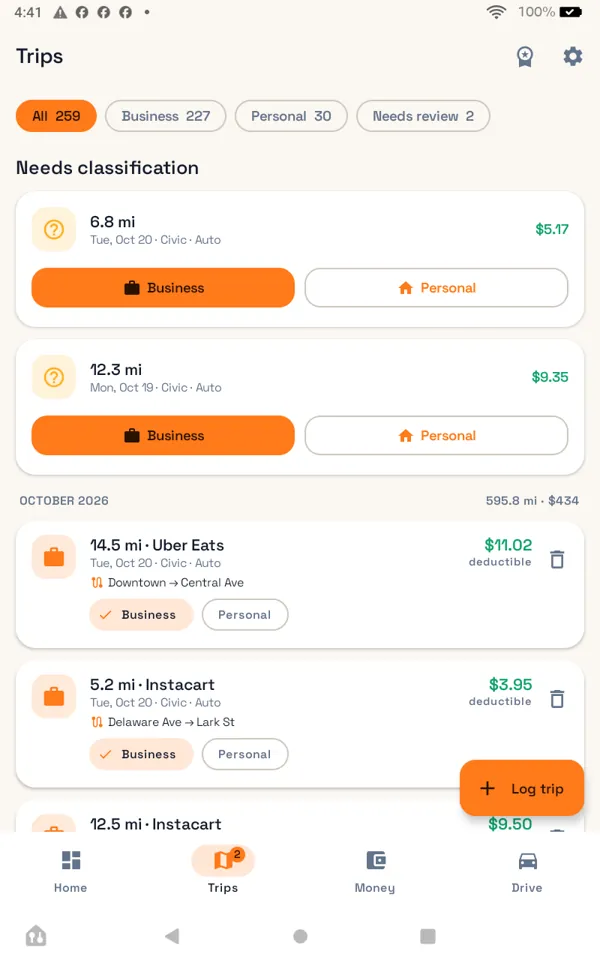
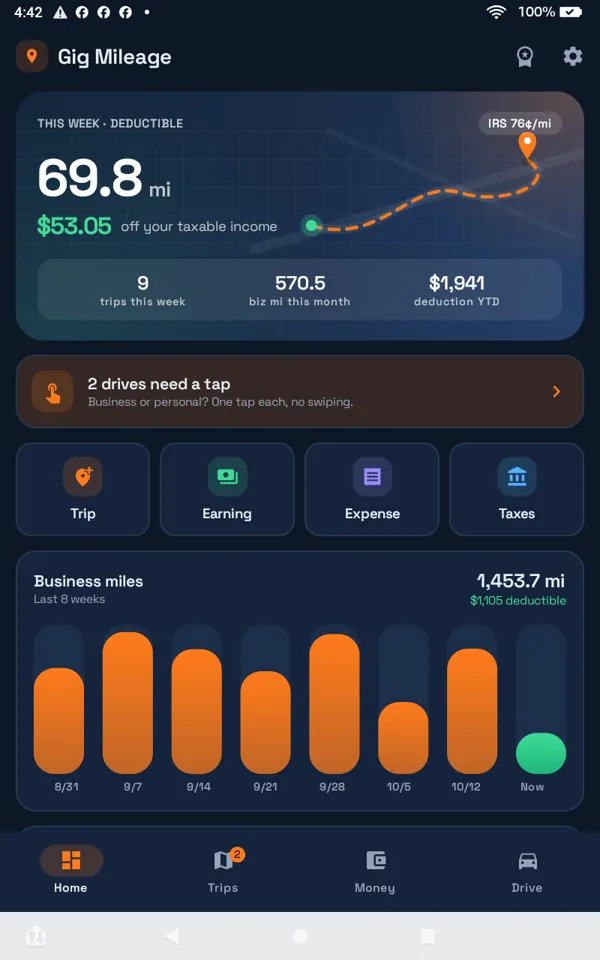
One-tap classify
Business or personal with one tap; no swipe-grind on every drive.
IRS-ready reports
CSV and PDF exports with dates, miles, purpose and the standard mileage rate.
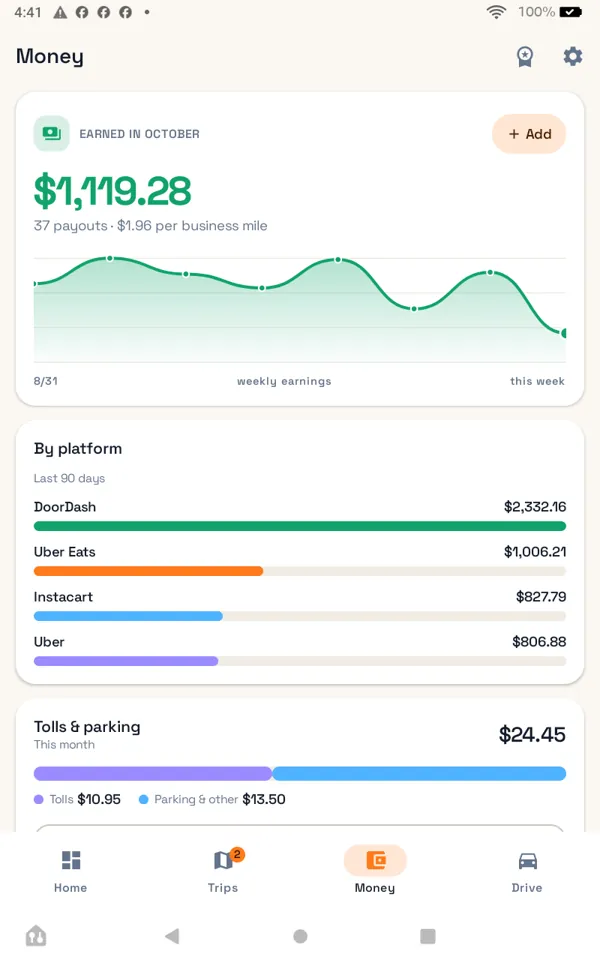
Gig-earnings import
Import the CSV statements your platforms give you and see earnings next to miles.
Tolls and parking
Add expenses to a trip so the report is complete.
Quarterly tax estimates
A simple estimate from your business miles and imported earnings.
See it in action
A short walkthrough of the real app.
How it works
- Turn tracking onGrant location (including in the background) and physical-activity permission; trips start and stop on their own.
- Classify in a tapReview the day's trips and mark each one business or personal.
- Export when you need itMonthly or yearly CSV/PDF for your records or your tax preparer.
Screens
Real captures from the app.
Free and Pro
The free app is the real app, with ads. Gig Mileage Pro is an optional monthly or yearly subscription through Google Play; the price shows in the app in your currency.
Free
- Automatic and manual trips, no cap
- One-tap classification
- CSV export
- Home-screen widget
- Ads on list screens
Pro
- No ads
- PDF reports and platform breakdowns
- Gig-earnings import
- Quarterly tax estimates
Private by design
Your trips stay on your phone. Location is used only to record your drives and is never sent to a server of ours. No account.
In your language
On first launch you pick your language. The app downloads a free on-device translation pack from Google (ML Kit) for it and translates its screens on your phone; you can change the language any time in Settings. Translations are automatic, so a phrase may read a little differently than a native speaker would put it.
FAQ
Does it track me all the time?
Trip detection runs in the background while tracking is on, with a visible notification. Turn tracking off any time and nothing is recorded.
Where is my location data stored?
Only on your phone, in the app's private database. It is not uploaded anywhere.
Is this tax advice?
No. Reports and estimates are tools for your records; confirm with a tax professional.
Which platforms can I import?
CSV statements with date and amount columns; the importer lets you map the columns.
How do I get help?
Open an issue on our GitHub page.