Free 3D-printed Looki camera mount: snap-in cradle + hoodie collar clip (STL download)
A free, two-part 3D-printed mount for the Looki L1 wearable camera: a snap-in cradle and a collar clip. STL and OpenSCAD downloads, the exact ABS print settings that worked, and the print timelapse.
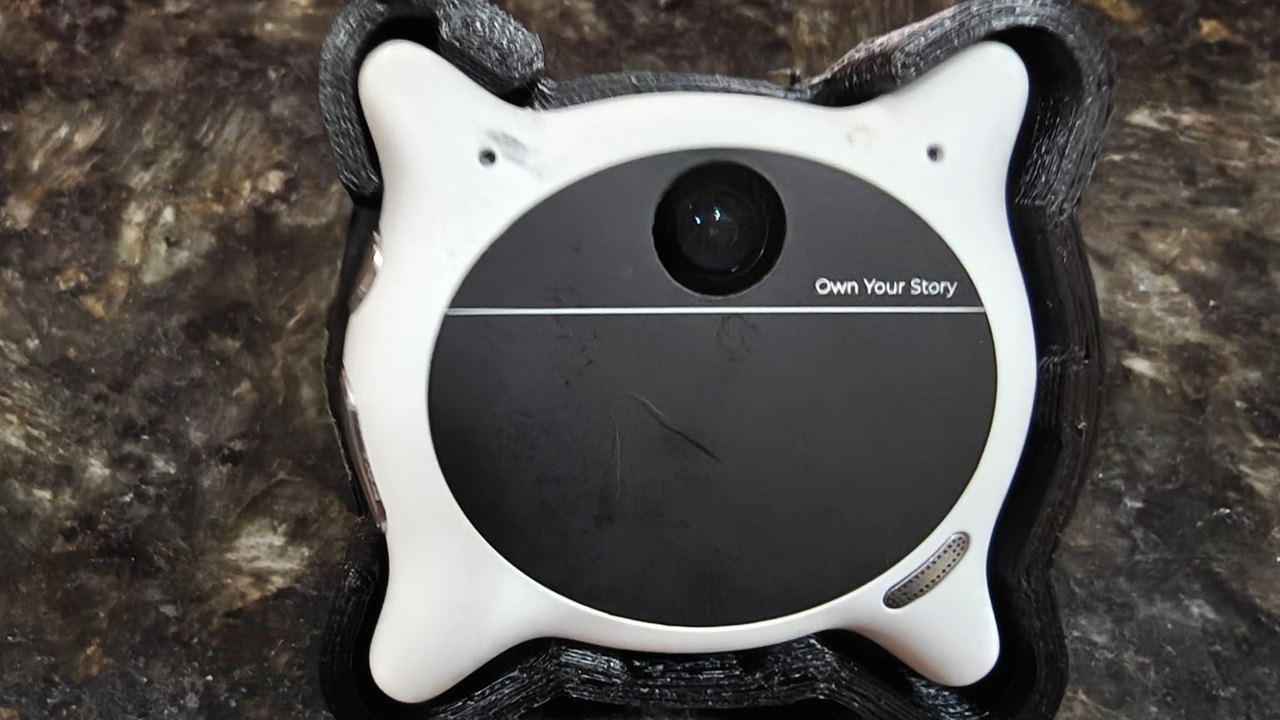
The Looki L1 is a small wearable camera, and the stock way to wear it does not suit every hoodie. This is a free two-part mount for it: a cradle the Looki snaps into, and a clip that slides down over a hoodie collar or hood edge. Both parts are below as STL files, with the OpenSCAD source so the fit can be changed for a different collar or a different unit.
The design went through four revisions before the fit was right. The version here is v4, the one that printed cleanly and holds the camera.
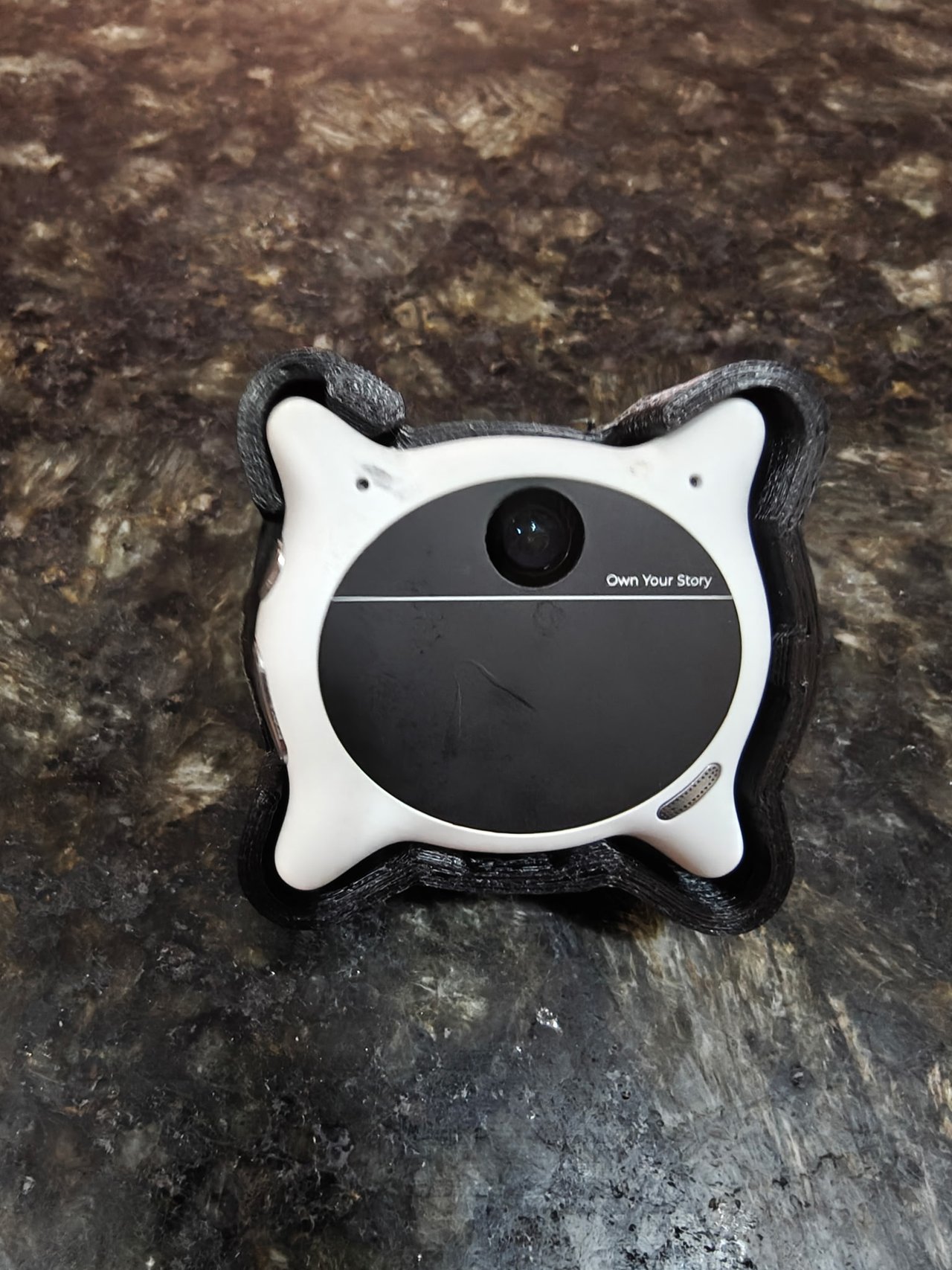
Printed and assembled
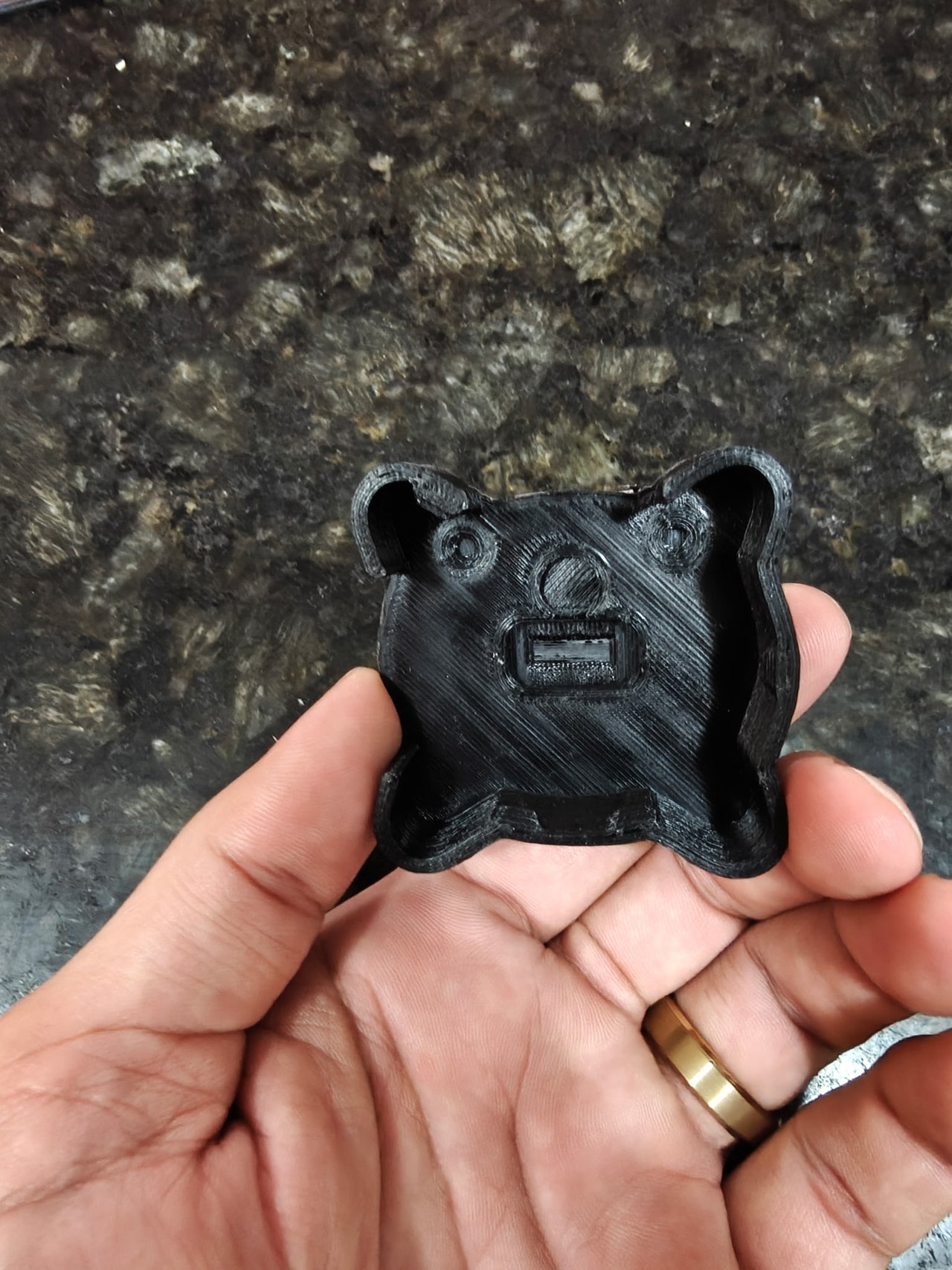
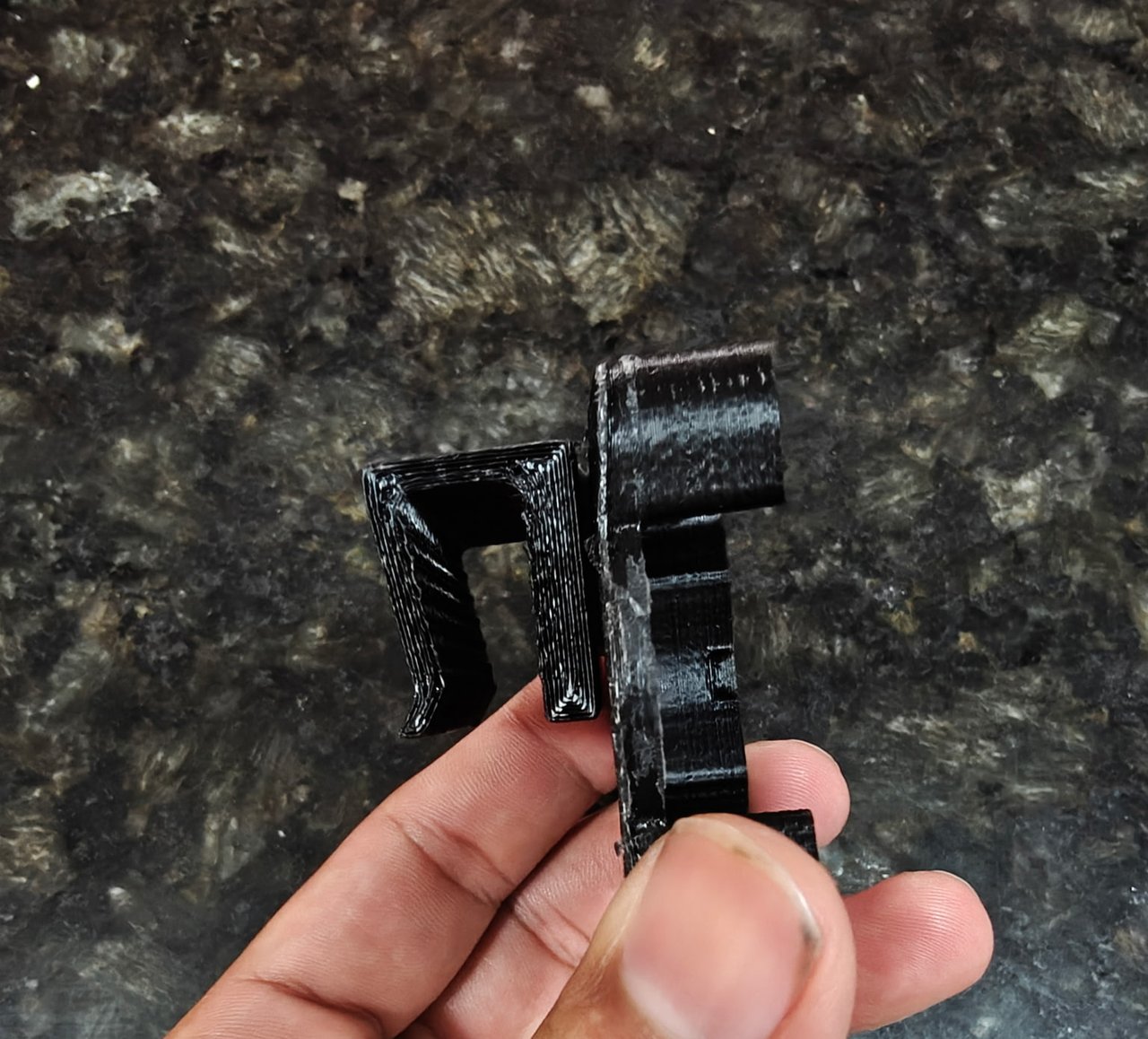
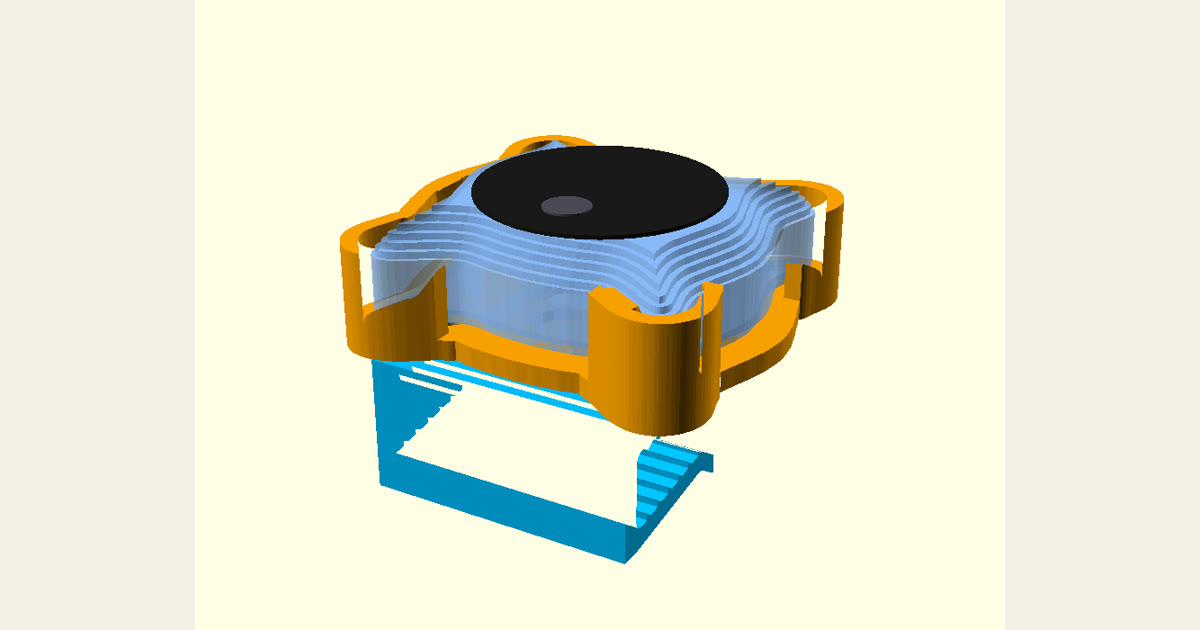
The photos on this page are the real v4 parts, printed in black ABS and assembled with the two M3 screws: the Looki snapped into the cradle, the back of the cradle with its screw holes and charging window, and the collar clip screwed on behind it.
Downloads
- looki_cradle_v4.stl (925 KB): the frame the Looki snaps into
- looki_clip_v4.stl (125 KB): the collar clip
- looki_mount_v4.scad: the editable OpenSCAD source
- abs_profile.ini: the PrusaSlicer profile the test prints used
- Everything as one zip
Also on Printables. License: CC BY 4.0, Charles Hartmann / Homelab the Right Way.
What the two parts do
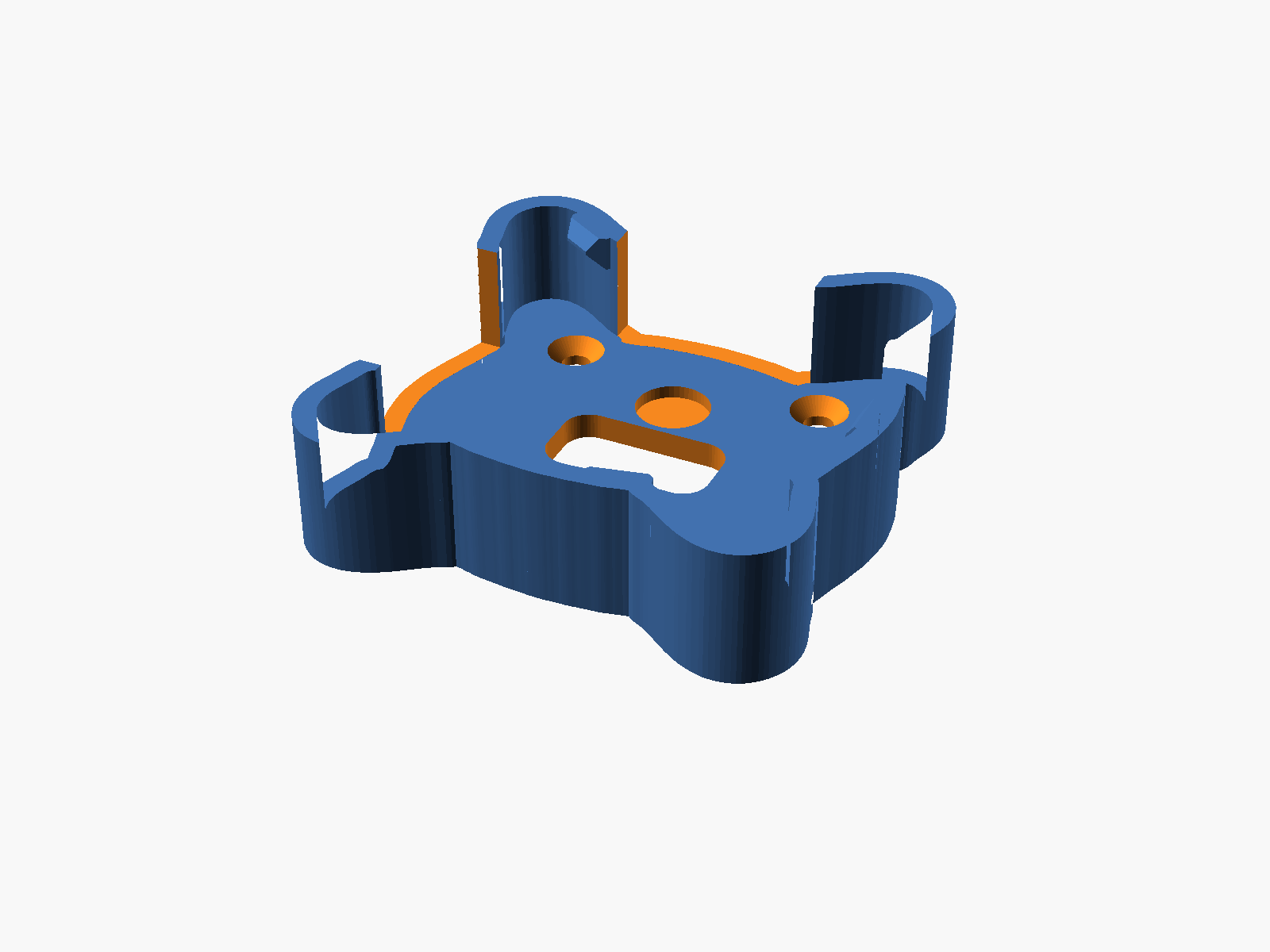
Cradle (looki_cradle_v4.stl). An open-faced frame with a 3 mm back plate and 2.5 mm walls. The Looki drops in from the top; four small ramped bumps reach 0.8 mm over its widest edge and click it in place. The back has a rectangular window over the Looki's magnetic charging pins, a round pocket for an optional magnet, a gap on the left side for the buttons, and the lens opening at the top. Outer size about 57.5 x 56 x 12.5 mm.
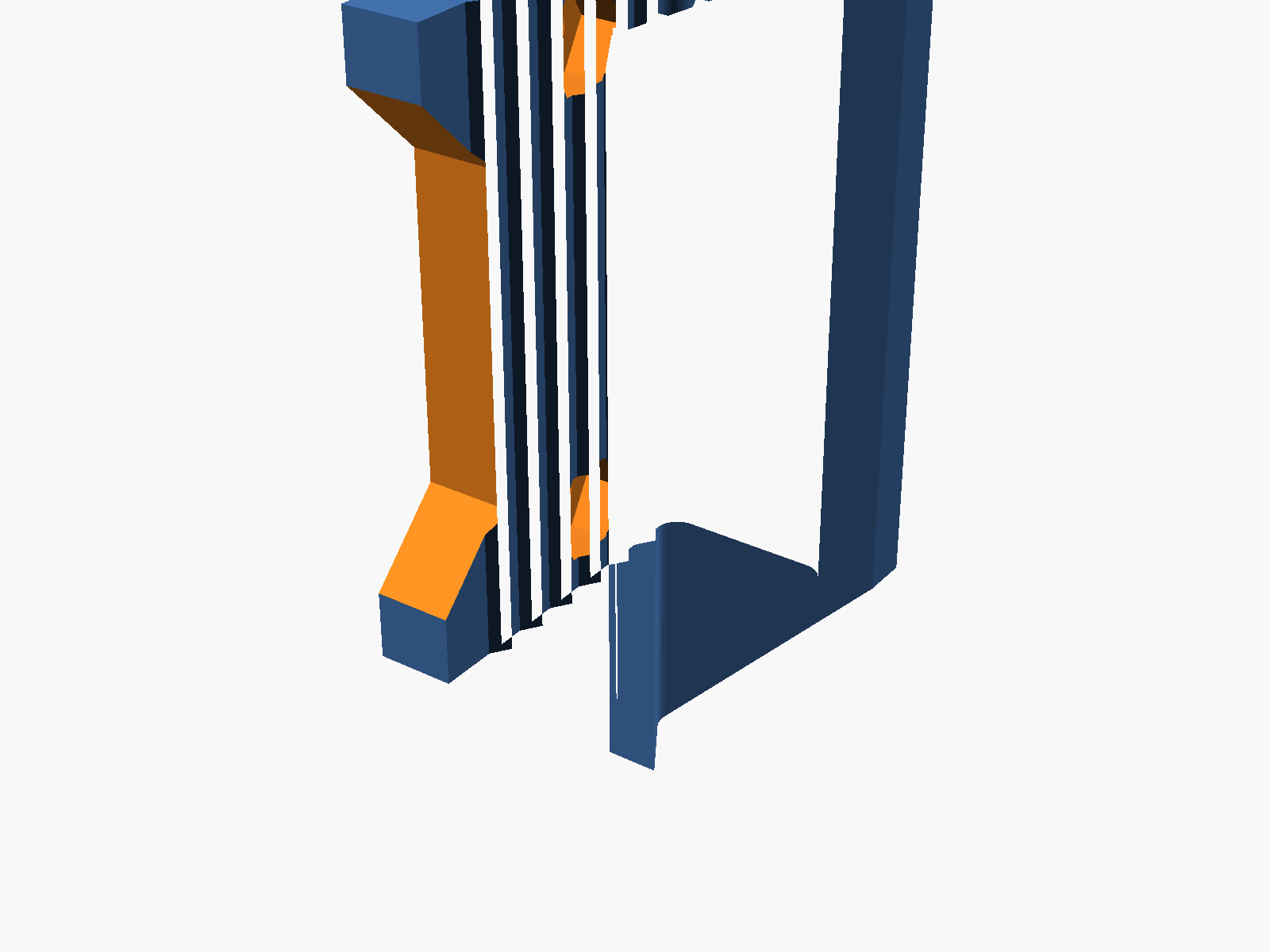
Clip (looki_clip_v4.stl). A spring-free U-clip for a collar or hood edge about 12 mm thick when folded. Teeth on the inside let it slide on easily and bite when it is pulled up. 40 x 26 x 20 mm.
The two parts are held together with 2x M3 x 8 mm countersunk screws (ISO 10642 / DIN 7991) and 2x M3 hex nuts. The screw holes sit 15 mm either side of centre and 12 mm below the top edge on both parts, so they line up when the top edges are flush.
Print settings that worked
These parts were printed in ABS on a da Vinci printer with a 0.4 mm nozzle, and the settings below are the ones from the successful prints, not a guess:
- Nozzle 240 °C, bed 100 °C, part cooling fan off
- 0.2 mm layers, no supports (the retention bumps have 45-degree undersides)
- Raft: 3 layers, 0.2 mm contact gap, 1.5 mm expansion. No brim, no skirt. Both parts stayed flat on the bed with it.
- Cradle: 4 perimeters, 40 percent gyroid infill. About 2 h 30 min, about 13.6 g of filament.
- Clip: 6 perimeters, 6 top and bottom layers, 100 percent infill. About 1 h 40 min, about 10 g.
- Orientation: print as exported. The cradle lies flat on its back. The clip lies on its side with the U profile flat on the bed, so the layer lines run around the bend and the arm flexes instead of snapping.
The included abs_profile.ini has all of this. PETG should also work (it flexes more and does not mind a warm hoodie); set material = "PETG" at the top of the .scad to get the slightly tighter pocket clearance, then export a fresh STL. Only ABS has been test-printed.
Assembly
- Press the 2 nuts into the hex pockets on the inside face of the clip's front arm (the side that touches the fabric).
- Line the clip up behind the cradle, top edges flush, with the U opening downward.
- Put the screws in from inside the cradle and tighten. The heads sit flush, so the Looki lies flat on them.
Optional: glue an 8 x 1.5 mm steel disc or a small neodymium magnet into the round pocket in the cradle floor with CA. It sits under the Looki's built-in magnet and adds pull. If you use a magnet, check that it attracts the Looki before gluing it in.
Using it
- Snap the Looki in: buttons go on the open left side, lens at the top. Hook the right edge under the right-hand bump, then press the left and bottom down until it clicks.
- Take it out: push on the Looki's back through the rectangular window.
- Wear it: slide the clip straight down over the collar or hood edge with the cradle on the outside.
- Charging: the window sits over the charging pins. If the magnetic cable head does not fit under the clip, pop the Looki out to charge.
Changing the fit (OpenSCAD)
Everything adjustable is at the top of looki_mount_v4.scad. Edit, press F6, export the STL.
dev_w,dev_h,dev_t: the Looki's size. Defaults are the published 50.53 x 48.02 x 16.84 mm.clr: clearance around the pocket (1.0 mm). Too tight: 1.3. Rattles: lowerdev_hslightly or raisebump_ov.collar_t: folded collar thickness, 10 to 15 mm.squeezemakes the mouth that many millimetres tighter than the fold (3 by default; 4 if it slides, 2 if it is hard to push on).tilt: 5, 10 or 15 points the lens down that many degrees, for a collar that leans back.clip_len: clip depth, 26 mm by default. Longer grips more fabric but covers more of the charging window.screws = falseremoves the screw holes if you would rather glue the clip on.
How it was made
The pocket outline was traced from the Looki's published size and the FCC filing photos, then adjusted after real prints: v1 had the width and height swapped, v2 was rotated, v3 had its retention bumps too low to touch the camera. v4 moved the bumps up to the camera's real widest edge and added 3 mm to the walls. If your unit is a slightly different size, the .scad takes calipers measurements directly.
Not affiliated with Looki. The Looki L1 is a product of looki.ai; this is an independent, free accessory.