Hartmann Office: documents, spreadsheets and slides on Luma
An open-source office suite for Luma, with local files, OpenDocument support and no account required to edit.
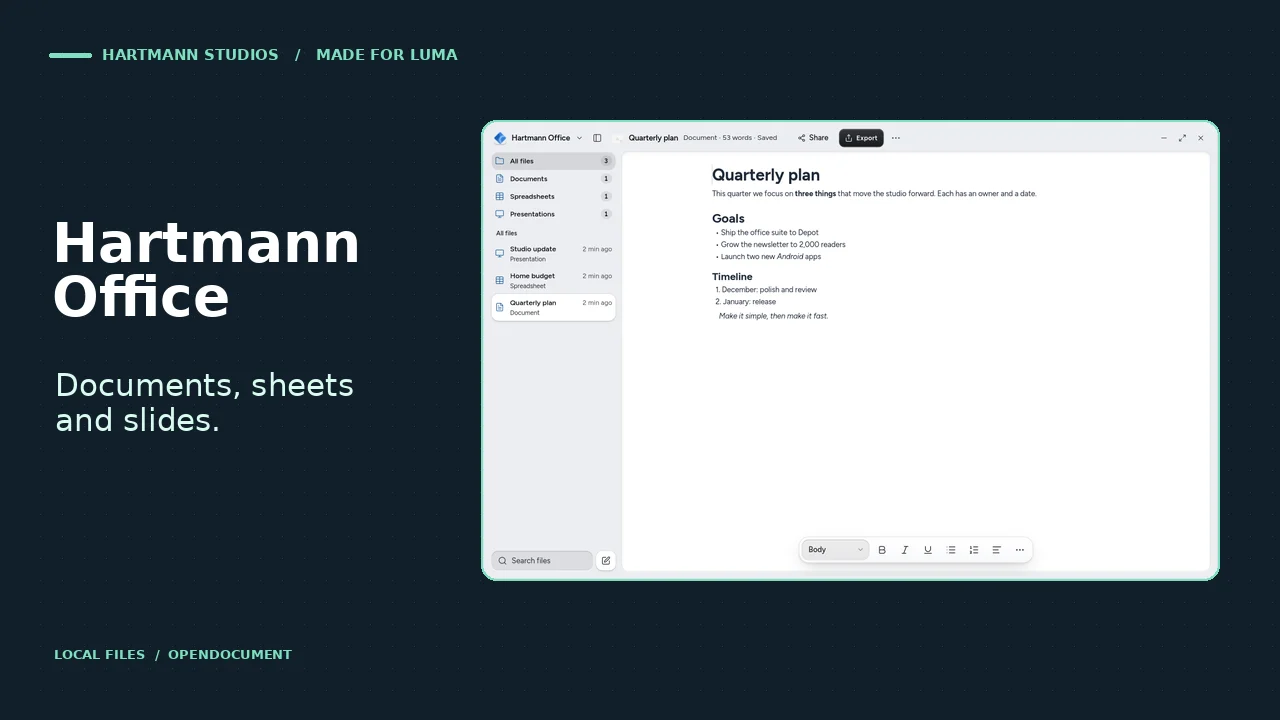
A quick meeting note, a parts budget and a five-slide walkthrough don’t need three separate apps. Hartmann Office bundles a document editor, a spreadsheet and a presentation editor for Luma. The editors work with local files and don’t require an account. Open the app and you can start working without signing into a cloud service.
Three editors, one file library
Use Documents for notes and reports: headings, lists, basic formatting, word count, find and replace, and Letter or A4 pages. For a small project budget, Spreadsheets gives you multiple sheets, familiar functions like SUM, IF and VLOOKUP, number formatting, sorting and fill down. Presentations is for simple decks: title and section slides, themes, speaker notes and a full-screen presentation mode.
Try a small workflow before moving anything important. Make a one-page plan, total a few parts in a sheet, and build a three-slide status update. Save copies, reopen them, and check how the layout looks in the editor the recipient actually uses.
Use OpenDocument when you share
Hartmann Office uses .odt, .ods and .odp for documents, sheets and slides. That gives you a starting point for sharing with LibreOffice or other apps that support OpenDocument. It isn’t a promise that complex files will look identical in every editor. If the other person only needs to read or print the result, PDF is the safer handoff. There’s also support for CSV and Markdown where those simpler formats make sense.
Free editors, optional Pro
The three editors are free to use. Office Pro adds extras such as document and slide templates, more themes, version history, and headers, footers and page numbering on printed or exported documents. The app source, including the Pro code, is published under GPL-3.0-or-later. Buying Pro is optional, and Stripe handles payments separately from your files.
Try the public build
Use the Hartmann Office GitHub release for the public Flatpak packages and checksums. This isn’t a Depot install. Our newer 1.2.1 build was tested on the x86_64 Luma VM; ARM package import passed, but that’s not the same as testing on an ARM device. If you find an OpenDocument compatibility issue, a small example that doesn’t include private data is useful in the Hartmann Office repository.
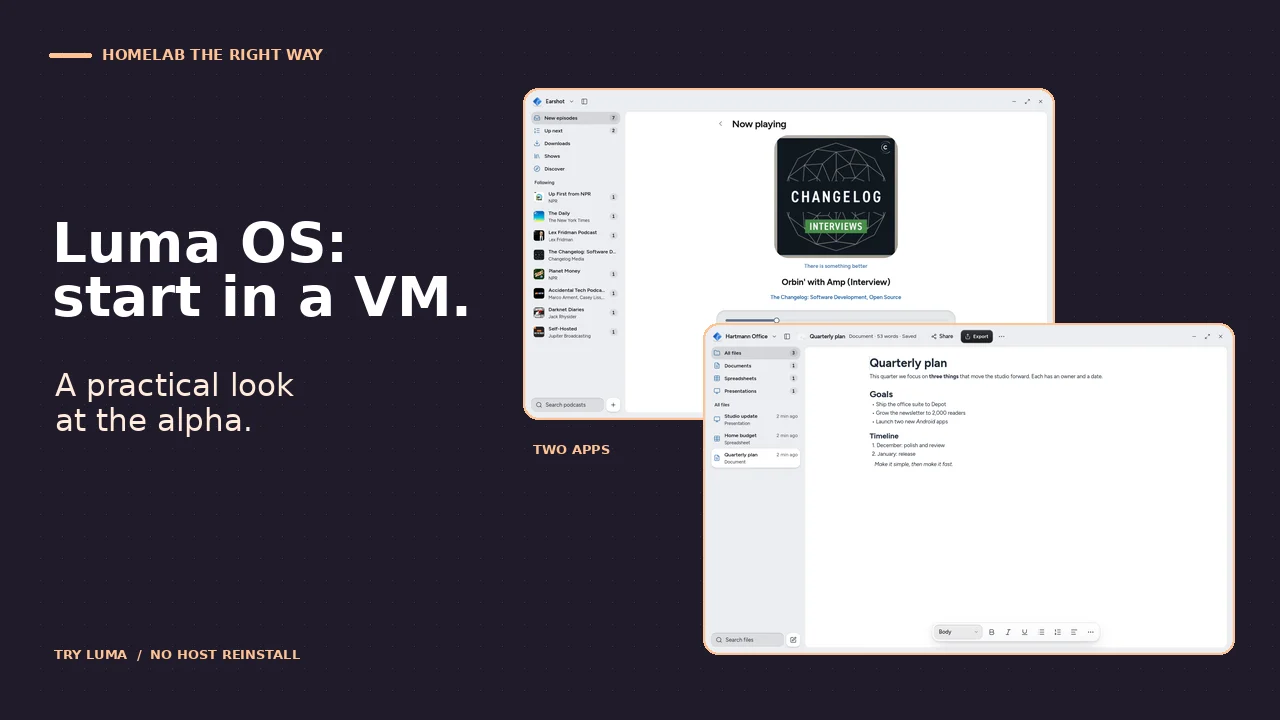
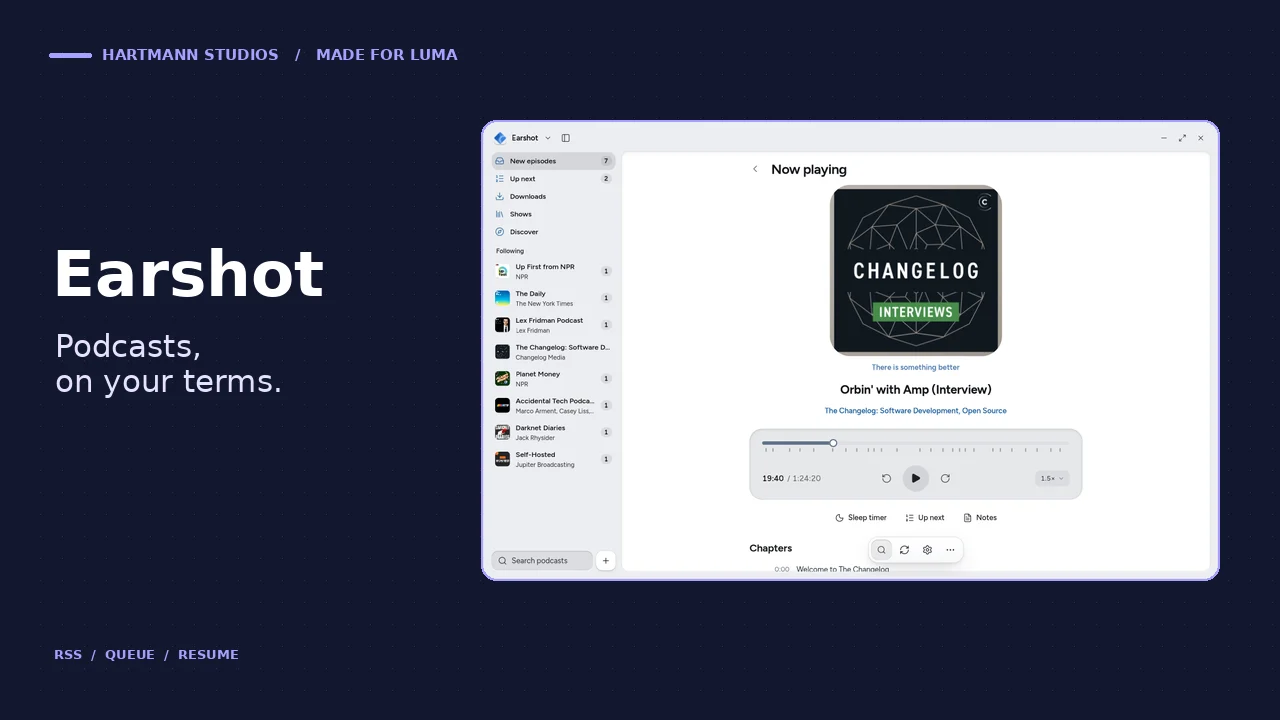
If you haven’t tried Luma yet, start with the Luma VM guide. You can also find Hartmann Office and Earshot together on our Apps page.