TradeCoach AI: learn investing with an AI coach and on-device models
An Android stock-learning app with AI chat, on-device or Ollama models, live market data, a watchlist and portfolio tracker, price alerts and gamified lessons.
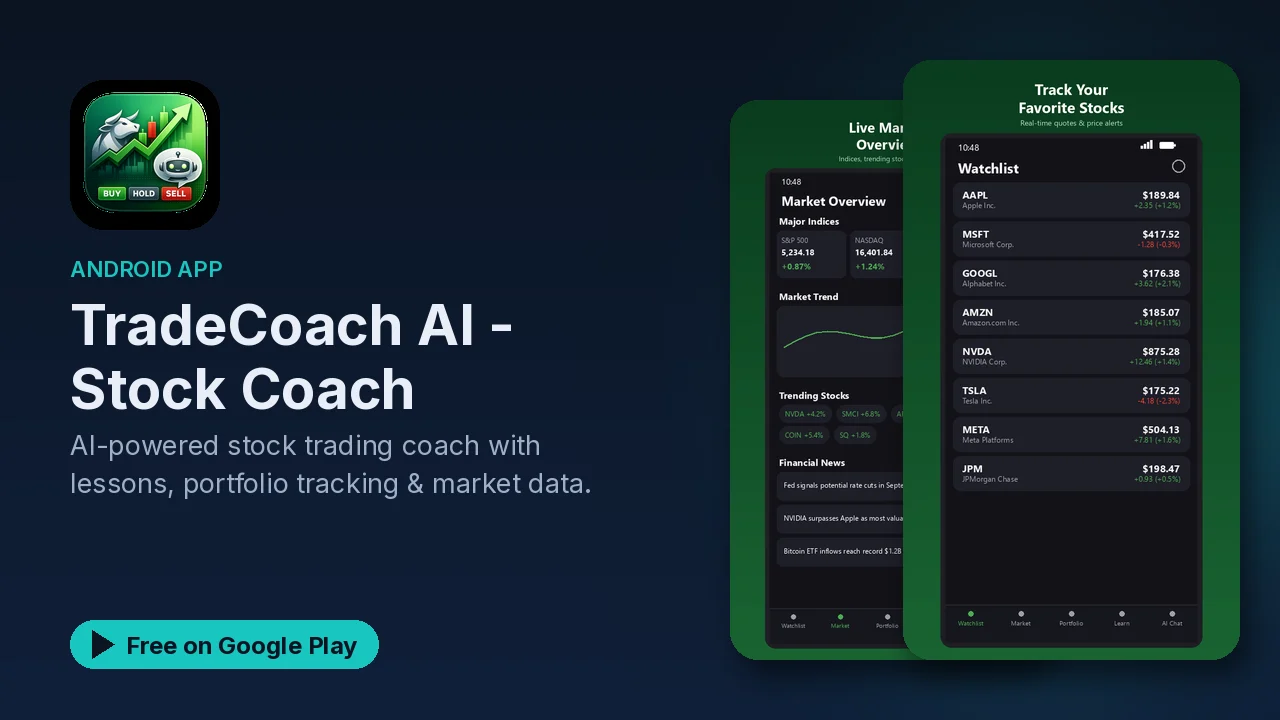
Learning the stock market as a beginner usually means a pile of browser tabs, jargon you have to look up, and no one to ask "why would anyone hold this?". TradeCoach AI puts a learning path, market data and an AI you can question in one Android app, with the option to run that AI entirely on your phone or on your own hardware.
Up front, as the app itself says: TradeCoach AI provides educational information and AI-generated recommendations. It is not financial advice.
What it does
- AI coach and chat. Buy/hold/sell recommendations with explanations, and a chat where you can ask about a stock, a strategy or a market concept.
- On-device models. Gemma 4, Gemma 3, DeepSeek R1 and Qwen models, from 555 MB to 3.7 GB, that run on the phone with no internet needed after download and no API keys.
- Other AI options. A local Ollama server, or cloud providers: OpenAI, OpenRouter and Groq.
- Live market dashboard. Real-time quotes, the S&P 500, NASDAQ and Dow Jones, trending stocks, candlestick-style charts and curated financial news.
- Watchlist and portfolio. Track positions with gain/loss calculations and export to CSV.
- Price alerts. Get notified when a stock hits your target.
- Home screen widgets for your watchlist, portfolio and single stock prices.
- Gamified lessons. 15 modules across 3 difficulty tiers, with XP, levels, achievements, daily and weekly challenges, quizzes, flashcards and spaced repetition.
Picking where the AI runs
This is the choice that shapes how the app behaves, and it is a homelab-friendly one:
| Option | Where it runs | Needs |
|---|---|---|
| On-device | Your phone | A one-time model download (555 MB to 3.7 GB) |
| Ollama | Your own hardware | An Ollama server you run |
| OpenAI, OpenRouter, Groq | The provider's cloud | An account with that provider |
The listing describes the on-device and Ollama routes as 100% local AI processing with no data leaving your device. The cloud routes trade that for bigger hosted models. If you already run Ollama at home, pointing TradeCoach at it lets you use a larger model than a phone can hold while keeping the chat on your network.
Learning before trading
The lessons are the part to start with. Fifteen modules in three tiers give you a structure, and the quizzes, flashcards and spaced repetition are there to make the ideas stick rather than pass through. The XP, levels and challenges add a reason to come back daily. Once a concept is covered, the AI chat is a good place to ask follow-up questions in your own words.
Privacy
Your watchlist, portfolio, chat history and preferences are stored locally on the device. Analytics are anonymized and can be turned off in settings.
Good to know
- Price: free, with ads. No in-app purchases are listed.
- Category and rating: Finance, rated Everyone.
- Model sizes: on-device models range from 555 MB to 3.7 GB, so check your storage first.
- Disclaimer from the app: educational information and AI-generated recommendations only; not financial advice. Do your own research and consult a qualified financial advisor before making investment decisions. An AI recommendation can be wrong.
Is it for you?
- You are new to investing and want structured lessons with quizzes and flashcards.
- You want an AI you can ask questions without sending your chats to the cloud.
- You already run Ollama and would like your phone to use it.
- You want a watchlist, portfolio tracking and price alerts in the same place as your learning.