Face shape + color season for Android
Find your face shape and your best colors.
Take a selfie and Shape & Shade maps your face right on your phone, measures it, and shows you your shape with the lines drawn on. Your selfie is never uploaded.
- No upload
- No account
- Works offline
- Free face-shape scans
What it does
Your face shape, explained
Oval, round, square, heart, diamond or oblong, or "between two" when you're close. You see the measurements, not a mystery answer.
Ideas for your shape
Hairstyles, glasses frames, brows, beards and contour placement, drawn on a wide range of faces and skin tones.
Color Season (Pro)
Your skin, hair and eye colors sorted into one of 12 seasons, with a palette and colors to try or skip. For fun and style ideas.
Live drape (Pro)
Hold your phone up and swipe colors under your chin on camera to compare two side by side.
Glasses try-on (Pro)
Round, square, cat-eye, aviator, rectangle and browline frames placed on your face on camera.
Save and share
Save your scans and share a result card to any app you choose. Pro adds unlimited history and before/after compare.
How it works
- Take a selfie or pick a photo
An oval guide and live hints help you line up. Picking a photo uses Android's photo picker, so the app only sees the one photo you choose.
- Your phone maps your face
Google's MediaPipe face model runs on the phone and finds points around your face. Nothing is sent anywhere to do this.
- It measures and explains
Forehead, cheekbones, jaw and face length become ratios, and the ratios become your shape. You see the lines and the reason.
- Your photo stays yours
Scans you save stay in the app on your phone and are left out of cloud backups. Delete one, or all of them, any time.
A first look
These are simple drawings to show the idea. Real screenshots are just below.
A look inside
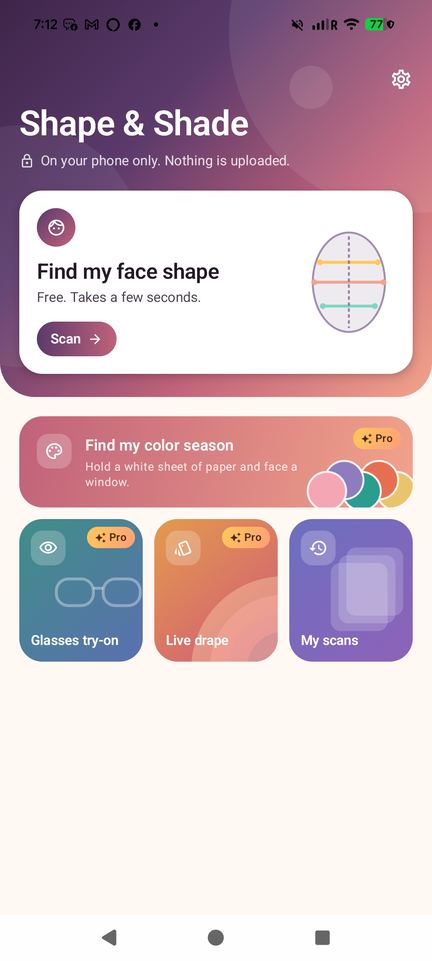
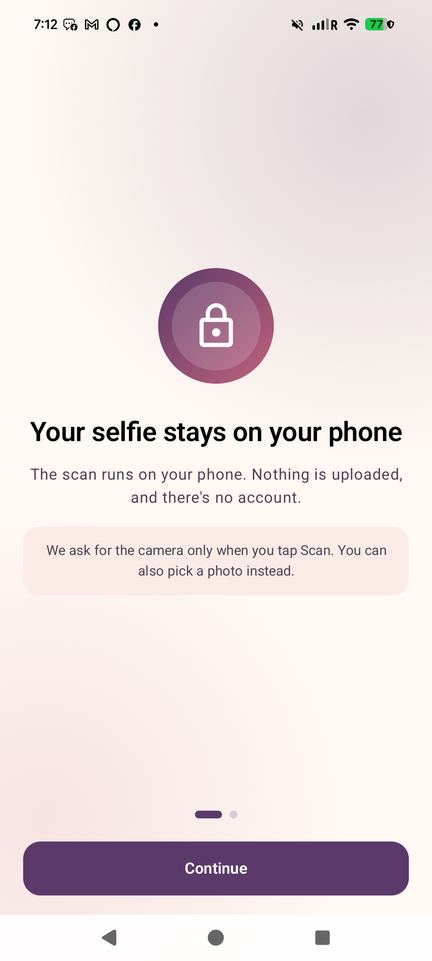
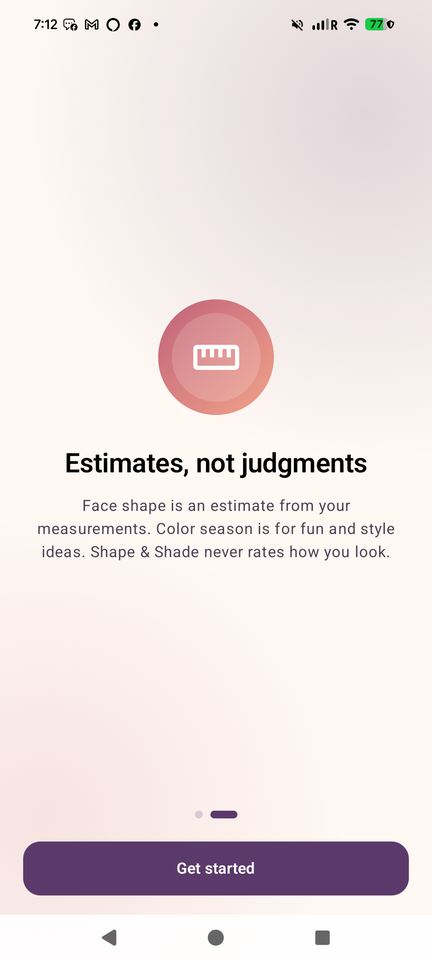
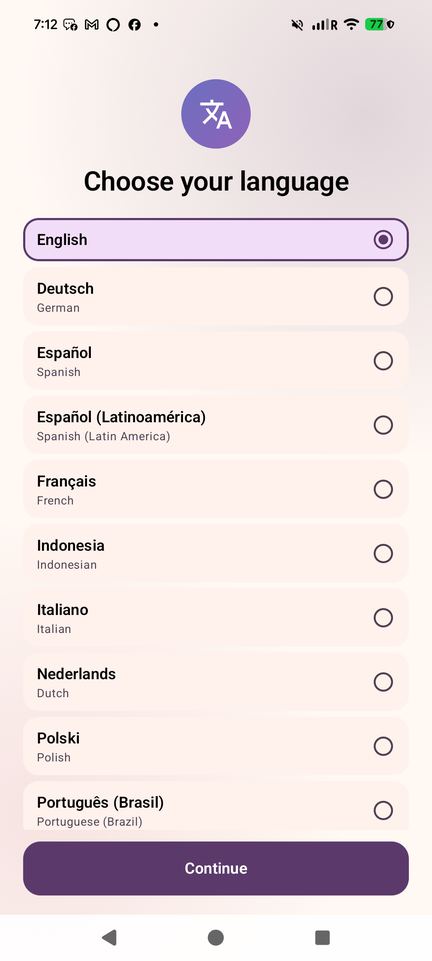
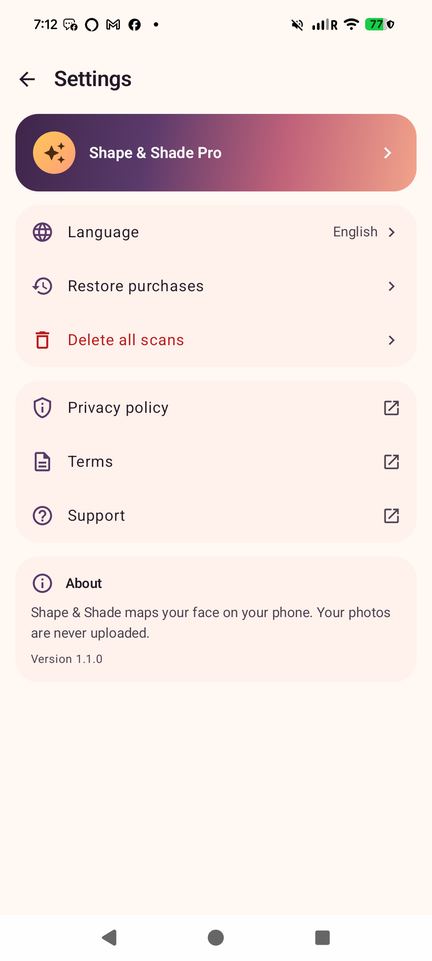
See it in action
Free, with an optional Pro
Free
With ads
- Unlimited face-shape scans with the full result and measurements
- Top tips for your shape in every guide
- 1 saved scan
- Share cards (with a small watermark)
- Watch a short ad to open one Pro guide for 24 hours
Pro
Subscription with a free trial for new subscribers, or a one-time lifetime unlock
- Color Season: your 12-season palette, with colors to try and to skip
- Live drape on camera
- Glasses try-on
- Full guides
- Unlimited history and before/after compare
- Clean share cards
- No ads
Prices are shown in Google Play and may vary by country. Ads are never shown on the camera screen, and never before your result.
FAQ
Is my selfie uploaded anywhere?
No. The face mapping runs on your phone with Google's MediaPipe, and the photo is never sent to us or to anyone else. There is no account and no server. The scan even works in airplane mode.
How does it find my face shape?
It maps points on your face, then measures your forehead, cheekbone and jaw width and your face length. The shape comes from those ratios, and the lines are drawn on your photo so you can see why. When you sit between two shapes, it says so.
How accurate is it?
It's an estimate from measurements, not a verdict. Good light, a straight-on angle and hair pulled back give the most consistent result. Glasses, hats, beards and tilted photos can shift it.
What is a color season?
A popular way to group colors that tend to suit you, based on your skin, hair and eye colors: warm or cool, light or deep, soft or bright. Shape & Shade gives one of 12 seasons with a palette. It's for fun and style ideas, and works best in daylight.
Does it rate my looks?
No. There are no beauty scores, no attractiveness ratings, and no guesses about age, ethnicity or gender. It measures shape and samples colors, that's it.
Is it free?
Yes. Face-shape scans with the full result are free and unlimited, with ads. Pro is optional and adds Color Season, live drape, glasses try-on, full guides, unlimited history and no ads. Prices are shown in Google Play.
Who is it for?
Teens and adults who want ideas for haircuts, glasses, brows, beards or what colors to wear. It's meant for ages 16 and up and is not made for children.
When can I get it?
It's coming soon to Google Play for Android. This page will link straight to the listing when it's live.
How do I get help or report a bug?
Open an issue on GitHub. Issues are public, so please don't post photos or personal information.
Need help?
Found a bug or have an idea? Open an issue on GitHub. Issues are public, so please don't include photos or personal details.
Open an issue