How Shape & Shade maps a face on your phone
A look under the hood: 478 face points from an on-device model, four measurements, plain-math shape matching, and why the app shows the lines instead of a verdict.
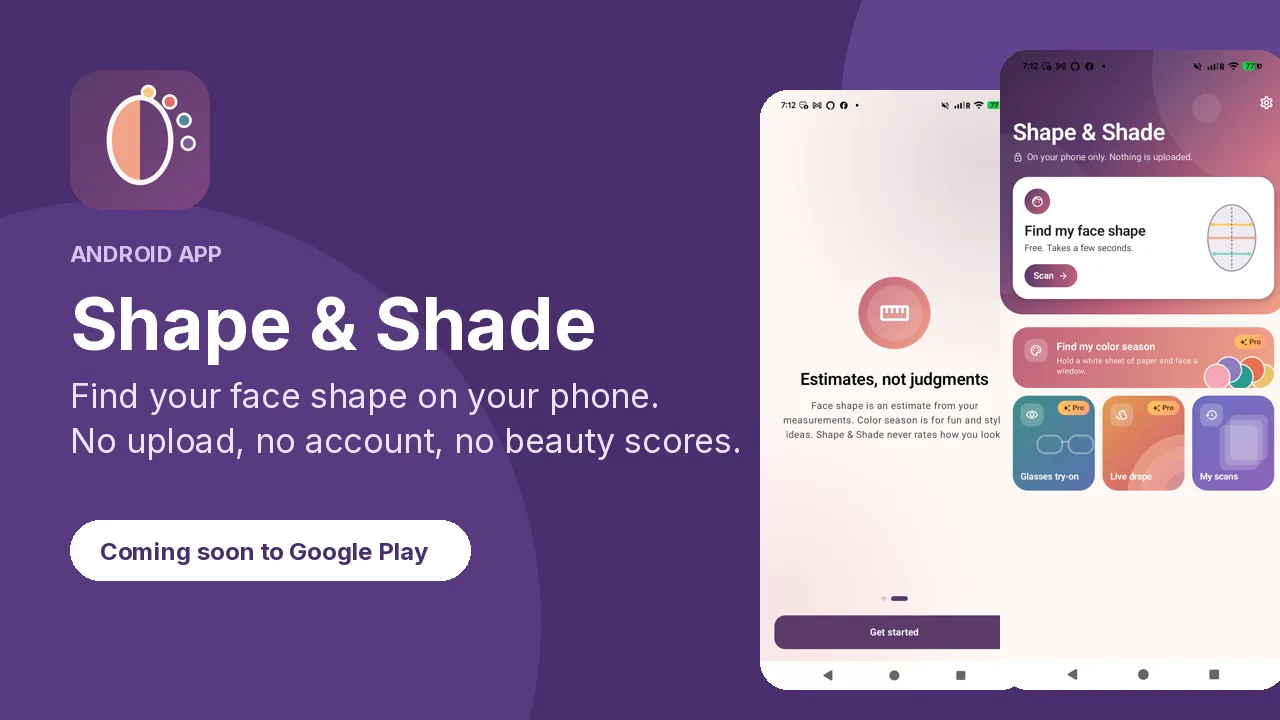
Shape & Shade answers one question, "what's my face shape?", without sending your face anywhere. Here's how it does that on the phone.
Step 1: find the face points
The app runs Google's MediaPipe Face Landmarker on the device (the float16 model, about 3.8 MB, bundled in the app). It returns 478 three-dimensional points: the outline of the face, the brows, eyes, irises, nose, lips and jaw. This is the only "AI" in the face-shape scan. Everything after it is ordinary arithmetic.
Step 2: measure
From those points the app takes four measurements:
- Forehead width, across the top of the face
- Cheekbone width, the widest line across the cheekbones
- Jaw width, across the angles of the jaw
- Face length, from the hairline area to the chin
It also looks at how sharp or soft the jawline is and how narrow the chin is. Dividing these gives ratios that don't depend on how far you held the phone: length to width, forehead to jaw, jaw to cheekbones.
Step 3: match, and say how sure
Each of the six shapes (oval, round, square, heart, diamond, oblong) has a reference set of ratios. The app measures how close your ratios are to each one. The closest is your shape. If the runner-up is nearly as close, the result says so ("between heart and oval") instead of pretending to be sure. That's why the result is called an estimate from your measurements.
Step 4: show the work
The result screen draws the measurement lines on your photo and lists the reasons in plain words, for example "Your forehead is wider than your jaw" or "Your jawline is softly curved". You can check it yourself.
What stays on the phone
The model, the photo, the points and the result. There's no account and nothing is uploaded. Pro's Color Season scan works the same way: a second on-device model (MediaPipe's selfie segmenter) separates skin, hair and clothes, and the colors are compared in CIELAB space with a white sheet of paper for white balance. Color season is for fun and style ideas.
What it doesn't do
No beauty scores, and no guessing at age, ethnicity or gender. The guides suggest; they don't judge.
Shape & Shade is free on Google Play: https://play.google.com/store/apps/details?id=com.charles.shapeshade.