Podcast, episode 2: Blue by Sunday — lock down your home network
Episode 2 of the Homelab the Right Way Podcast, 42 minutes with three AI hosts on zones, VLANs, OPNsense rules that mean something, the IoT discovery trap that turns the cast button grey, locking yourself out of your own firewall (and WireGuard as the way back in), plus this week's tech news, the LiveCaptionN app and a managed-switch gear break. Player, chapters, sources and links.
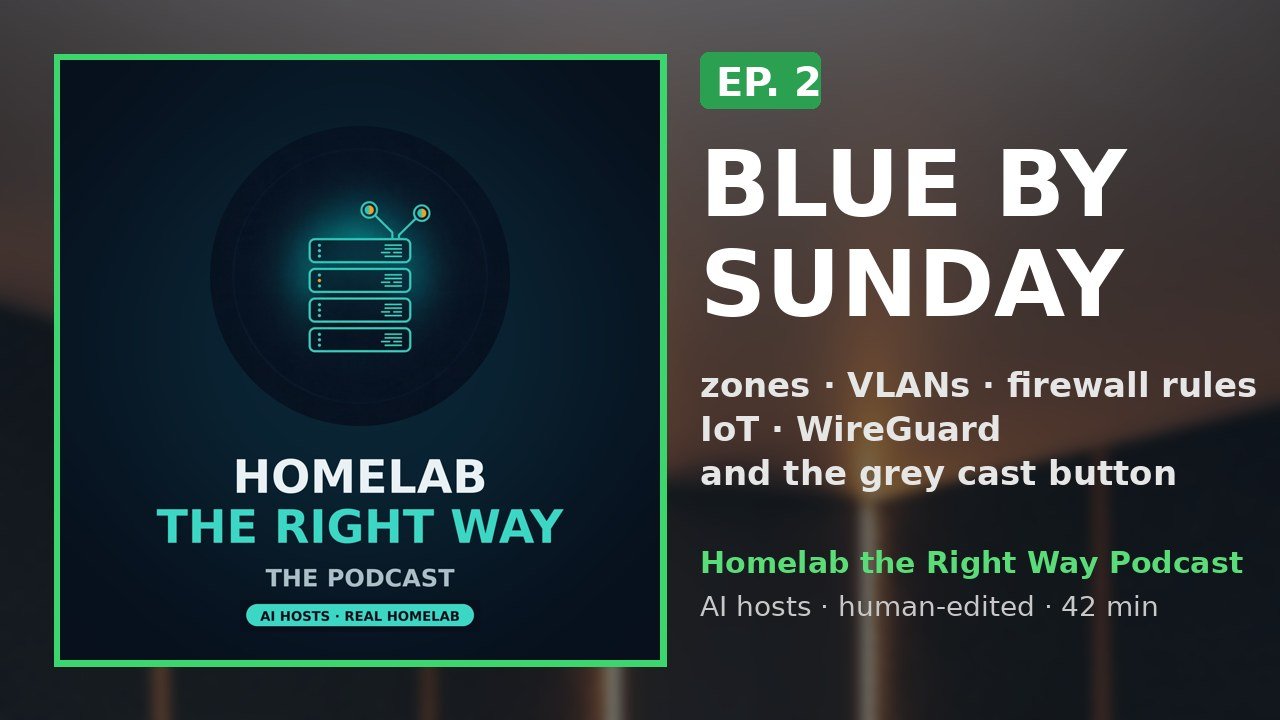
Episode 2 is the networking episode. Maya, Sam and Theo work through Lock Down Your Home Network (book 5) from the first question, "which zone is this device in?", to the Saturday-afternoon rule that locks you out of your own firewall. Along the way: this week's real tech news with sources, an app that actually belongs in a networking episode, and a managed switch.
A note on the hosts: Maya, Sam and Theo are fictional AI hosts. Their voices are synthetic, their faces in the clips are generated, and the episode was written with AI and edited by a human. Every technical fact in the episode comes from the Homelab the Right Way books; the news segment cites its sources below.
Chapters
- 00:04 — Cold open: the cast button is grey, and welcome
- 01:49 — New tech this week: TP-Link lawsuits, OPNsense 26.7.7, Home Assistant 2026.10
- 06:22 — Think in zones, then lock the front door
- 13:22 — VLANs from the wire up, and rules that mean something
- 21:36 — IoT that still works: why the cast button goes grey, and the Home Assistant leg
- 28:29 — App spot: LiveCaptionN, live captions that can run on your own server
- 30:53 — Gear break: the managed switch
- 32:13 — Listener question: I locked myself out of my own firewall. How do I never do that again?
- 39:04 — Merch, the ebooks, and the free weekly email
- 40:18 — Three takeaways, and where everything lives
New tech this week, with sources (01:49)
Three stories and one quick one, all checked the week of recording. The hosts only say what the sources say.
- Four more US states sue TP-Link; TP-Link denies the claims. Florida, Iowa, Montana and Nebraska filed consumer-protection suits on October 6 (Texas filed in February). The complaints allege advertised security that was not delivered (quoting the HomeShield page's "covers all security scenarios" against router models that stopped getting updates), an overstated separation from China, and a privacy-policy gap. TP-Link's statement the same day calls the suits "built on false premises", says its US routers are made in Vietnam and that it does not share customer network data with foreign governments. Sources: The Hacker News, Oct 9 and TP-Link's statement, Oct 6. These are allegations; nothing has been decided in court.
- OPNsense 26.7.7 (October 13). Mostly fixes: the Hyper-V kernel panic fix from 26.7.6 caused segmentation faults for others, now corrected; fixes in the new interface settings API; the iPerf and FRR plugins reworked (read FRR's migration notes before updating); os-ddclient 1.33. Source: the release announcement on the OPNsense forum.
- Home Assistant 2026.10 "You are here" (October 7; patches Oct 10 and 16). Trigger IDs get a proper UI, a new vector map on OpenStreetMap data with a Map tiles integration that fetches and caches tiles through your own instance, Home Assistant Cloud to be renamed Home Assistant Link in December, and 15 new integrations. Source: the Home Assistant release post.
- Quick one: Bitwarden switched to a dual-licensing model, per the Self-Host Weekly roundup of October 16; the concern about the "all current features" wording is the newsletter author's, not ours.
What the episode covers, with the articles
Think in zones, then lock the front door (06:22). The flat-network trap, the five zones (trusted, servers, IoT, guest, management; VLAN 10/20/30/40/99 with the VLAN number as the third octet), the downhill rule and the one named uphill exception (Home Assistant into IoT). Then chapter 2 in order: the ADMIN_HOSTS alias, the web interface on HTTPS and management only, an explicit admin pass rule tested before disabling anti-lockout, TOTP two-factor (code then password in the password field, no space), a named admin, SSH by key or off, a console menu password, no UPnP plugin, and nothing administrative on WAN.
- What a /24 subnet actually means (and how to plan yours)
- Guest Wi-Fi that can't reach your servers: 5 OPNsense rules, in order
VLANs from the wire up, and rules that mean something (13:22). Access ports vs trunk ports, the 4-byte 802.1Q tag, the two ways VLANs fail (a stripped tag, or a tag that is optional where it must not be), never VLAN 1 for anything you care about, the OPNsense steps (Devices > VLAN, Assignments, DHCP), one SSID per wireless zone. Then rules: they apply where traffic enters, first match wins, anything unmatched is blocked; aliases first; the four-step pattern for every zone; the three IoT rules; log the block rule for a week; IOT_LOCAL_ONLY; and a "why" description on every rule.
IoT that still works (21:36). Why the cast button goes grey (mDNS 224.0.0.251 UDP 5353 and SSDP 239.255.255.250 UDP 1900 do not cross a router), the os-mdns-repeater plugin on TRUSTED and IOT only, narrow call-back rules for Chromecast/AirPlay, the SSDP relay, Home Assistant on a second network card in VLAN 30 (and the patching trade-off), the device-by-device list (ESPHome, MQTT on 1883/8883, printers on 631, cameras), and the NTP/DNS redirect for devices that ignore DHCP.
Listener question: locked out of my own firewall (32:13). The chapter 8 habit (write it down, restore point, one change, test card, keep or roll back), the ladder back in (console restore, snapshot rollback, set-interface-IP to plain HTTP, reinstall + config.xml), and chapter 6, WireGuard: the carrier-grade NAT check (100.64.0.0/10), key pairs instead of passwords, the home-wg instance on UDP 51820 with 10.99.0.1/24, one peer per device with its own /32, dynamic DNS as the endpoint, split vs full tunnel (AllowedIPs), the single WAN rule, and wg show for the handshake.
App spot (28:29)
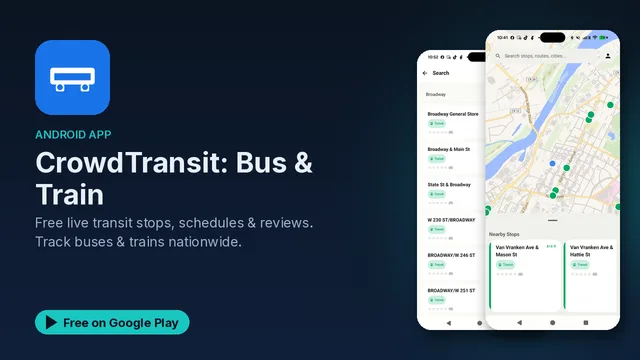
LiveCaptionN on Google Play: free live captions in a floating window over any app, video or call, from the microphone or internal audio (Android 10+), real-time speech-to-text (Vosk) and translation into 59+ languages. Two modes: on-device (audio never leaves the phone) or self-hosted, pointing the app at your own server running Whisper ASR and LibreTranslate in Docker. Core features are free with ads; optional Ad-Free and Pro upgrades.
Gear mentioned in this episode (30:53)
As an Amazon Associate the show earns from qualifying purchases. These are affiliate links; the price you pay is the same.
- NETGEAR GS308E 8-port gigabit Plus switch: the example for the book's "managed switch with 802.1Q VLAN support". What to check on any model: per-port tagged/untagged, VLAN 1 removable from ports that don't need it, and a management address you can park on the management VLAN.
- From episode 1: TP-Link TL-SG105 5-port gigabit switch, unmanaged, still right for a desk.
Merch, books and the newsletter (39:04)
- Lock Down Your Home Network and the whole series, every book with a free sample chapter.
- Podcast merch: The Green Check Lies tee, the Go Restore Something hoodie and more.
- The free weekly email: every Sunday, the week's posts, videos, the episode and one tip, plus a one-page homelab checklist when you join.
Follow the show
- Full episode on YouTube: https://youtu.be/3Ik6etgd8wU
- Episode page on RedCircle
- Show page and RSS feed for any podcast app
- Episode 1: The green check lies