Looki L1 mount v9: snug holder + slide-in collar clips (free STL)
Version 9 of the free 3D-printed Looki L1 wearable camera mount. A snug holder sized for the bare camera and two collar clips that slide in on dovetail rails and click locked. STL downloads, the exact ABS print settings and the real print timelapse.
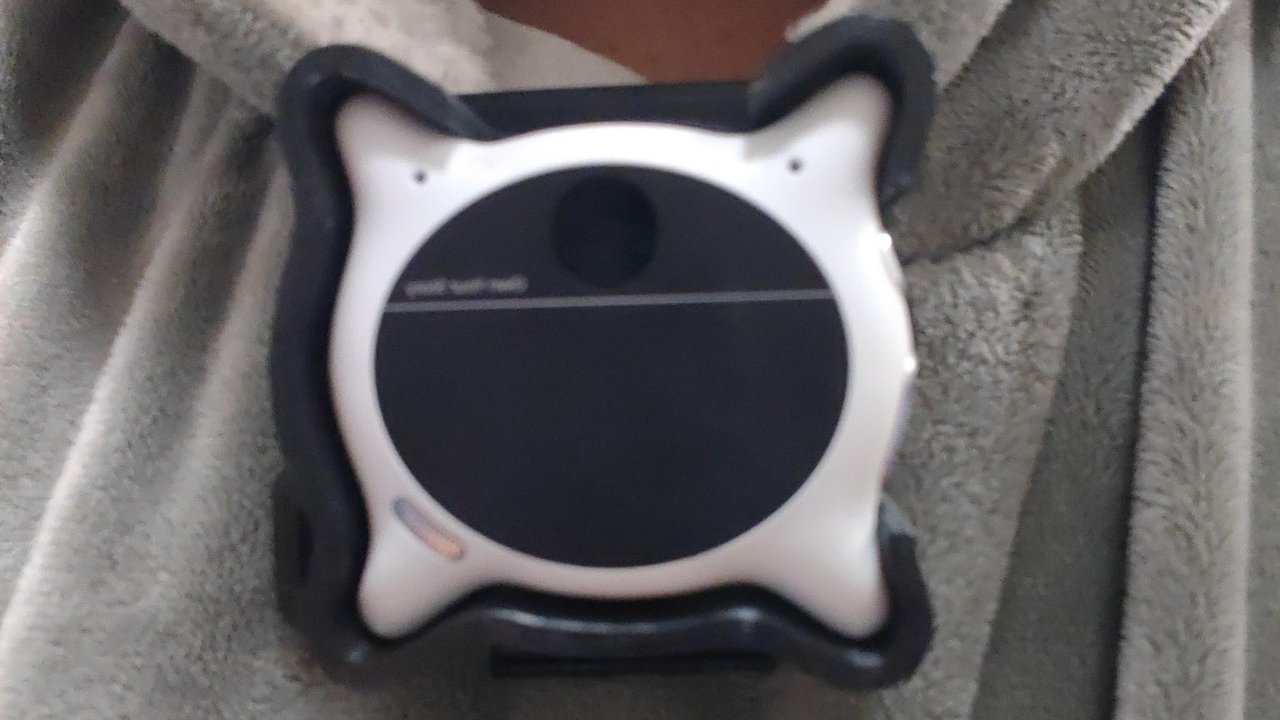
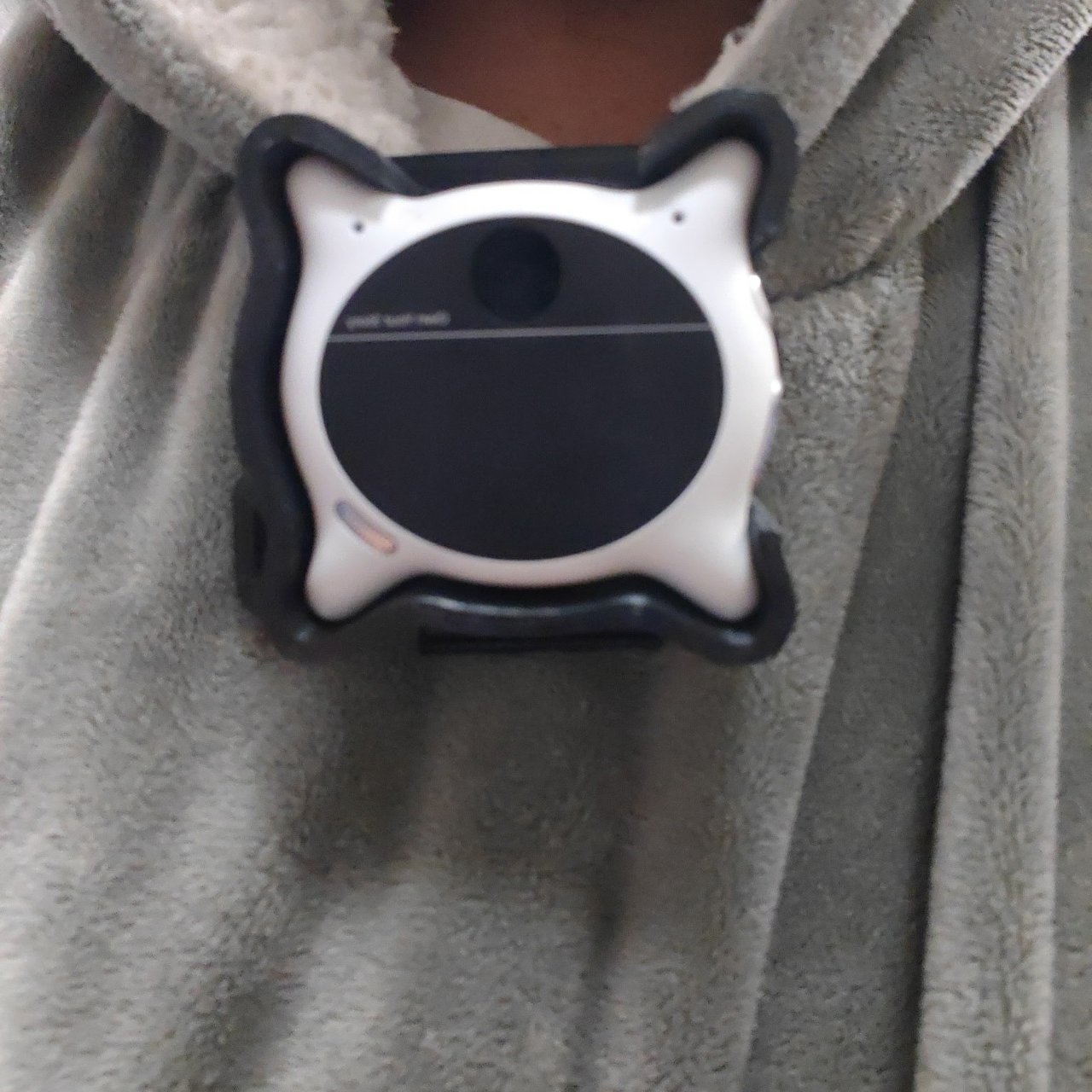
The free Looki L1 mount is on version 9, and this is the one to print now. It has a new holder that fits the bare camera snugly and two new collar clips (thick and thin) that slide into the back of the holder on full-width dovetail rails and click locked with a small button.
What changed from the last version
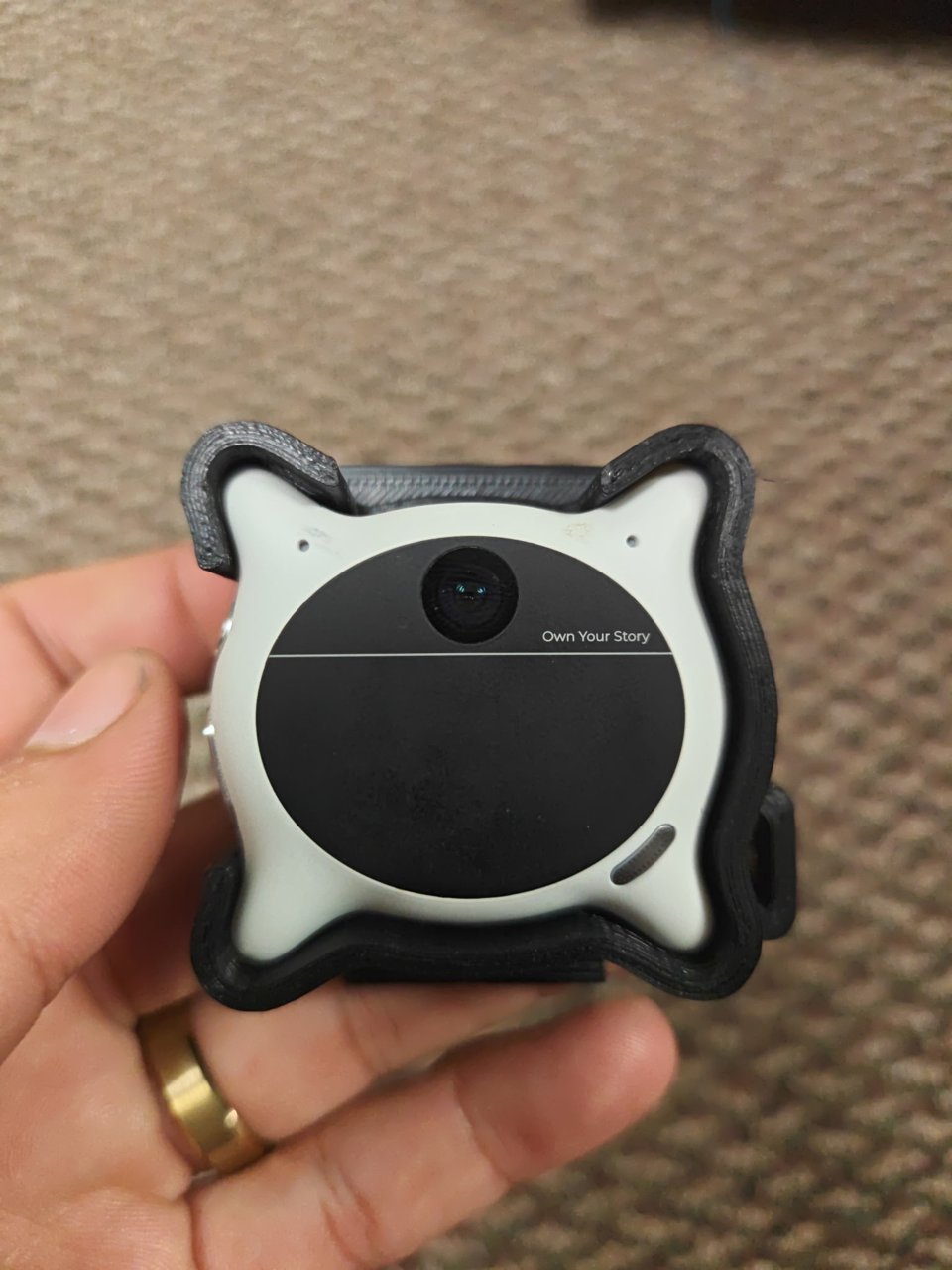
- Holder: the older pocket was sized for the Looki wearing its silicone case, so the bare camera had about 2.4 mm of play on each side. The v9 pocket is the bare Looki plus 0.25 mm per side, with four small snap bumps (0.6 mm over the edge, just above the widest rim) that hold it in. The lens, button and back windows are unchanged.
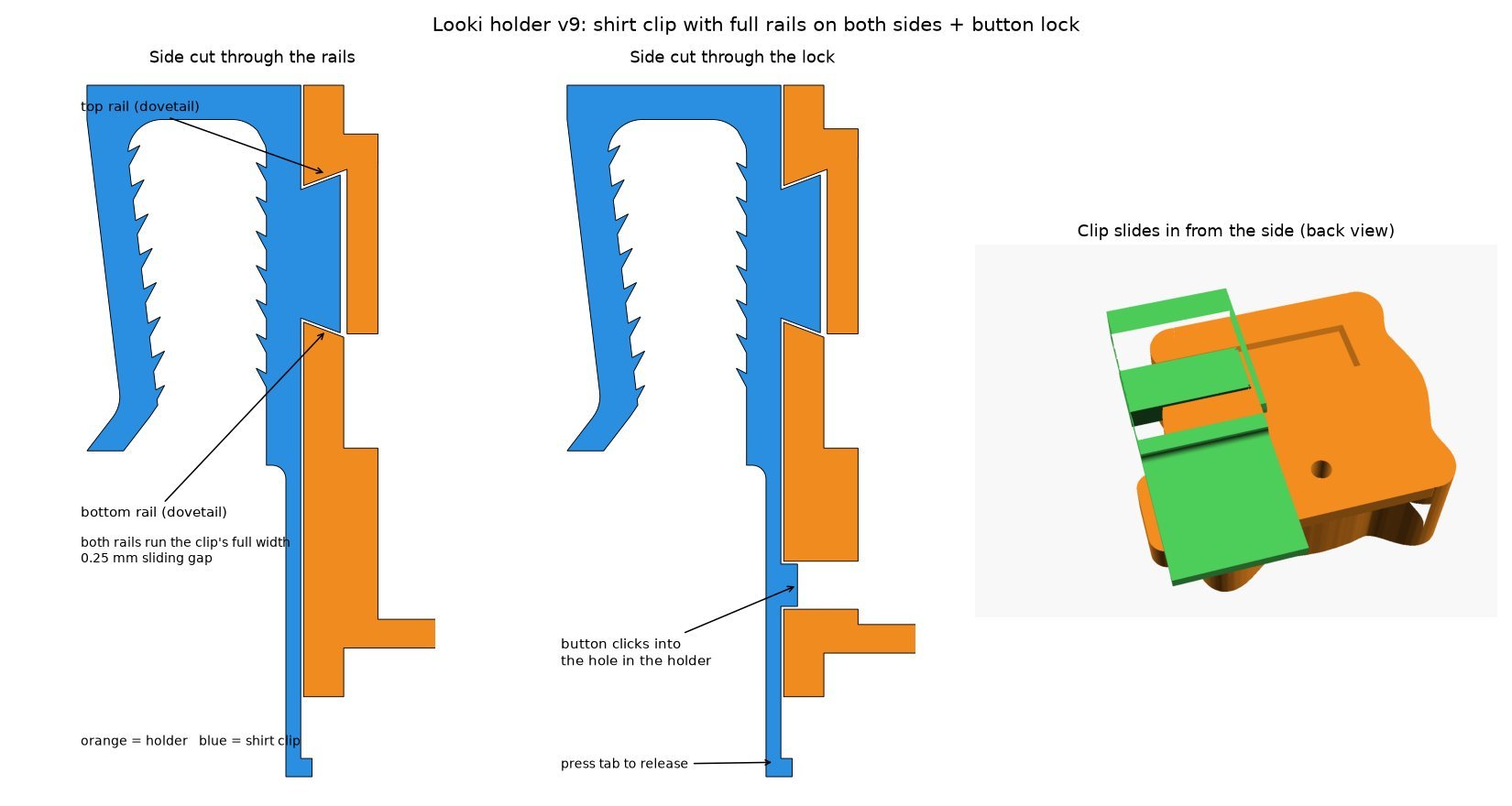
- Clips: the old clips only had a dovetail on one side and the tongue stopped half way, so they could pop out. The v9 clips slide in sideways, from the right. That way both rails, top and bottom, are part of the clip's side profile, so they print cleanly and run the clip's full width.
- Lock: a 1.3 mm flex beam under the rails carries a small button that clicks into a 4.2 mm hole in the holder. The weight hangs on the rails, not on the button.
- The safety lanyard frame is not part of this release. It's coming in a later update.
Printed and assembled
These photos are the real v9 parts, printed in black ABS.
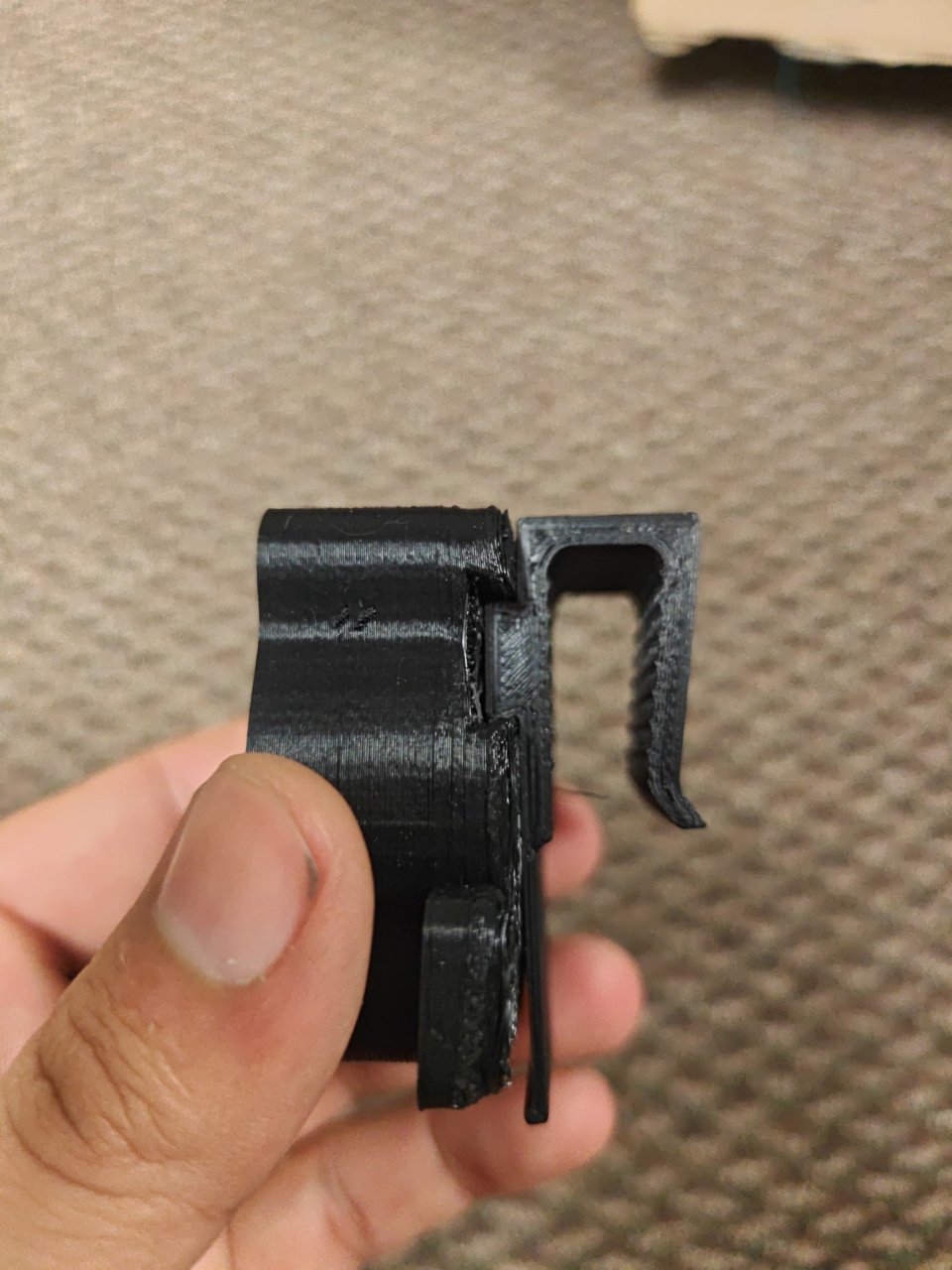
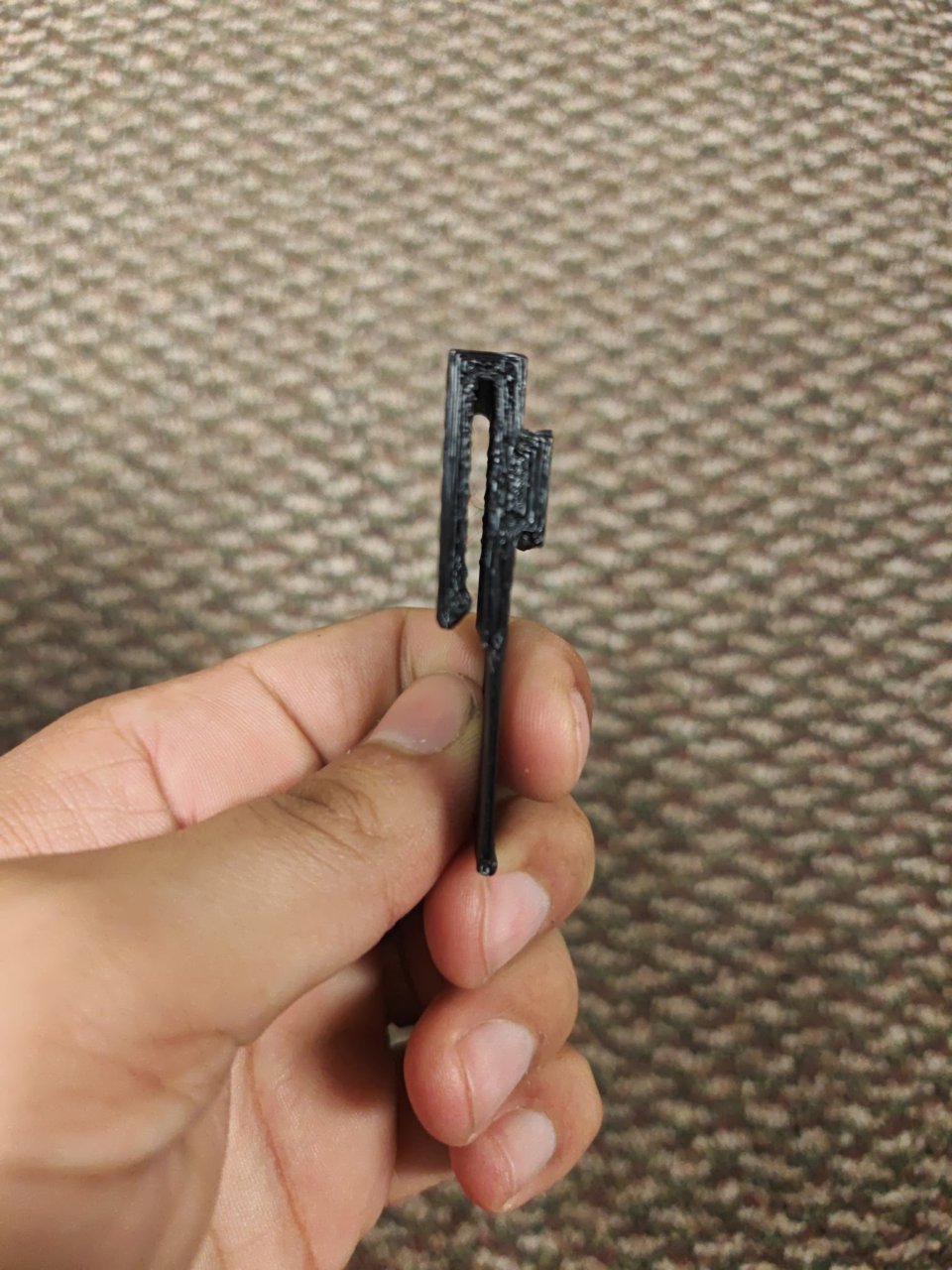
Downloads
- looki_v9_holder.stl (964 KB): the holder the Looki snaps into
- looki_v9_clip_thick.stl (98 KB): the thick collar clip, 32 mm wide
- looki_v9_clip_thin.stl (101 KB): the thin collar clip, 26 mm wide
- looki_v9_abs_profile.ini: the PrusaSlicer profile the parts in the photos were printed with
- Everything as one zip
Also on Printables, where the older v4 files are still available too. License: CC BY 4.0, Charles Hartmann / Homelab the Right Way.
How the clip goes on and comes off
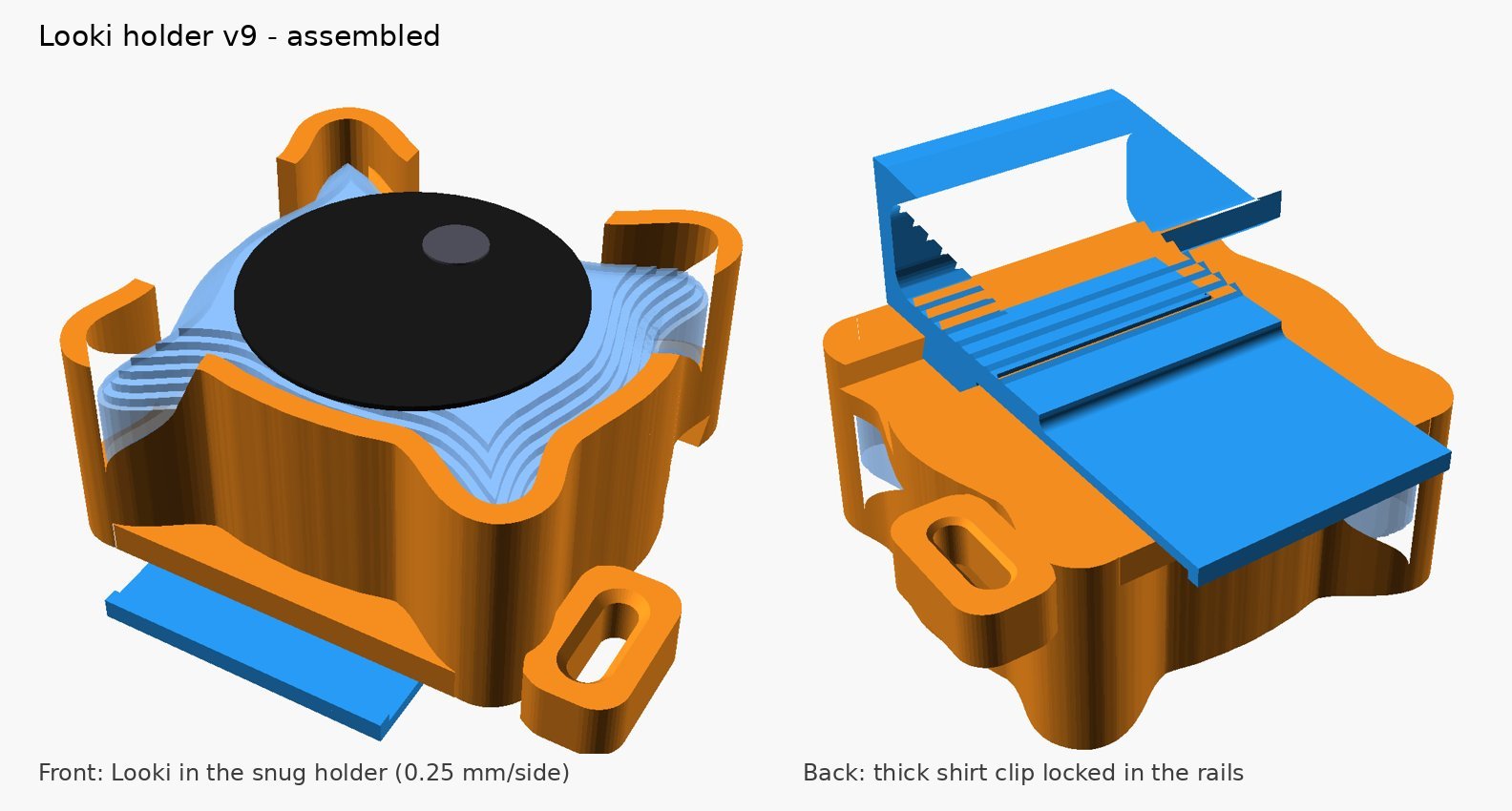
- Slide the clip into the channel on the back of the holder from the right side. The rails guide it, and the closed left end is the stop.
- Push until the button clicks into the hole in the holder.
- To take it off, press the thumb tab toward the shirt and slide the clip out to the right. With the Looki out, you can also push the button from the inside.
Pick the thick or the thin clip, whichever fits your collar better.
Print settings
What the parts in the photos were printed with:
- Material: ABS, 240 C nozzle and 100 C bed.
- Layers: 0.2 mm with a 0.4 mm nozzle, 4 perimeters, 40% gyroid infill. No supports.
- Raft: an easy-peel raft, 3 raft layers with a 0.3 mm contact gap and no raft expansion. It keeps the ABS flat and comes off clean.
- Orientation: print as exported. The clips print on their side, so the layer lines run around the bend and the arm flexes instead of snapping.
- Time: the plate in the timelapse (the holder, both clips and the lanyard frame that isn't released yet) took 8 h 22 min.
The timelapse at the top of this page is the real v9 plate printing, straight off the OctoPrint camera.
Fit notes
The Looki outline is based on the camera's official 50.53 x 48.02 mm size. If the holder is too tight or too loose on yours, or a clip is too stiff or too loose on the rails, leave a comment on the Printables page saying which part.
The original v4 cradle and clip, with the screw-on design, are still written up in the first Looki mount post.
Not affiliated with Looki. The Looki L1 is a product of looki.ai; this is an independent, free accessory. The model was designed with AI help and printed and tested on a real printer.